mirror of
https://github.com/amidaware/tacticalrmm.git
synced 2026-04-26 15:05:57 +03:00
[GH-ISSUE #1032] Patch management - windows update Script timed out after 25000 seconds - windows not up to date #635
Labels
No labels
In Process
bug
bug
dev-triage
documentation
duplicate
enhancement
fixed
good first issue
help wanted
integration
invalid
pull-request
question
requires agent update
security
ui tweak
wontfix
No milestone
No project
No assignees
1 participant

Notifications
Due date
No due date set.
Dependencies
No dependencies set.
Reference
starred/tacticalrmm#635
Loading…
Add table
Add a link
Reference in a new issue
No description provided.
Delete branch "%!s()"
Deleting a branch is permanent. Although the deleted branch may continue to exist for a short time before it actually gets removed, it CANNOT be undone in most cases. Continue?
Originally created by @EnergieZ on GitHub (Mar 29, 2022).
Original GitHub issue: https://github.com/amidaware/tacticalrmm/issues/1032
Server Info (please complete the following information):
Installation Method:
Agent Info (please complete the following information):
Describe the bug
In the Automation Manager, I have create a task to update windows every day.
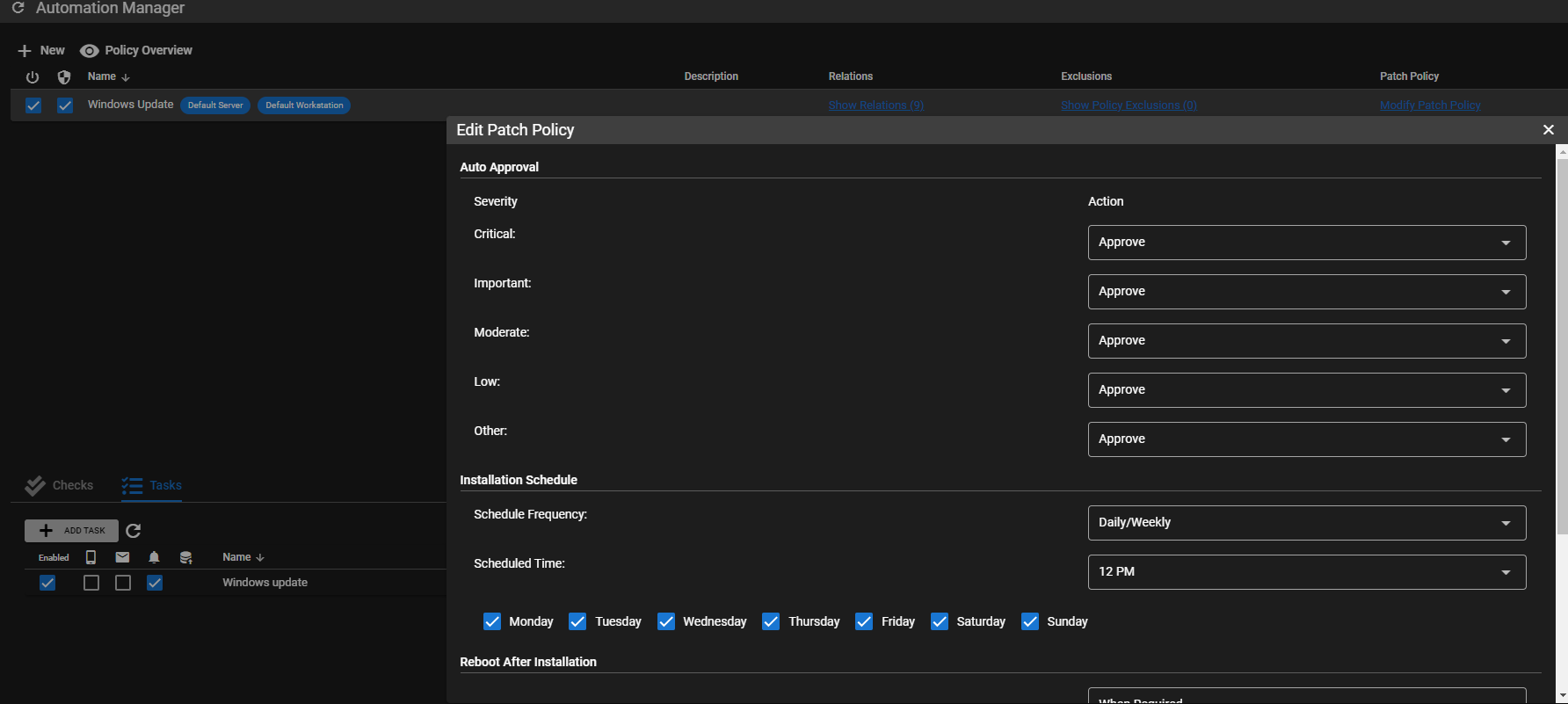
I approve all updates :
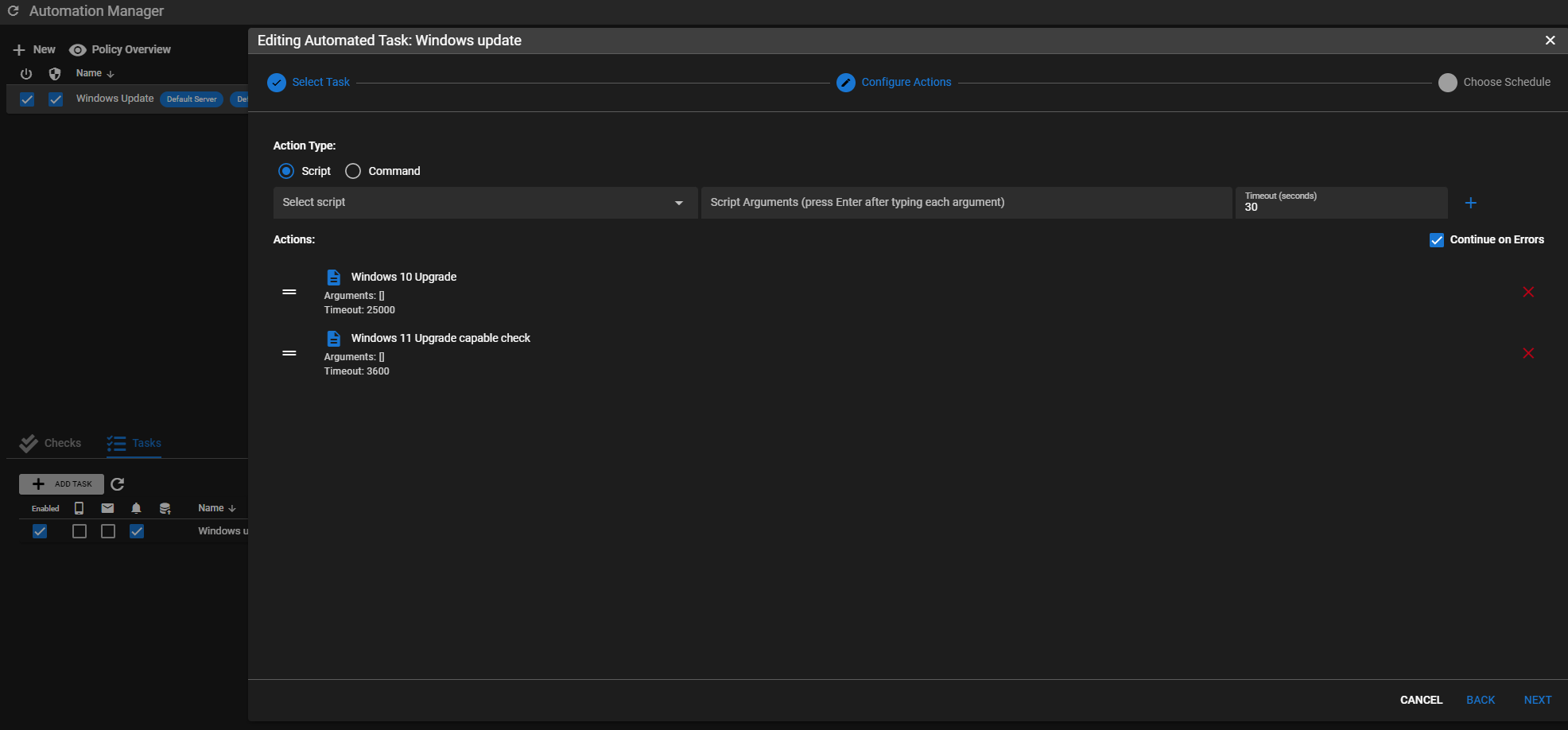
in the task, I have this :
but none off my client are up to date :
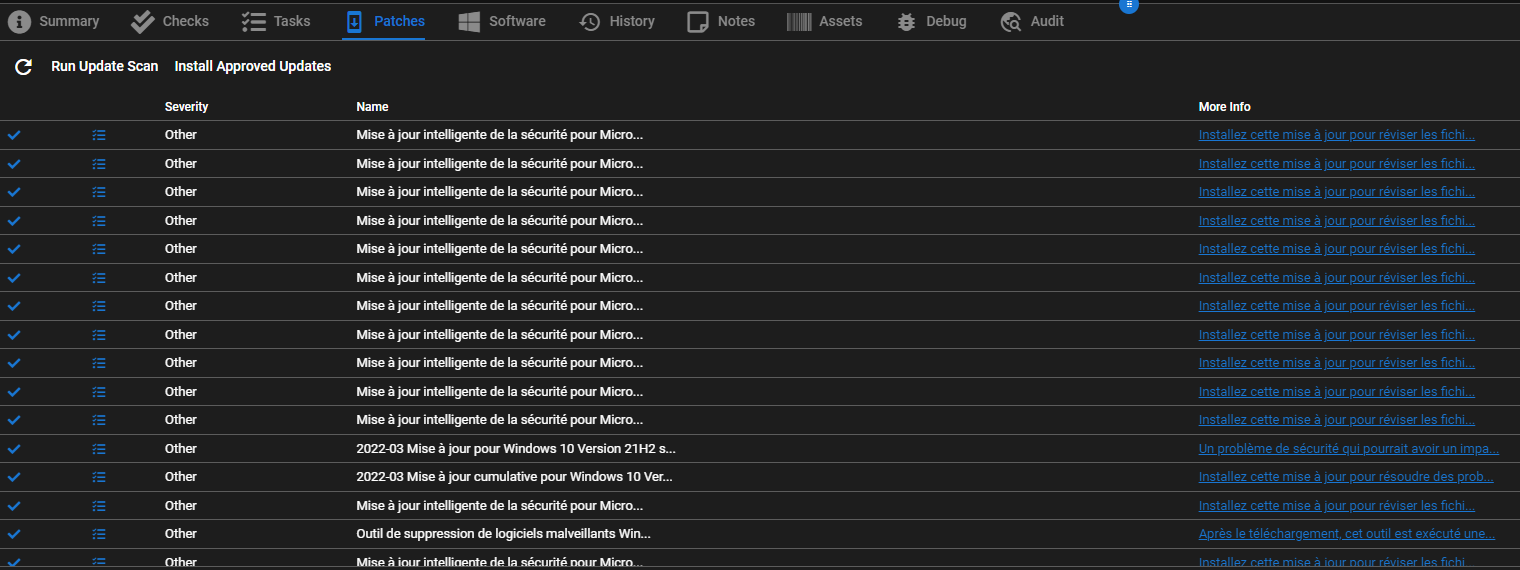
In history tab of a client, I can see that win 10 upgrade is launch ;

Most of the time, output is timed out :
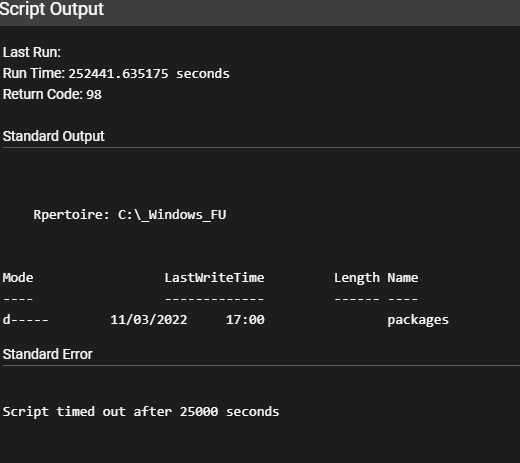
and to day had this error :

first time I see this error.
NB : if I manually accept updates (right click, then approve on each patch of each client), update are installed.
Expected behavior
Windows update should be auto accepted, and installed.
How can I have this to work ?
Best regards.
@silversword411 commented on GitHub (Mar 31, 2022):
This Github issue has 2 different topics.
First is TRMM patch management.
Second is running a long and complicated script, where you're getting a timeout.
Patch Management works, but is on the docket for rework soon.
The Win10 upgrade script in the Community scripts library, if it's not working for you it's best to join discord and discuss in the #scripts channel with people that want to get that script working. This is a 3rd party script working outside the official Windows update process. I'm going to close this issue because I don't think it's going to go anywhere and I can't fully decipher the powershell error in french.