mirror of
https://github.com/prasathmani/tinyfilemanager.git
synced 2026-04-26 10:55:56 +03:00
[GH-ISSUE #490] Opening and previewing files not working. #361
Labels
No labels
Feature
Feature
Is It Really an Issue?
Need More Info
Request
Security
bug
duplicate
enhancement
enhancement
help wanted
invalid
pull-request
question
suggestion
wontfix
No milestone
No project
No assignees
1 participant

Notifications
Due date
No due date set.
Dependencies
No dependencies set.
Reference
starred/tinyfilemanager#361
Loading…
Add table
Add a link
Reference in a new issue
No description provided.
Delete branch "%!s()"
Deleting a branch is permanent. Although the deleted branch may continue to exist for a short time before it actually gets removed, it CANNOT be undone in most cases. Continue?
Originally created by @pgram1 on GitHub (Jan 28, 2021).
Original GitHub issue: https://github.com/prasathmani/tinyfilemanager/issues/490
So far I have tried
My environment is the default PHP server, by running
sudo php -S 0.0.0.0:8080 tinyfilemanager.php(therefore I am running as root.). My directories are also set to 777 (This is a local installation behind a firewall, I don't care about security).Am I doing something wrong?
I browsed similar answered issues but they were related to user-specific folders. My issue is with any file opening or previewing a file. Creation, Modification, Deletion, Uploading and Downloading all work fine. Curiously quick preview works for simpletext files only.
@EV-soft commented on GitHub (Jan 29, 2021):
"This is a local installation behind a firewall"
Does that mean the script does not have internet access ?
Preview and editing with online_viewer depend on web access:
See #288
@pgram1 commented on GitHub (Jan 29, 2021):
@EV-soft
The script has internet access but is not to be accessed by users on the internet. People outside my LAN need not access it.
It is used internally within the LAN, thus I am not concerned about the security of the installation more than its functionality (which hints I am willing to try insecure workarounds if advised so).
Also, the problem is that I cannot preview/open HTML pages or images. And generally any file for that matter. In my initial issue I specify:
This is a step by step procedure of me trying to open an HTML page:
Step 1: Finding the file

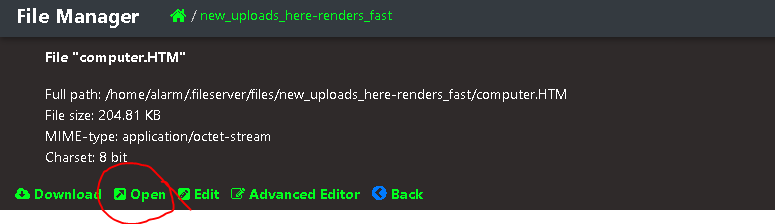
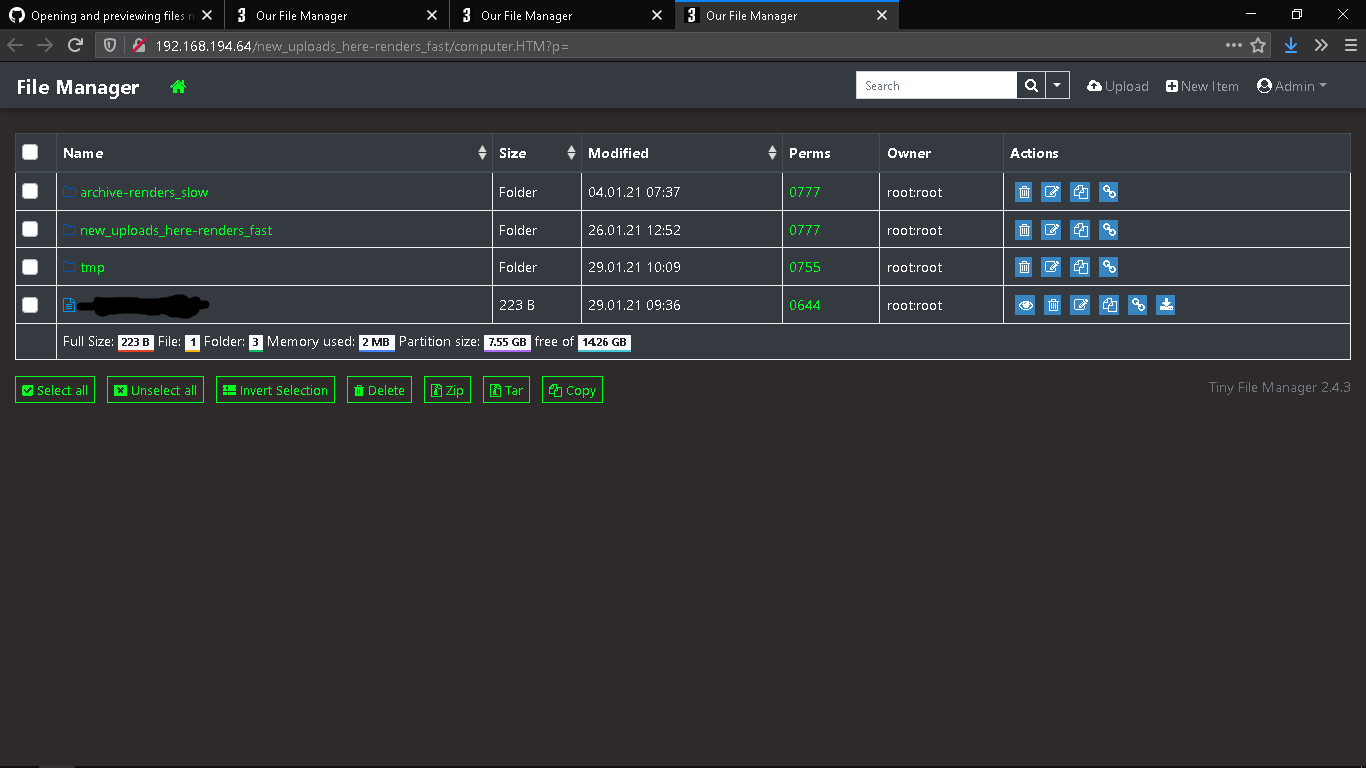
Step 2: Clicking inside and then "Open"
Step 3: Get thrown back to index.
This is a step by step procedure of me trying to preview or open an image:
Step 1: Trying to preview thumbnail
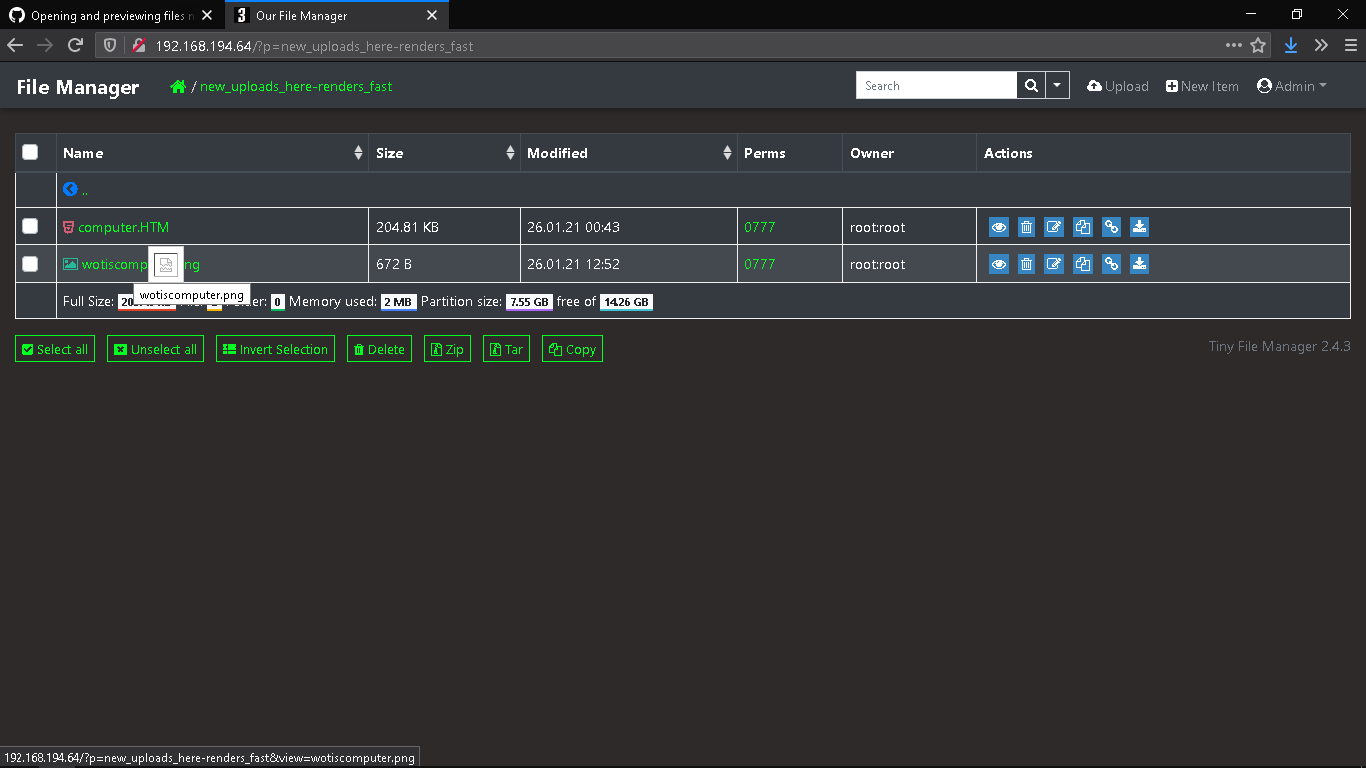
Step 2: Trying to preview image
(image not visible in preview window)
Step 3: Trying to open the image. Take a note of the link presented below when I hover over the button vs the full path of the image depicted at the top. The full path is correct yet the link to open sends me back to index.
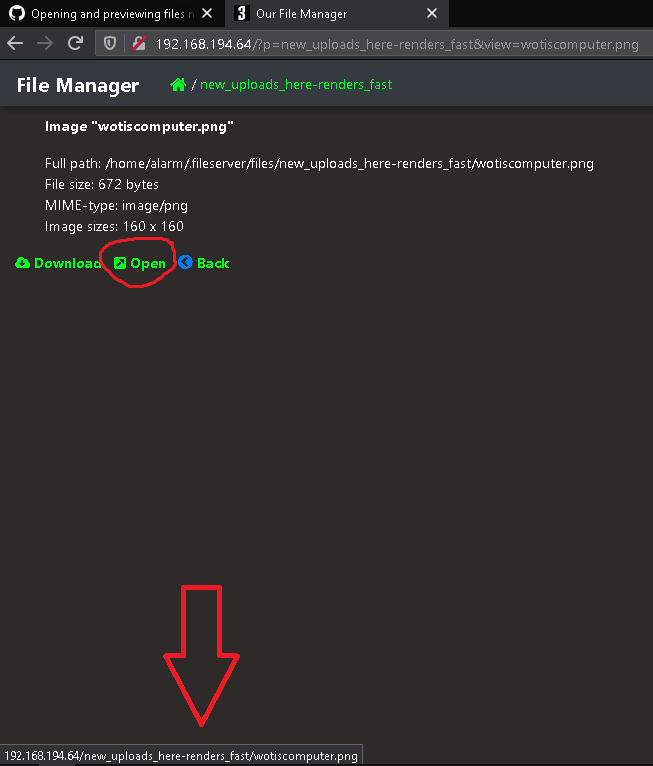
And then again it throws me back to index just like the previous example.
The files are all with 777 permissions and the php server even runs as root.
I didn't try to access documents but I am aware of what you are showing me there, it is indeed an embedded google docs viewer that is needed to open documents. I was not trying to use that feature though.
@prasathmani commented on GitHub (Feb 4, 2021):
did you change default
$root_pathconfiguration. usually preview will get error when$root_pathand$root_urlconfigured wrongly.@pgram1 commented on GitHub (Feb 4, 2021):
It is definitely one of the two settings that is wrong. Point is I could not figure it out myself and thus I tried to explain the steps I went through in detail above. I think I have covered the combinations of
$root_pathand$root_urlI should have had, that's why I posted it as an issue..@prasathmani commented on GitHub (Feb 5, 2021):
kindly share the
$root_pathand$root_urlconfig to help you on this.@pgram1 commented on GitHub (Feb 8, 2021):
The full path of what I want to make the home directory is
/home/alarm/.fileserver/files/The path where the tinyfilemanager script exists is
/home/alarm/.fileserver/tinyfilemanager.phpI tried all the configs described at my first post
@prasathmani commented on GitHub (Feb 8, 2021):
a simple change of the root path plus a change of the root url- this one is right configuration, it should work@pgram1 commented on GitHub (Feb 9, 2021):
This doesn't work, it's in the things I tested. That's why I opened the issue
Also this seems incorrect because the files I want to host are in the
filesdirectory.But this button
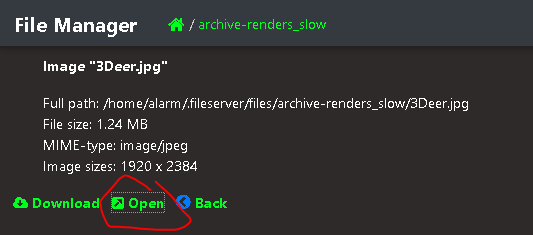
Tries to go to this link:
http://192.168.194.64/files/archive-renders_slow/3Deer.jpgWhich is wrong. Because my root IS files.
But also when I try
$root_path = $_SERVER['DOCUMENT_ROOT'].'/files';&
$root_url = '';The previews or opening files don't work.
It is described in detail in my first and second post here.
@mneckel commented on GitHub (Oct 7, 2021):
I had the same problem and this fixed it.
I store my files at: /media/files/data/Public/AudioVisual
The key was to, in the Linux file system
Then edit the tinyfilemanager.php like this:
@prasathmani commented on GitHub (Oct 7, 2021):
preview will only work if files are under web directory.