mirror of
https://github.com/amidaware/tacticalrmm.git
synced 2026-04-26 15:05:57 +03:00
[GH-ISSUE #1038] Getting "Network Error" When trying to sign in #634
Labels
No labels
In Process
bug
bug
dev-triage
documentation
duplicate
enhancement
fixed
good first issue
help wanted
integration
invalid
pull-request
question
requires agent update
security
ui tweak
wontfix
No milestone
No project
No assignees
1 participant

Notifications
Due date
No due date set.
Dependencies
No dependencies set.
Reference
starred/tacticalrmm#634
Loading…
Add table
Add a link
Reference in a new issue
No description provided.
Delete branch "%!s()"
Deleting a branch is permanent. Although the deleted branch may continue to exist for a short time before it actually gets removed, it CANNOT be undone in most cases. Continue?
Originally created by @estoat on GitHub (Mar 31, 2022).
Original GitHub issue: https://github.com/amidaware/tacticalrmm/issues/1038
Server Info (please complete the following information):
Installation Method:
Agent Info (please complete the following information):
Describe the bug
When I try to sign in from a device not on my network I get "Network error" After hitting the login button. However I can sign in when using my internal network.
To Reproduce
Steps to reproduce the behavior:
Expected behavior
I would normally expect to sign in
Screenshots
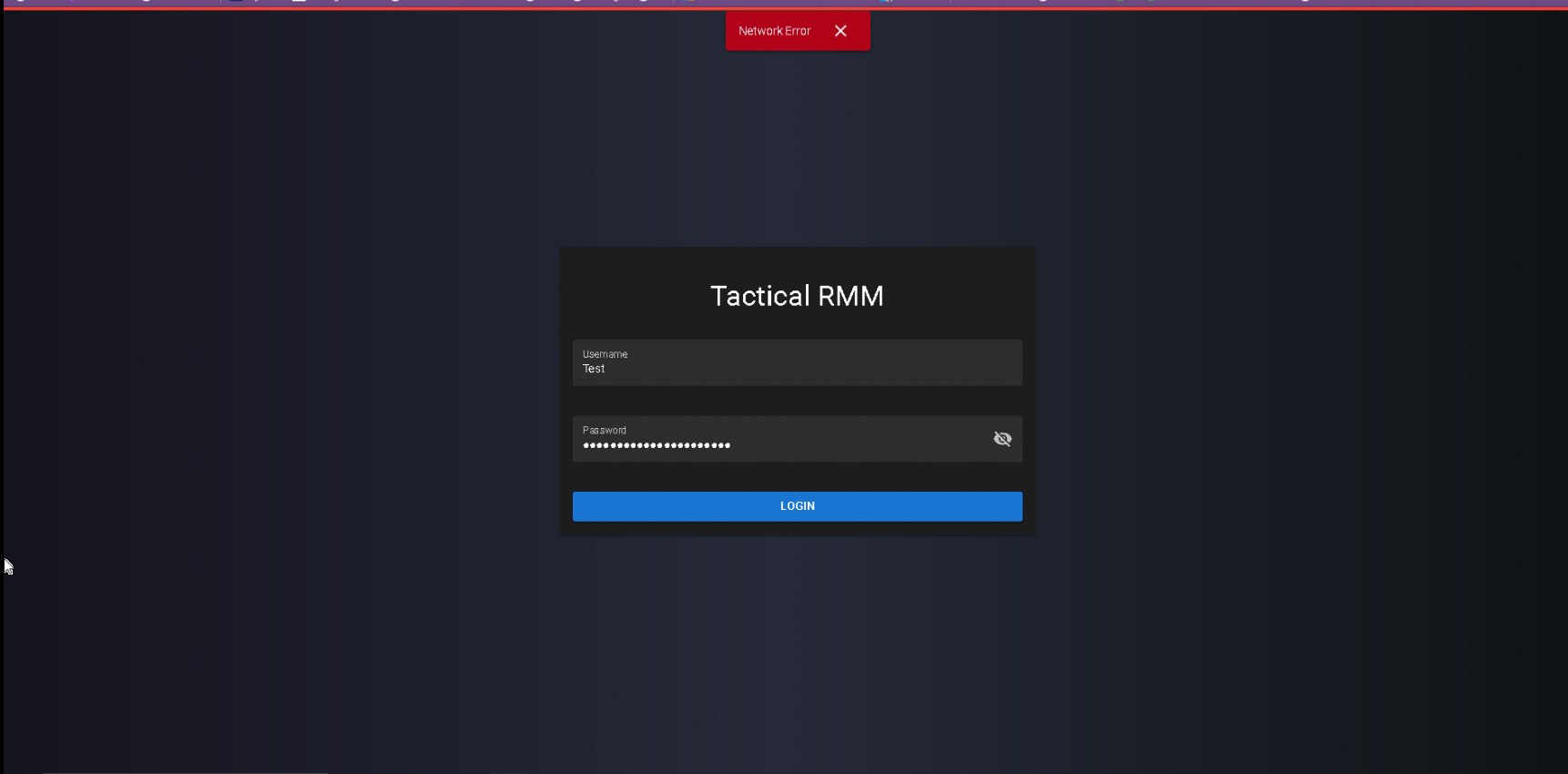
@dinger1986 commented on GitHub (Mar 31, 2022):
are you doing anything with proxys?
@estoat commented on GitHub (Mar 31, 2022):
Yes I am using Nginx Proxy Pass, I am using 3, rmm, mesh and api. An example of them is below
server {
server_name mesh.mydomain;
location / {
proxy_pass http://192.168.0.46;
proxy_set_header Host $host;
}
listen 80;
}
server{
server_name mesh.mydomain;
location / {
proxy_pass https://192.168.0.46;
proxy_set_header Host $host;
}
listen 443 ssl; # managed by Certbot
ssl_certificate /etc/letsencrypt/live/rmm.ostfray.cyou/fullchain.pem; # managed by Certbot
ssl_certificate_key /etc/letsencrypt/live/rmm.ostfray.cyou/privkey.pem; # managed by Certbot
include /etc/letsencrypt/options-ssl-nginx.conf; # managed by Certbot
ssl_dhparam /etc/letsencrypt/ssl-dhparams.pem; # managed by Certbot
}
@dinger1986 commented on GitHub (Mar 31, 2022):
ok, if it works internally but not externally through the proxy theres something wrong with your proxy config, this isnt supported configs, you can possibly get assistance on #unsupported on discord but closing on here