mirror of
https://github.com/ciur/papermerge.git
synced 2026-04-25 12:05:58 +03:00
[GH-ISSUE #251] Skip OCR if the file to import already has embedded text (= a PDF with text layer) #202
Labels
No labels
2.1
3.0
3.0.1
3.0.2
3.0.3
3.0.3
3.1
3.2
3.2
3.3
3.5
3.x
Fixed. Waiting for feedback.
Fixed. Waiting for feedback.
UX
Version 2.1 - alpha
XSS
announcement
beta
blocker
bug
cannot reproduce
confirmed
confirmed
critical
demo
dependencies
deployment
detchnical debt
discussion
docker
documentation
donations
duplicate
enhancement
feature request
frontend
fundraising
good first issue
good issue
help wanted
high
implemented
important
improvement
incomplete
invalid
investigation
kubernetes
low
low impact
medium
medium
medium impact
migration from 2.0
migration from 2.1
missing-language
missing-ocr-language
no-activity
note
ocr
outofscope
packaging
performance
popular request
pull-request
pypi
question
raspberry pi
roadmap
search
security
setup
status
task
technical debt
updates
user xp
version 1.4.0 - demo
will be implemented
will not be implemented
wontfix
No milestone
No project
No assignees
1 participant

Notifications
Due date
No due date set.
Dependencies
No dependencies set.
Reference
starred/papermerge#202
Loading…
Add table
Add a link
Reference in a new issue
No description provided.
Delete branch "%!s()"
Deleting a branch is permanent. Although the deleted branch may continue to exist for a short time before it actually gets removed, it CANNOT be undone in most cases. Continue?
Originally created by @wechsler42 on GitHub (Dec 8, 2020).
Original GitHub issue: https://github.com/ciur/papermerge/issues/251
Originally assigned to: @ciur on GitHub.
Is your feature request related to a problem? Please describe.
If a PDF file is uploaded the OCR step with tesseract is performed no matter if the file is with or without embedded text (text layer).
Describe the solution you'd like
I would suggest to automatically skip the OCR of PDF files with already embedded text layers. So this would speed up the whole import process because the time consuming tesseract step would be omitted for this sort of PDF files.
@ciur commented on GitHub (Dec 8, 2020):
@wechsler42, thank you for opening this ticket!
I don't think this is possible due limitation described below.
Let's say we skip OCR step because PDF file already has a text layer. I think there are 3rd party tools to extract that layer of text, so let's say that Papermerge uses those 3rd party tools, extracts texts from PDF using a faster process and saves text into database.
The question is: how is papermerge supposed to render verbatim PDF file in web browser?
When you see a PDF file like this in Papermerge:
"rendered pdfs" are actually extracted images + layered text (provided by tesseract) which "simulates" a real PDF viewer.
Rendering verbatim PDFs is possible only using a 3rd party javascript library (e.g. pdf.js) which is used by mozilla and chrome browsers - but problem is that library does not allow cut,paste, moving around of the document pages!
Here is a screenshot of standard pdf viewer in the firefox browser:
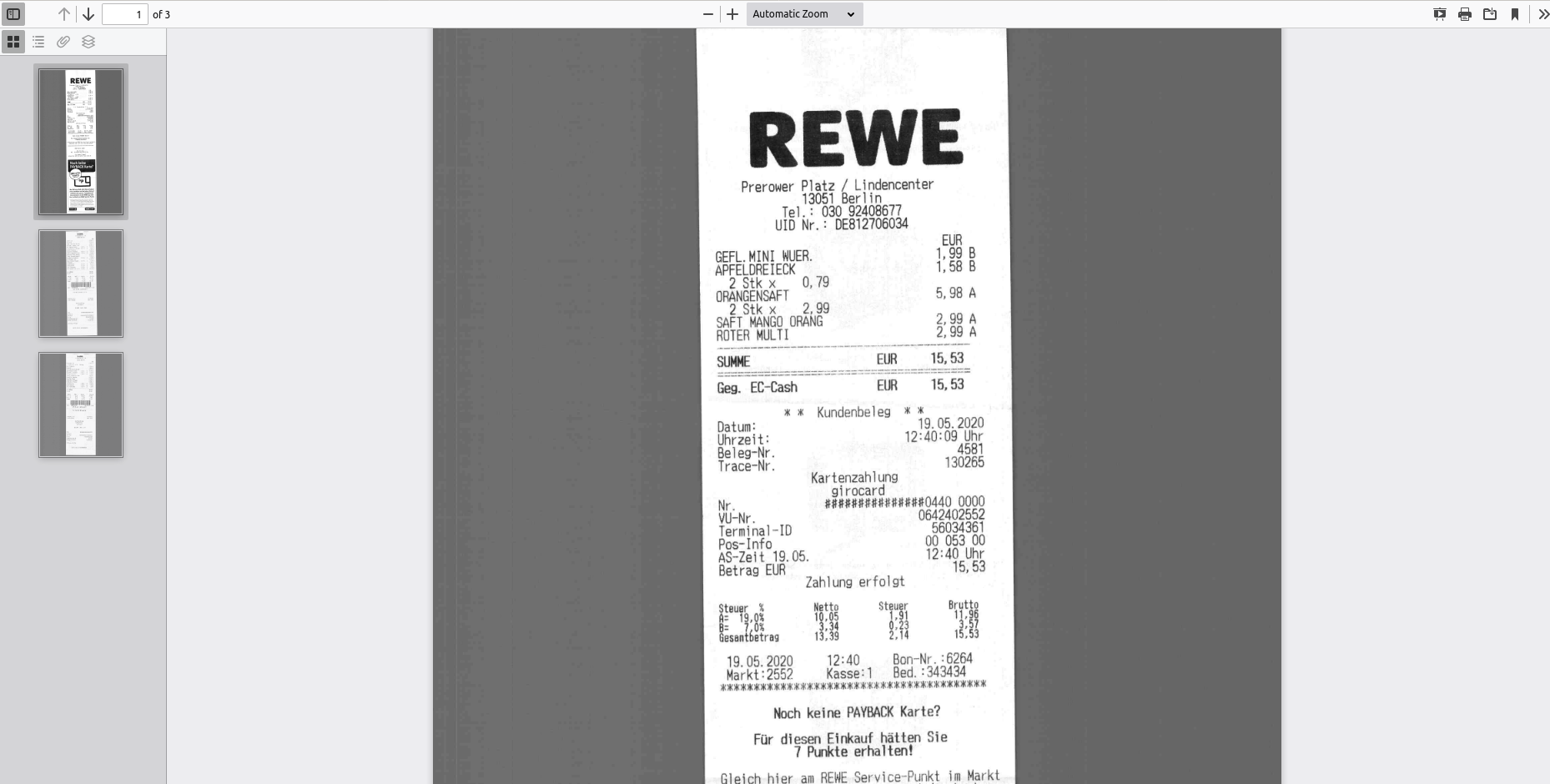
Long story short - OCR process performed by Papermerge is more just
tesseract -l de input.pdf, it also extracts hocr file and prepares document for rendering using Papermerge document viewer which has fancy functions like cut/paste/reordering of pages. Thus, skipping OCR process is not possible.