mirror of
https://github.com/NginxProxyManager/nginx-proxy-manager.git
synced 2026-04-26 18:05:54 +03:00
[GH-ISSUE #612] Access lists without user (ip address only) #515
Labels
No labels
awaiting feedback
bug
cannot reproduce
dns provider request
duplicate
enhancement
enhancement
enhancement
good first issue
help wanted
invalid
need more info
no certbot plugin available
product-support
pull-request
question
stale
troll
upstream issue
v2
v2
v2
v3
wontfix
No milestone
No project
No assignees
1 participant

Notifications
Due date
No due date set.
Dependencies
No dependencies set.
Reference
starred/nginx-proxy-manager-NginxProxyManager#515
Loading…
Add table
Add a link
Reference in a new issue
No description provided.
Delete branch "%!s()"
Deleting a branch is permanent. Although the deleted branch may continue to exist for a short time before it actually gets removed, it CANNOT be undone in most cases. Continue?
Originally created by @madmurl0c on GitHub (Sep 24, 2020).
Original GitHub issue: https://github.com/NginxProxyManager/nginx-proxy-manager/issues/612
Checklist
Please read the setup instructions
Please read the FAQ
What is troubling you?
I use NginxProxyManager to redirect subdomains to specific docker containers.
Since I'd like specific containers to only be available from my local network I've set up the following access list through the web gui (just an example):
Is there a way to only use ip access lists without a user/login?
@Kipjr commented on GitHub (Oct 3, 2020):
Will this work?
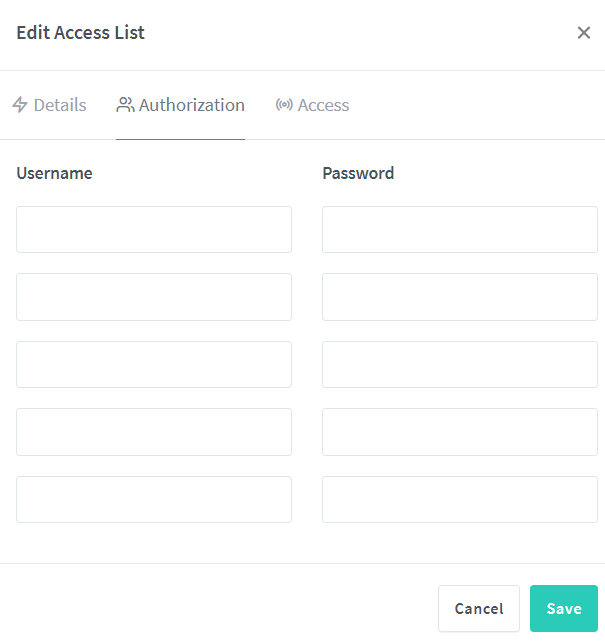
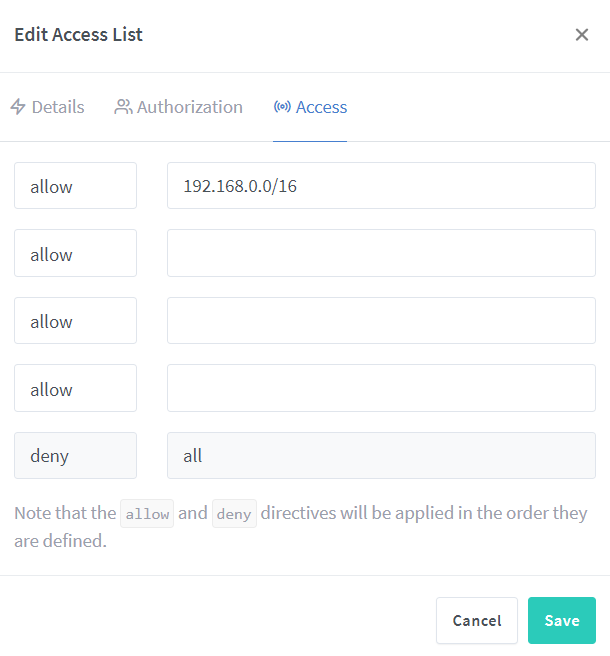
@madmurl0c commented on GitHub (Oct 3, 2020):
@Kipjr Unfortunately not, if I configure it like that it still asks me for a username/password and if I enter nothing and just press "Sign in" the dialog comes up again
@Kipjr commented on GitHub (Oct 3, 2020):
Did you check/uncheck "Satify Any" and re-add the list to the host?

@madmurl0c commented on GitHub (Oct 3, 2020):
That seems to have fixed it, I just had to turn on Satisfy any, remove all users and re-add the list. Thanks a lot