Migrate from Version 2 to Version 3
English
Encryption Changes
Since version 3, all sensitive data is encrypted, including:
- Bookmarks
- Profiles
- Configs
- History
- Command history
Compatibility
The upgrade is designed to be seamless. Version 3 is compatible with version 2 data. You normally won't feel any difference after upgrading.
Backup Recommended
Even though the upgrade is smooth, it's recommended to backup your data just in case something unexpected happens.
You can backup data in two ways:
-
Export data in the Data Sync page
-
Backup the data folder manually:
- Mac:
~/Library/Application\ Support/electerm/users/default_user - Linux:
~/.config/electerm/users/default_user - Windows:
C:\Users\your-user-name\AppData\Roaming\electerm\users\default_user
- Mac:
Version 2 Cannot Open Version 3 Data
Version 2 cannot open version 3 data since it is encrypted in version 3.
Data Encryption in Version 3
Old data will not be encrypted in version 3 at once for compatibility reasons. Data will only be encrypted when you modify it in bookmarks or profiles.
Quick Way to Encrypt All Data
To encrypt all your existing data at once:
- Export your data in the Data Sync page
- Delete all data in bookmarks/profiles
- Import the data back
After this process, all your data will be encrypted in version 3.
Getting Help
If you have any issues with version 3, you can:
- Submit an issue on GitHub: https://github.com/electerm/electerm/issues/new/choose
- Email the author: zxdong@gmail.com
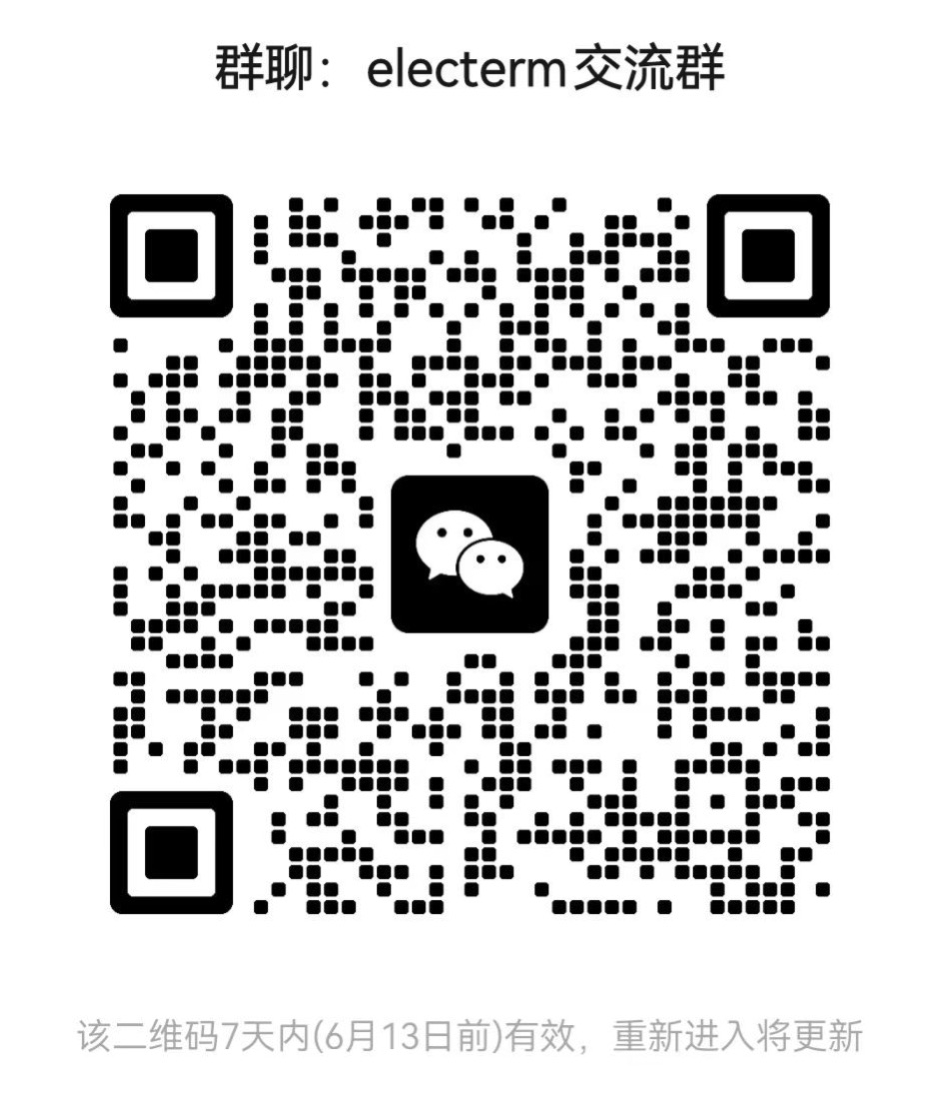
- Join the WeChat group:
中文
加密变更
从版本 3 开始,所有敏感数据都会被加密,包括:
- 书签
- 会话配置
- 设置
- 历史记录
- 命令历史
兼容性
升级设计为无缝衔接。版本 3 与版本 2 数据兼容。升级后您通常不会感受到任何差异。
建议备份
尽管升级平稳顺利,建议您备份数据以防万一。
您可以通过两种方式备份数据:
-
在数据同步页面导出数据
-
手动备份数据文件夹:
- Mac:
~/Library/Application\ Support/electerm/users/default_user - Linux:
~/.config/electerm/users/default_user - Windows:
C:\Users\your-user-name\AppData\Roaming\electerm\users\default_user
- Mac:
版本 2 无法打开版本 3 数据
版本 2 无法打开版本 3 的数据,因为版本 3 中的数据已加密。
版本 3 中的数据加密
为了兼容性,旧数据不会在版本 3 中立即加密。只有当您修改书签或配置文件中的数据时,数据才会被加密。
快速加密所有数据的方法
要一次性加密所有现有数据:
- 在数据同步页面导出您的数据
- 删除书签/配置中的所有数据
- 重新导入数据
完成此操作后,您所有的数据都将在版本 3 中加密。
获取帮助
如果您在使用版本 3 时遇到任何问题,可以通过以下方式联系:
- 在 GitHub 上提交问题:https://github.com/electerm/electerm/issues/new/choose
- 发送电子邮件至作者:zxdong@gmail.com
- 加入微信群: