mirror of
https://github.com/NickeManarin/ScreenToGif.git
synced 2026-04-25 07:05:54 +03:00
Overview
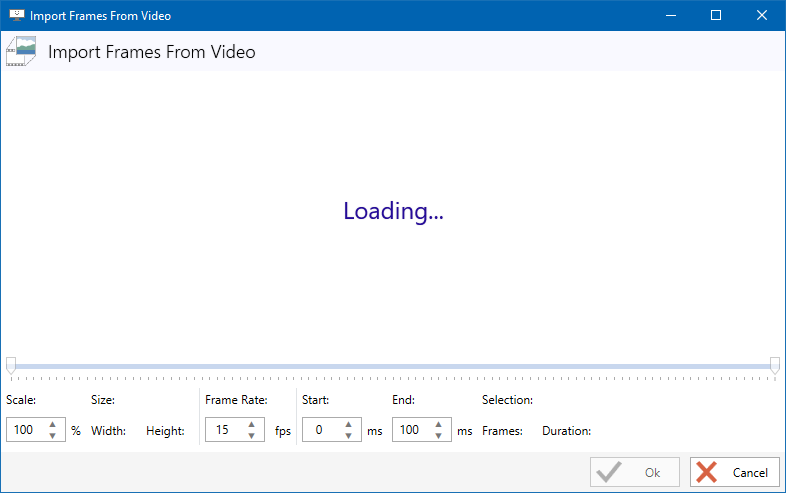
Some users are reporting the video importer stays in an infinite loading.
Cause
Some features are disabled on your Windows machine, such as Windows Media Player.
(I believe that some Windows version, such as N, are not distributed with Windows Media Player)
Solution
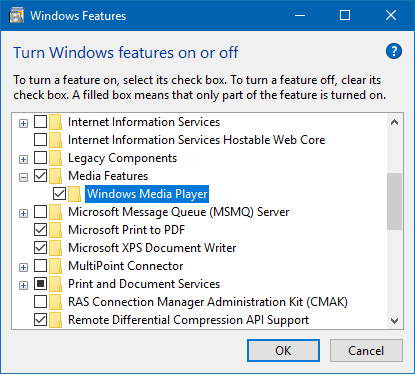
The tool that lets you import videos requires Windows Media Player media features. So to enable the video importer, you need to turn 'WMP' on.
Go to Turn Windows features on or off, scroll down until you see Media Features, check that option.