mirror of
https://github.com/NickeManarin/ScreenToGif.git
synced 2026-04-25 23:25:52 +03:00
[GH-ISSUE #652] Delayed mouse cursor. #534
Labels
No labels
copy cats
duplicated
future feature
pull-request
⬜ Accepted
⬜ Completed
⬜ Help Wanted 💪
⬜ In Progress
⬜ Missing Details
⬜ Pending
⬜ Waiting For Answer ⏳
🆕 feature preview
🔷 Bug 🐛
🔷 Out Of Scope
🔷 Out Of Scope
🔷 Question
🔷Enhancement
🔷Enhancement
🔷Invalid / External
🔷Knowledge Base
🔷Won't Fix
🕑 High
🕑 High
🕑 High
🕕 Medium
🕙 Low
🕛 Critical
No milestone
No project
No assignees
1 participant

Notifications
Due date
No due date set.
Dependencies
No dependencies set.
Reference
starred/ScreenToGif#534
Loading…
Add table
Add a link
Reference in a new issue
No description provided.
Delete branch "%!s()"
Deleting a branch is permanent. Although the deleted branch may continue to exist for a short time before it actually gets removed, it CANNOT be undone in most cases. Continue?
Originally created by @maxvlas on GitHub (May 13, 2020).
Original GitHub issue: https://github.com/NickeManarin/ScreenToGif/issues/652
Hello!
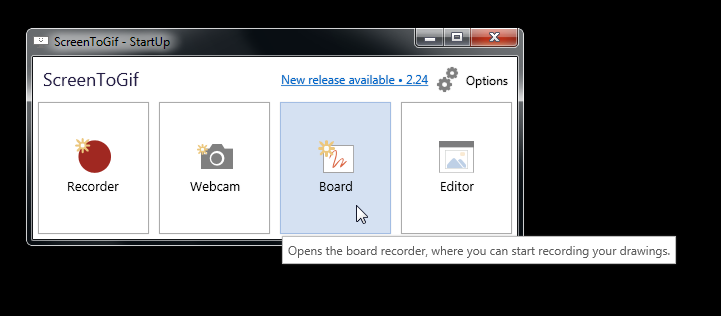
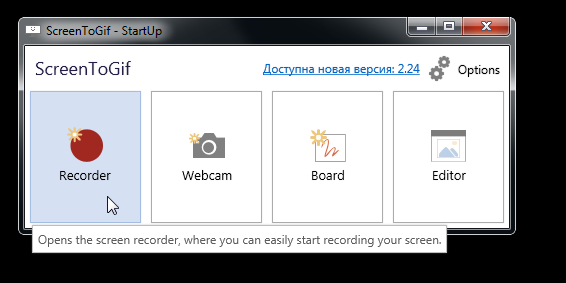
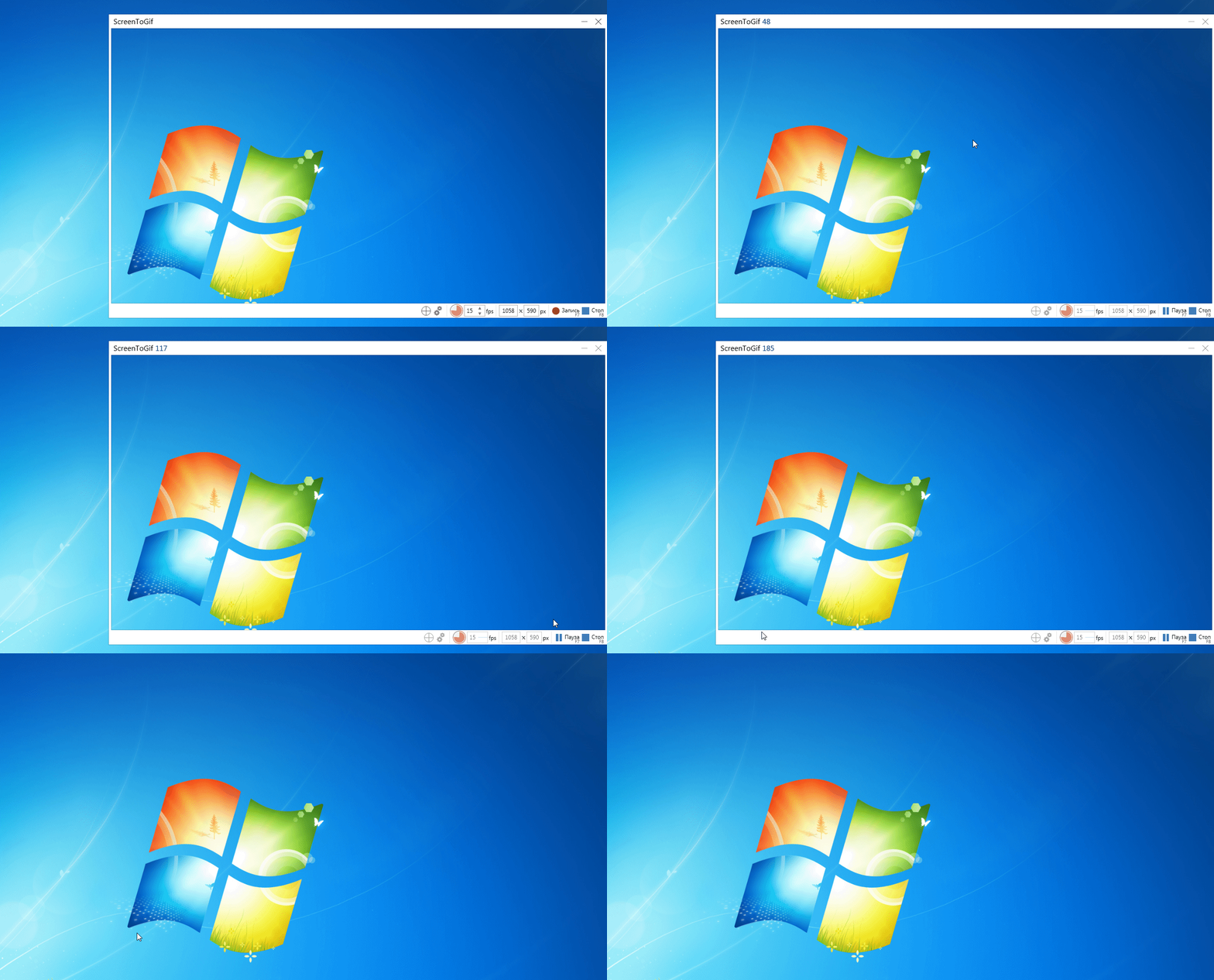
When I start recording from the board there, the mouse cursor moves normally.
When I turn on screen recording
and move the mouse in the program window, it moves with a slight delay, not as fast as on the Windows screen.
Downloaded earlier versions there too.
Is this the way it should be, a slight delay in the movement of the mouse or not?
Maybe this is because my computer is already old, 15 years old?
Checked on the ShareX program I do not have a mouse cursor delay there.
Attached a gif there it is visible how slowly moves in a window, and after switching off is faster.
@NickeManarin commented on GitHub (May 14, 2020):
That's because the recorder is getting the mouse position and image to render on top of the captured image.
The other program uses FFmpeg if I recall correctly.
If you upgrade to Windows 10, you can use a new capture method which is faster (DirectX).
@maxvlas commented on GitHub (May 15, 2020):
@NickeManarin commented on GitHub (May 15, 2020):
The DirectX mode cannot be used in a Windows 7 machine. It's not supported by the DesktopDuplication API, made by Microsoft.
@maxvlas commented on GitHub (May 16, 2020):
This is clear. Thanks for the answer.
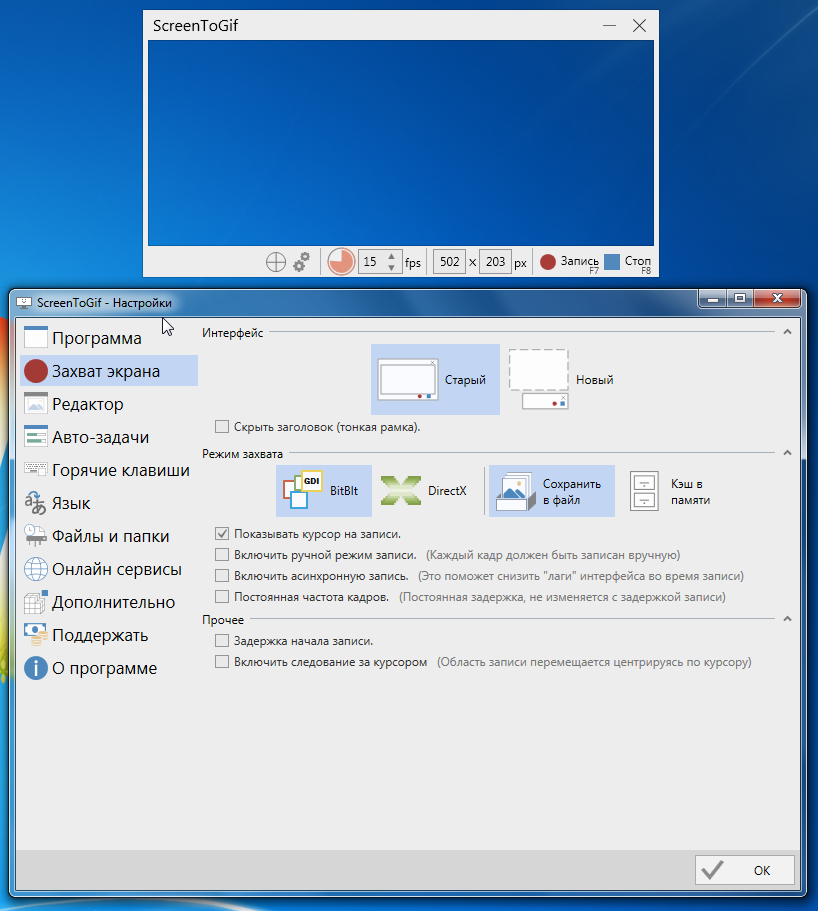
I just showed my settings on Windows 7. I thought maybe in the settings you can change for Windows 7
Maybe there are some features in the program settings.
I'm just asking on Windows 7 you can’t do anything already? Only Windows 10 to set?
Thank you again for your help and program!
@NickeManarin commented on GitHub (May 17, 2020):
You can try enabling the "image cache" (K3w b na...) and the async recording. Not sure if it will help you.
@maxvlas commented on GitHub (May 18, 2020):
I will try this.
Thank you very much for your help.