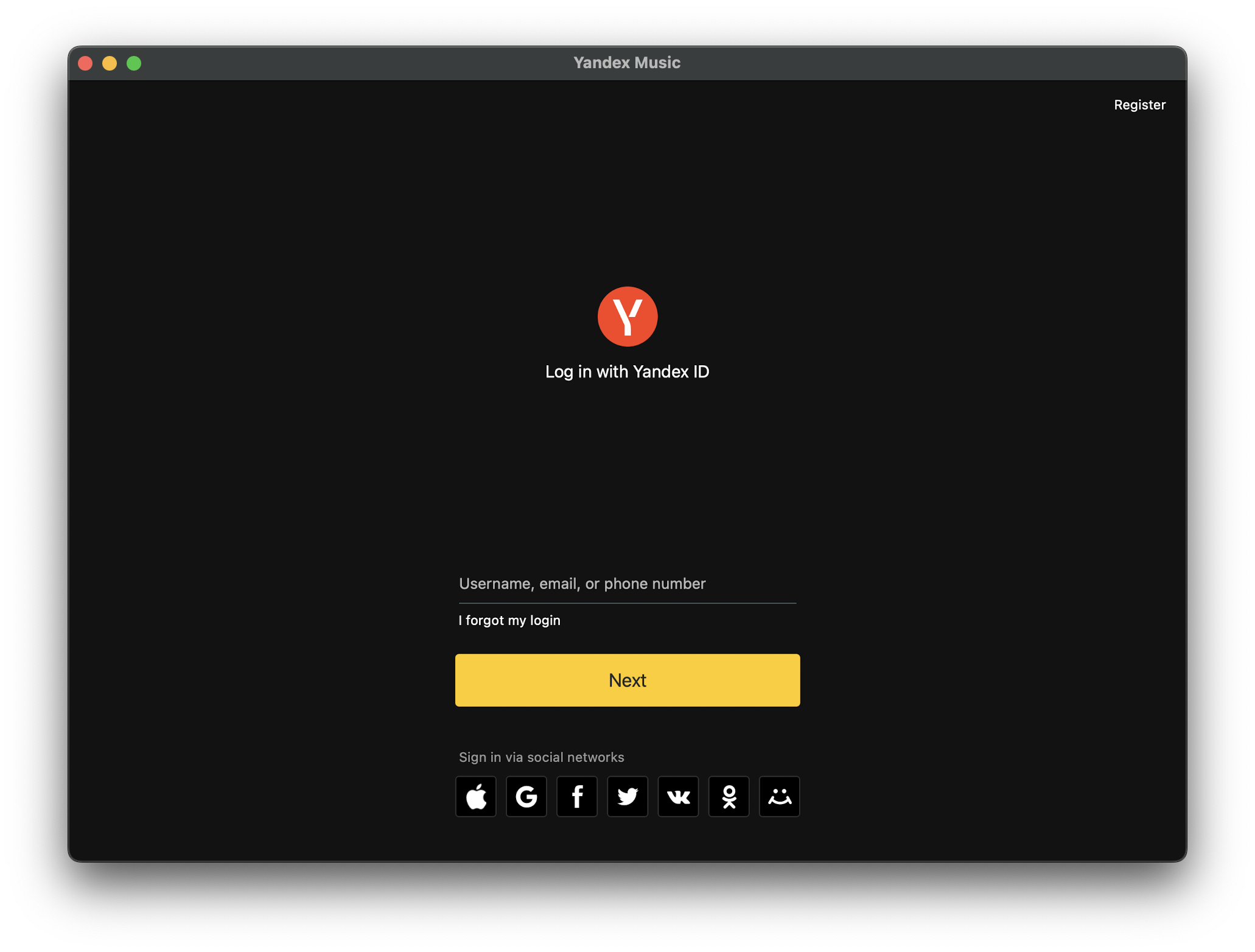
[GH-ISSUE #834] [App Support]: Yandex Music is not displayed in landscape orientation #399

Closed
opened 2026-03-03 18:57:32 +03:00 by kerem · 19 comments
Owner

Originally created by @rakleed on GitHub (Mar 2, 2023).
Original GitHub issue: https://github.com/PlayCover/PlayCover/issues/834

https://apps.apple.com/app/yandex-music-books-podcasts/id520797969

Current issues

  • App fails to install
  • App fails to open
  • App crashes randomly during usage
  • App experiences graphical issues or broken UI
  • App fails to connect to servers
  • Other

More details

Yandex Music is not displayed in landscape orientation when trying to change it through the View menu.

Crash log

No response

Issue Language

  • Yes my issue is written in English
Originally created by @rakleed on GitHub (Mar 2, 2023). Original GitHub issue: https://github.com/PlayCover/PlayCover/issues/834 ### App Store link https://apps.apple.com/app/yandex-music-books-podcasts/id520797969 ### Current issues - [ ] App fails to install - [ ] App fails to open - [ ] App crashes randomly during usage - [X] App experiences graphical issues or broken UI - [ ] App fails to connect to servers - [X] Other ### More details Yandex Music is not displayed in landscape orientation when trying to change it through the View menu. ### Crash log _No response_ ### Issue Language - [X] Yes my issue is written in English
kerem 2026-03-03 18:57:32 +03:00
Author
Owner

@ohaiibuzzle commented on GitHub (Mar 2, 2023):

You can try using App Default Mode. This is a native windowed iPad app so it may support native resizable windows

<!-- gh-comment-id:1452220458 --> @ohaiibuzzle commented on GitHub (Mar 2, 2023): You can try using App Default Mode. This is a native windowed iPad app so it may support native resizable windows
Author
Owner

@TheMoonThatRises commented on GitHub (Mar 2, 2023):

Can you give a screenshot of what the app looks like?

<!-- gh-comment-id:1452237568 --> @TheMoonThatRises commented on GitHub (Mar 2, 2023): Can you give a screenshot of what the app looks like?
Author
Owner

@rakleed commented on GitHub (Mar 5, 2023):

You can try using App Default Mode.

I just use it, since it only has the correct scale of the application interface elements.

Here is a screen recording of the problems: https://share.cleanshot.com/Rp1C9kK3

<!-- gh-comment-id:1455078851 --> @rakleed commented on GitHub (Mar 5, 2023): > You can try using App Default Mode. I just use it, since it only has the correct scale of the application interface elements. Here is a screen recording of the problems: https://share.cleanshot.com/Rp1C9kK3
Author
Owner

@ohaiibuzzle commented on GitHub (Mar 5, 2023):

@rakleed When using App Default mode, PlayCover apps behaves exactly like macOS apps (meaning you can move your mouse to one side of the window and drag to resize)

Also, I was able to flip the app just fine
image

<!-- gh-comment-id:1455131337 --> @ohaiibuzzle commented on GitHub (Mar 5, 2023): @rakleed When using App Default mode, PlayCover apps behaves exactly like macOS apps (meaning you can move your mouse to one side of the window and drag to resize) Also, I was able to flip the app just fine <img width="1031" alt="image" src="https://user-images.githubusercontent.com/23693150/222971677-41d6bb02-2a5e-41aa-8d36-7b273b81d603.png">
Author
Owner

@rakleed commented on GitHub (Mar 5, 2023):

@ohaiibuzzle I deleted my version with all the data, downloaded the latest version 6.07 from the site https://armconverter.com/decryptedappstore/us, installed it, but the problems are still the same, and dragging the edge of the window does not work for me either: https://share.cleanshot.com/4sK3p9LD

<!-- gh-comment-id:1455178012 --> @rakleed commented on GitHub (Mar 5, 2023): @ohaiibuzzle I deleted my version with all the data, downloaded the latest version 6.07 from the site https://armconverter.com/decryptedappstore/us, installed it, but the problems are still the same, and dragging the edge of the window does not work for me either: https://share.cleanshot.com/4sK3p9LD
Author
Owner

@TheMoonThatRises commented on GitHub (May 15, 2023):

Having the resolution set to auto works fine for me. Try using the latest nightly.

Screenshot 2023-05-14 at 18 23 17

<!-- gh-comment-id:1547044287 --> @TheMoonThatRises commented on GitHub (May 15, 2023): Having the resolution set to auto works fine for me. Try using the latest nightly. ![Screenshot 2023-05-14 at 18 23 17](https://github.com/PlayCover/PlayCover/assets/58153205/67320dfa-e7c9-4aee-83eb-dd901617ff92)
Author
Owner

@rakleed commented on GitHub (May 16, 2023):

How can I download the nightly version? I did not find such an opportunity either in Releases or in GitHub Actions. Is there only an option for me to build the app myself?

<!-- gh-comment-id:1548843595 --> @rakleed commented on GitHub (May 16, 2023): How can I download the nightly version? I did not find such an opportunity either in Releases or in GitHub Actions. Is there only an option for me to build the app myself?
Author
Owner
<!-- gh-comment-id:1548932325 --> @TheMoonThatRises commented on GitHub (May 16, 2023): https://github.com/PlayCover/PlayCover/actions/workflows/2.nightly_release.yml, or direct artifact download https://github.com/PlayCover/PlayCover/suites/12911904608/artifacts/697195756
Author
Owner

@rakleed commented on GitHub (May 16, 2023):

@TheMoonThatRises now the app is displayed only in landscape orientation, both in Auto and App Default resolution. Through the App Menu, changing the view to portrait orientation does not work, and when I try to stretch the window with the mouse, nothing happens either.

<!-- gh-comment-id:1549929808 --> @rakleed commented on GitHub (May 16, 2023): @TheMoonThatRises now the app is displayed only in landscape orientation, both in Auto and App Default resolution. Through the App Menu, changing the view to portrait orientation does not work, and when I try to stretch the window with the mouse, nothing happens either.
Author
Owner

@TheMoonThatRises commented on GitHub (May 16, 2023):

You can change the window to portrait by setting the resolution to App Default, ticking the Fix window display issue, and selecting Alternate from the drop down.

<!-- gh-comment-id:1549977389 --> @TheMoonThatRises commented on GitHub (May 16, 2023): You can change the window to portrait by setting the resolution to `App Default`, ticking the `Fix window display issue`, and selecting `Alternate` from the drop down.
Author
Owner

@rakleed commented on GitHub (May 16, 2023):

In this case, half of the app content is simply cut off:

Screenshot:

Screenshot 2023-05-16 at 22 13 23

And why can't I change the orientation while the app is running?

<!-- gh-comment-id:1550222354 --> @rakleed commented on GitHub (May 16, 2023): In this case, half of the app content is simply cut off: <details><summary>Screenshot:</summary> ![Screenshot 2023-05-16 at 22 13 23](https://github.com/PlayCover/PlayCover/assets/19418601/600a4bab-7f81-4fb0-8800-47d07b7404f8) </details> And why can't I change the orientation while the app is running?
Author
Owner

@TheMoonThatRises commented on GitHub (May 16, 2023):

In this case, half of the app content is simply cut off:

My bad, its not Alternate, it should be Normal.

And why can't I change the orientation while the app is running?

It could be possible, I don't know. I would ask @ohaiibuzzle.

<!-- gh-comment-id:1550280651 --> @TheMoonThatRises commented on GitHub (May 16, 2023): > In this case, half of the app content is simply cut off: My bad, its not `Alternate`, it should be `Normal`. > And why can't I change the orientation while the app is running? It could be possible, I don't know. I would ask @ohaiibuzzle.
Author
Owner

@rakleed commented on GitHub (May 16, 2023):

My bad, its not Alternate, it should be Normal.

Still half of the app content is cut off:

Screenshot:

Screenshot 2023-05-17 at 01 26 40

<!-- gh-comment-id:1550438408 --> @rakleed commented on GitHub (May 16, 2023): > My bad, its not `Alternate`, it should be `Normal`. Still half of the app content is cut off: <details><summary>Screenshot:</summary> ![Screenshot 2023-05-17 at 01 26 40](https://github.com/PlayCover/PlayCover/assets/19418601/b6cc7f2a-eb38-4cfa-9379-8800c79a5b00) </details>
Author
Owner

@TheMoonThatRises commented on GitHub (May 16, 2023):

Do you have these settings?
Screenshot 2023-05-16 at 16 32 09

<!-- gh-comment-id:1550443847 --> @TheMoonThatRises commented on GitHub (May 16, 2023): Do you have these settings? <img width="995" alt="Screenshot 2023-05-16 at 16 32 09" src="https://github.com/PlayCover/PlayCover/assets/58153205/84e14c79-62f4-4606-aa62-f2bcc2b6cd20">
Author
Owner

@rakleed commented on GitHub (May 16, 2023):

Yes, exactly the same settings.

<!-- gh-comment-id:1550444920 --> @rakleed commented on GitHub (May 16, 2023): Yes, exactly the same settings.
Author
Owner

@ohaiibuzzle commented on GitHub (May 17, 2023):

@rakleed You can kinda do it like this (specify a square resolution for more consistency)
image
I think it is some kind of bugs in the display engine still :/

<!-- gh-comment-id:1550784172 --> @ohaiibuzzle commented on GitHub (May 17, 2023): @rakleed You can kinda do it like this (specify a **square resolution** for more consistency) <img width="1680" alt="image" src="https://github.com/PlayCover/PlayCover/assets/23693150/87524071-0bb0-4639-8722-ad27554808d2"> I think it is some kind of bugs in the display engine still :/
Author
Owner

@rakleed commented on GitHub (May 17, 2023):

Do you have these settings? Screenshot 2023-05-16 at 16 32 09

Now, after changing the Graphics settings many times, the app finally displays normally with these settings.


@rakleed You can kinda do it like this (specify a square resolution for more consistency) image I think it is some kind of bugs in the display engine still :/

Yep, that helped. But in the process, I noticed that sometimes the settings are correctly applied only after 2 launches of the app. And also if I change the custom resolution to App Default or Auto, then either there will be a black screen, or just most of the content will not be visible. So there are definitely problems with the rendering engine.

<!-- gh-comment-id:1551139066 --> @rakleed commented on GitHub (May 17, 2023): > Do you have these settings? <img alt="Screenshot 2023-05-16 at 16 32 09" width="995" src="https://user-images.githubusercontent.com/58153205/238785901-84e14c79-62f4-4606-aa62-f2bcc2b6cd20.png"> Now, after changing the Graphics settings many times, the app finally displays normally with these settings. --- > @rakleed You can kinda do it like this (specify a **square resolution** for more consistency) <img alt="image" width="1680" src="https://user-images.githubusercontent.com/23693150/238848114-87524071-0bb0-4639-8722-ad27554808d2.png"> I think it is some kind of bugs in the display engine still :/ Yep, that helped. But in the process, I noticed that sometimes the settings are correctly applied only after 2 launches of the app. And also if I change the custom resolution to App Default or Auto, then either there will be a black screen, or just most of the content will not be visible. So there are definitely problems with the rendering engine.
Author
Owner

@ohaiibuzzle commented on GitHub (May 17, 2023):

Yep, that helped. But in the process, I noticed that sometimes the settings are correctly applied only after 2 launches of the app. And also if I change the custom resolution to App Default or Auto, then either there will be a black screen, or just most of the content will not be visible. So there are definitely problems with the rendering engine.

As I mentioned, use a square resolution for more consistency (eg. 1000 x 1001 so that height is larger than width and counts as vertical). It's gonna look a but quirky, but it will work

<!-- gh-comment-id:1551178866 --> @ohaiibuzzle commented on GitHub (May 17, 2023): >Yep, that helped. But in the process, I noticed that sometimes the settings are correctly applied only after 2 launches of the app. And also if I change the custom resolution to App Default or Auto, then either there will be a black screen, or just most of the content will not be visible. So there are definitely problems with the rendering engine. As I mentioned, use a **square** resolution for more consistency (eg. 1000 x 1001 so that height is larger than width and counts as vertical). It's gonna look a but quirky, but it will work
Author
Owner

@rakleed commented on GitHub (May 17, 2023):

What do you mean by consistency? With the proposed settings, I still cannot change the orientation of the app through the View menu, and also do not stretch the window with the mouse.

<!-- gh-comment-id:1552142686 --> @rakleed commented on GitHub (May 17, 2023): What do you mean by consistency? With the proposed settings, I still cannot change the orientation of the app through the View menu, and also do not stretch the window with the mouse.
Sign in to join this conversation.
No milestone
No project
No assignees
1 participant
Notifications
Due date
The due date is invalid or out of range. Please use the format "yyyy-mm-dd".

No due date set.

Dependencies

No dependencies set.

Reference
starred/PlayCover#399
No description provided.