[GH-ISSUE #711] [bug] all public instances are throwing HTTPs errors on Firefox (Windows) #455

Closed
opened 2026-02-25 20:35:48 +03:00 by kerem · 3 comments
Owner

Originally created by @throwaway242685 on GitHub (Apr 3, 2022).
Original GitHub issue: https://github.com/benbusby/whoogle-search/issues/711

all public instances of Whoogle are throwing HTTPs errors on Firefox.

Image
Originally created by @throwaway242685 on GitHub (Apr 3, 2022). Original GitHub issue: https://github.com/benbusby/whoogle-search/issues/711 all public instances of Whoogle are throwing HTTPs errors on Firefox. <img width="1024" height="600" alt="Image" src="https://github.com/user-attachments/assets/a492988c-38fe-445c-b371-20962721db46" />
kerem 2026-02-25 20:35:48 +03:00
  • closed this issue
  • added the
    bug
    label
Author
Owner

@Albonycal commented on GitHub (Apr 3, 2022):

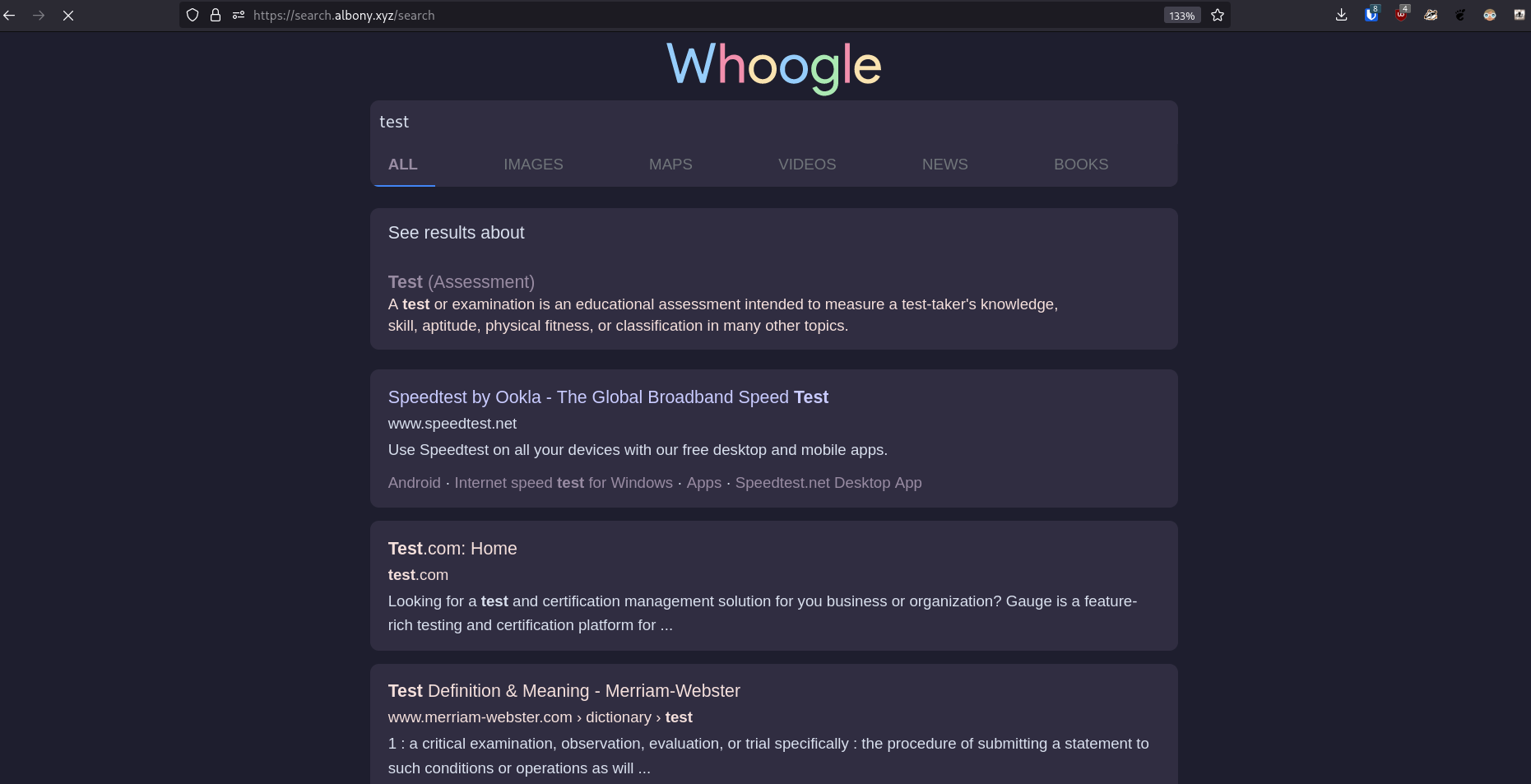
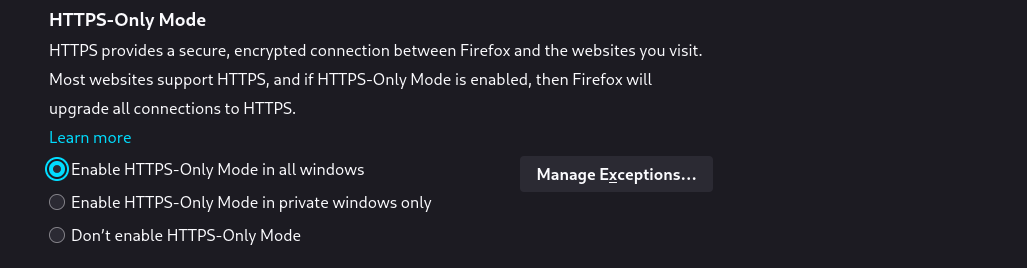
Hmm.. unable to recreate this issue
image
image

<!-- gh-comment-id:1086897900 --> @Albonycal commented on GitHub (Apr 3, 2022): Hmm.. unable to recreate this issue ![image](https://user-images.githubusercontent.com/67057319/161436873-a7ea1f37-26d3-423e-a5fd-d9feb449b151.png) ![image](https://user-images.githubusercontent.com/67057319/161436881-dbb140c2-f2c9-4c61-a7bb-be2f8334af21.png)
Author
Owner

@FlorianWendelborn commented on GitHub (Apr 14, 2022):

@KanadeTachibana2 can you try to start Firefox with a fresh/blank profile? You can learn how to create one here: https://support.mozilla.org/en-US/kb/profile-manager-create-remove-switch-firefox-profiles

If this fixes your issue, then it might be add-on or about:config related instead of caused by HTTPS-Only-Mode.

I had something similar happen a while ago and somehow managed to fix it after fiddling with the whoogle/proxy config files for quite a bit... can’t remember the exact fix or version I used back then though.

<!-- gh-comment-id:1099508567 --> @FlorianWendelborn commented on GitHub (Apr 14, 2022): @KanadeTachibana2 can you try to start Firefox with a fresh/blank profile? You can learn how to create one here: <https://support.mozilla.org/en-US/kb/profile-manager-create-remove-switch-firefox-profiles> If this fixes your issue, then it might be add-on or `about:config` related instead of caused by HTTPS-Only-Mode. I had something similar happen a while ago and somehow managed to fix it after fiddling with the whoogle/proxy config files for quite a bit... can’t remember the exact fix or version I used back then though.
Author
Owner

@FlorianWendelborn commented on GitHub (Apr 14, 2022):

Actually, I can reproduce this on my machine partially (links clicked directly from the readme):

  1. http://search.sethforprivacy.com/?cookies_disabled=1 (see 3.)
  2. http://whoogle.lunar.icu/?cookies_disabled=1 (see 3.)
  3. http://s.alefvanoon.xyz/?cookies_disabled=1:

image

  1. http://search.albony.xyz/?cookies_disabled=1:

image

Refreshing the page redirects to the HTTPS version in all cases. All other links worked fine.

Some notable things about my particular firefox:

  1. I use Multi-Account Containers
  2. I use Temporary Containers
  3. I’m on Firefox Developer Edition
  4. I have HTTPS-Only-Mode turned on
  5. I use uBlock Origin
<!-- gh-comment-id:1099514205 --> @FlorianWendelborn commented on GitHub (Apr 14, 2022): Actually, I can reproduce this on my machine partially (links clicked directly from the readme): 1. `http://search.sethforprivacy.com/?cookies_disabled=1` (see 3.) 2. `http://whoogle.lunar.icu/?cookies_disabled=1` (see 3.) 3. `http://s.alefvanoon.xyz/?cookies_disabled=1`: ![image](https://user-images.githubusercontent.com/1133858/163454164-f0c48955-3be0-4cfc-8163-4be8f1805cd5.png) 4. `http://search.albony.xyz/?cookies_disabled=1`: ![image](https://user-images.githubusercontent.com/1133858/163454363-cfde45c0-c9ff-4e0b-9b37-2effd1f0720f.png) Refreshing the page redirects to the HTTPS version in all cases. All other links worked fine. Some notable things about my particular firefox: 1. I use Multi-Account Containers 2. I use Temporary Containers 3. I’m on Firefox Developer Edition 4. I have HTTPS-Only-Mode turned on 5. I use uBlock Origin
Sign in to join this conversation.
No milestone
No project
No assignees
1 participant
Notifications
Due date
The due date is invalid or out of range. Please use the format "yyyy-mm-dd".

No due date set.

Dependencies

No dependencies set.

Reference
starred/whoogle-search#455
No description provided.