mirror of
https://github.com/guyzyl/whatsapp-contact-sync.git
synced 2026-04-26 06:25:49 +03:00
[GH-ISSUE #22] [Self hosted] When i scan the code nothing happens #1
Labels
No labels
big-feature
bug
dependencies
duplicate
enhancement
good first issue
help wanted
pull-request
No milestone
No project
No assignees
1 participant

Notifications
Due date
No due date set.
Dependencies
No dependencies set.
Reference
starred/whatsapp-contact-sync#1
Loading…
Add table
Add a link
Reference in a new issue
No description provided.
Delete branch "%!s()"
Deleting a branch is permanent. Although the deleted branch may continue to exist for a short time before it actually gets removed, it CANNOT be undone in most cases. Continue?
Originally created by @VozDeOuro on GitHub (Nov 30, 2022).
Original GitHub issue: https://github.com/guyzyl/whatsapp-contact-sync/issues/22
@guyzyl commented on GitHub (Nov 30, 2022):
Can you provide more context on the issue? Do you see any errors in the console?
@VozDeOuro commented on GitHub (Nov 30, 2022):
sorry my fault
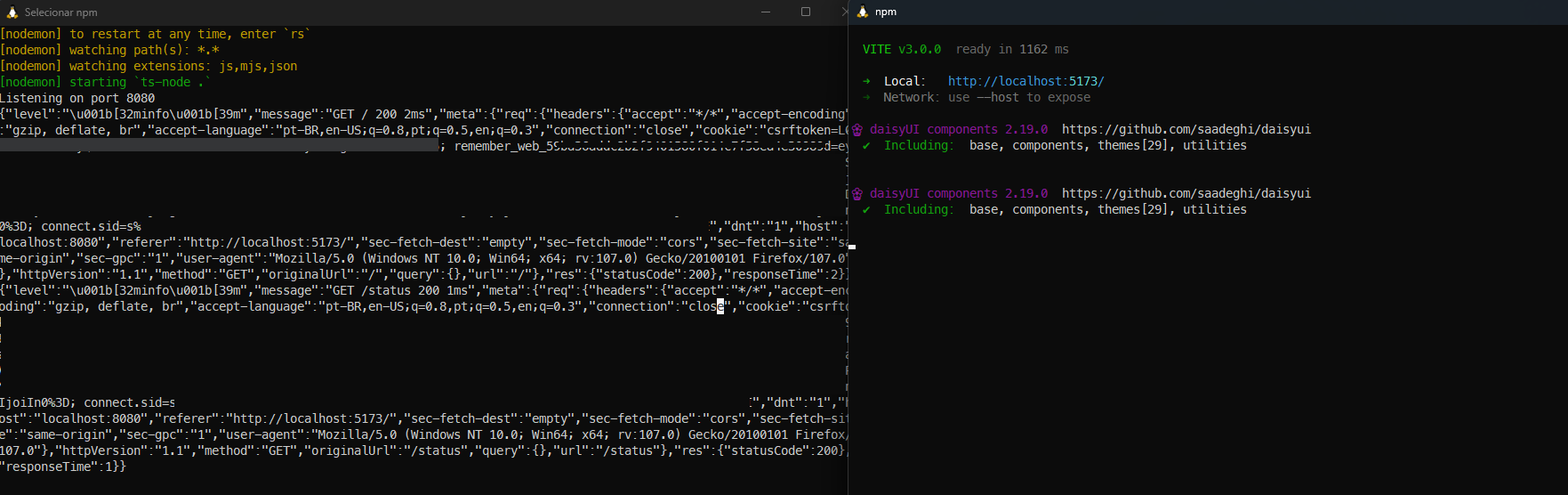
the only thing that appears on the terminal is this
i just remove some tokens
@guyzyl commented on GitHub (Nov 30, 2022):
I think I know what the issue is.
There's an issue where in some cases the web socket gets reconnected, and then your WhatsApp session in the backend isn't linked to the correct WS.
I was planning on deprecating the WS approach as it contains a lot of bugs, and replacing it with web hooks.
I'll try to get around to it soon and fix the underlying issue.
In the meantime, usually clearing browser cache and refreshing the page will solve the issue.
@VozDeOuro commented on GitHub (Nov 30, 2022):
ok thx
i tried with 3 different browsers none of them work :|
on the mobile its keep trying read the QR code with no success
@guyzyl commented on GitHub (Nov 30, 2022):
That sucks, I'll try to get it fixed during the weekend.
@VozDeOuro commented on GitHub (Nov 30, 2022):
thx :)
@VozDeOuro commented on GitHub (Dec 6, 2022):
hey :)
did you manage to take a look ?
@guyzyl commented on GitHub (Dec 6, 2022):
Sorry, but not yet (but haven't forgotten about it).
Hopefully sometime this week/end.
@guyzyl commented on GitHub (Dec 9, 2022):
@VozDeOuro I just merged a PR (#27) which should fix this bug, can you confirm it works for you now?
@VozDeOuro commented on GitHub (Dec 11, 2022):
hey :)
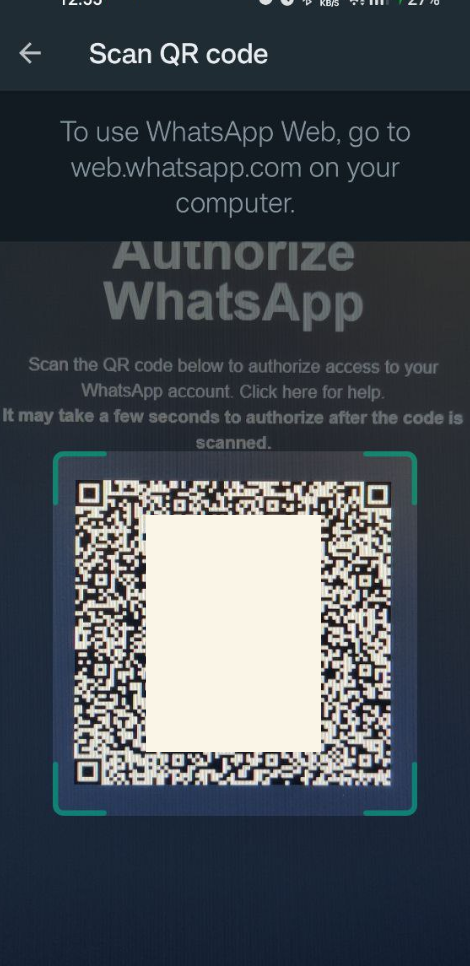
the problems keep happening here is a screenshot from the cellphone perspective, i try to scan it but nothing happens
the qrcode was blurry by myself
@Sarveshmrao commented on GitHub (Dec 11, 2022):
I had this issue just now, and I solved it by just changing the background colour of the page. It worked!
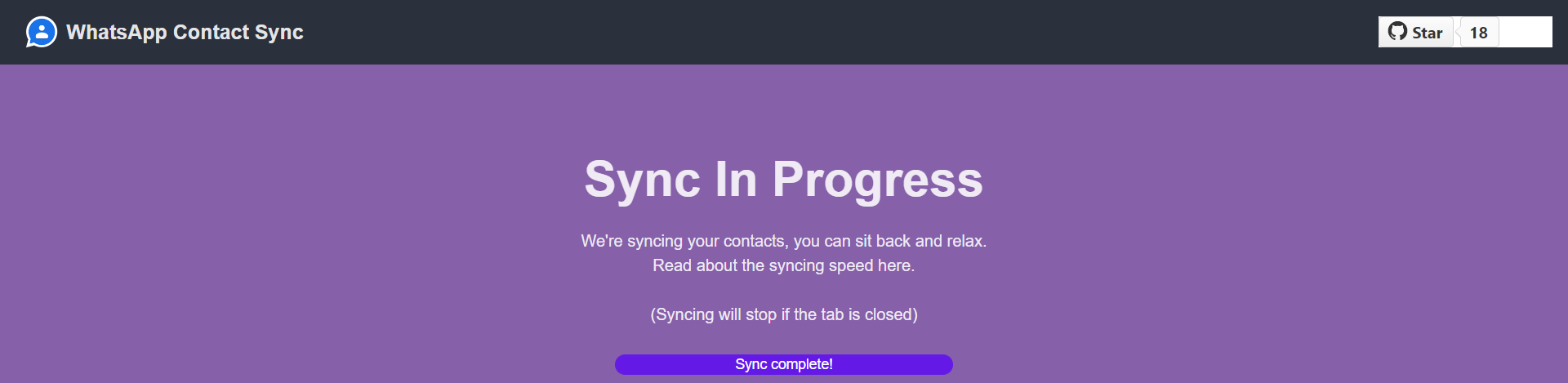
To some colour like above.
@guyzyl commented on GitHub (Dec 11, 2022):
@Sarveshmrao can you elaborate on what you did? To me it seems like something else caused it to function correctly.
@VozDeOuro Just so I'm sure I understood correctly, which one of these happened to you?:
@Sarveshmrao commented on GitHub (Dec 11, 2022):
Hey @guyzyl
I was not able to scan the code in WhatsApp or a normal QR Code Scanner. Hence I changed the background and the next second it scanned and logged me in and took me to the Google Auth step.
I'm self hosting both Backend and Frontend FYI.
@VozDeOuro commented on GitHub (Dec 11, 2022):
I open the WhatsApp and it's look like I'm scanning nothing, because nothing happens
I will try that trick to change the background color
@guyzyl commented on GitHub (Dec 11, 2022):
@Sarveshmrao that's a very interesting solution!
Can one of you please test if adding a border to the QR fixes the issue? I'm not able to replicate it with my phone.
You can do it by adding the following block:
@Sarveshmrao commented on GitHub (Dec 11, 2022):
Don't add a border white. Add anything else other than black and white, as those are the colors in which the QR is generated.
@guyzyl commented on GitHub (Dec 11, 2022):
Good point.
Does adding a border colored at
rgb(87, 13, 248)fix the issue? (that's the primary color of DaisyUI)Try a width of
5pxso it's not too overpowering.@VozDeOuro commented on GitHub (Dec 12, 2022):
thats fixed it so the problem was with the border :)
you can close this issue if you want.
and thx for you help
@guyzyl commented on GitHub (Dec 12, 2022):
@VozDeOuro Just merged the fix and closed the issue.
Thanks for reporting this bug and testing out the solution :)
@guyzyl commented on GitHub (Dec 12, 2022):
@VozDeOuro Sorry for bugging you, but do you mind checking the version that is now on
main?I tested the purple border with my phone and it didn't work.
I now changed the border color to white, and want to make sure it does the job for everyone.
@Sarveshmrao commented on GitHub (Dec 12, 2022):
Just checked out the new version. Yes, it works!
@guyzyl commented on GitHub (Dec 12, 2022):
@Sarveshmrao thanks!!!
We can leave this issue behind now :)