mirror of
https://github.com/retspen/webvirtcloud.git
synced 2026-04-27 08:25:53 +03:00
[GH-ISSUE #310] Webvirtcloud with Remote Hypervisor #205
Labels
No labels
bug
enhancement
pull-request
No milestone
No project
No assignees
1 participant

Notifications
Due date
No due date set.
Dependencies
No dependencies set.
Reference
starred/webvirtcloud#205
Loading…
Add table
Add a link
Reference in a new issue
No description provided.
Delete branch "%!s()"
Deleting a branch is permanent. Although the deleted branch may continue to exist for a short time before it actually gets removed, it CANNOT be undone in most cases. Continue?
Originally created by @toddleish on GitHub (May 11, 2020).
Original GitHub issue: https://github.com/retspen/webvirtcloud/issues/310
I have installed Webvirtcloud on Ubuntu 18.04. I want to control a KVM hypervisor that is running on CentOS7.
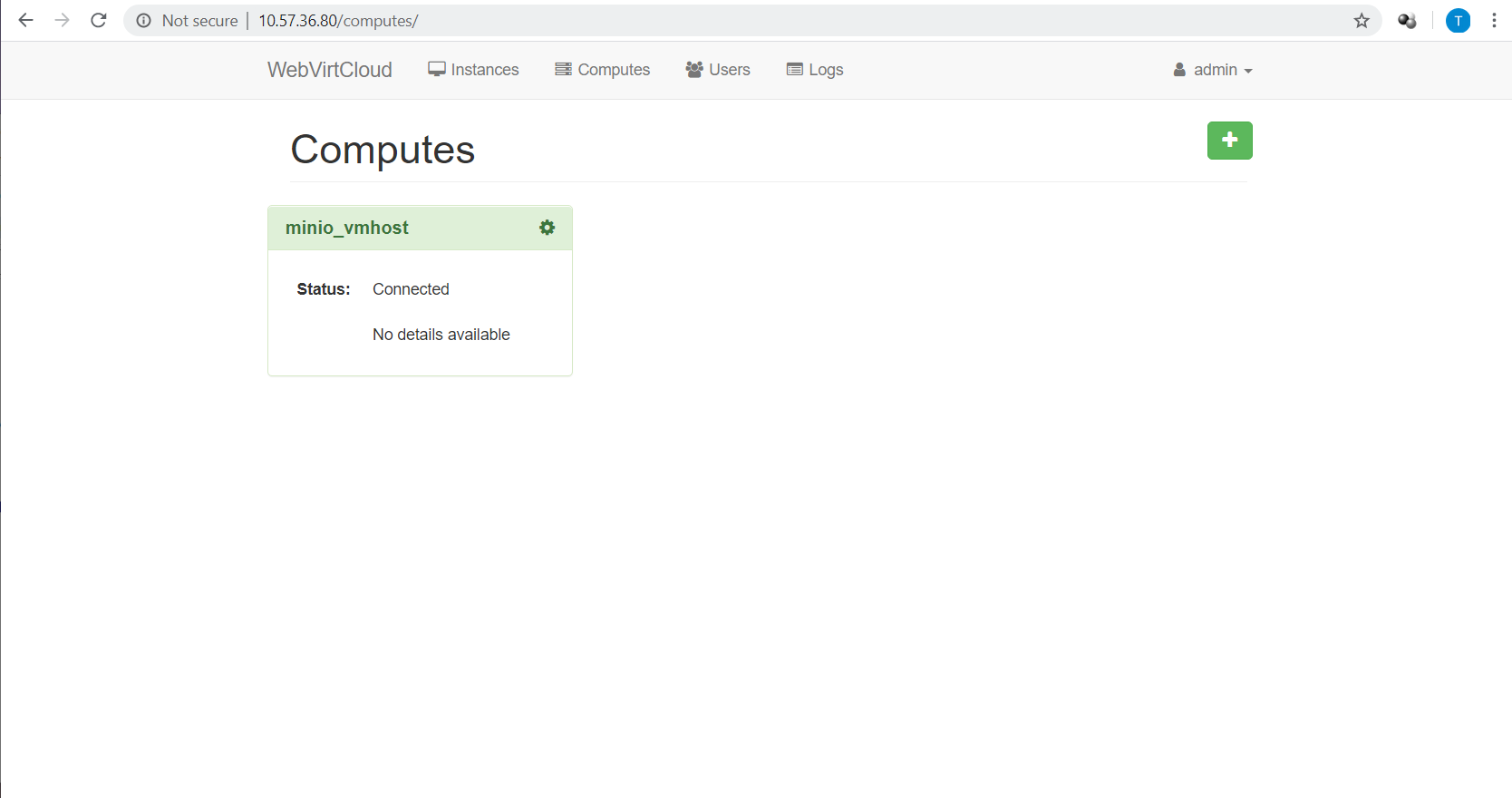
When I create a new "Compute" in Webvirtcloud and then try to access that compute node, I get an error in Webvirtcloud that says
Error: authentication failed: authentication failed.I tried to run this on the hypervisor node:
wget --no-check-certificate -O - https://clck.ru/9V9fH | sudo sh
but it fails because I am not running supervisor on that node. Do I have to install Webvirtcloud on all hypervisor nodes?
@catborise commented on GitHub (May 11, 2020):
@toddleish No you dont have to install webvirtcloud on any hypervisor. One webvirtcloud can manage other hosts.
Hypervisor node does not Require supervisor...
how did you connect to host from webvirtcloud? TCP? SSH?
@toddleish commented on GitHub (May 12, 2020):
I was confused because the Webvirt instructions say:
Setup libvirt and KVM on server
wget -O - https://clck.ru/9V9fH | sudo sh
I ran that command on the remote libvirt server and it gave me an error because "supervisor" was not installed on that machine.
Anyway, I got it figured out with SSH, but not TCP. I think we can close this.