[GH-ISSUE #228] instance view error #151

Open
opened 2026-02-27 15:57:32 +03:00 by kerem · 9 comments
Owner

Originally created by @JadeQin on GitHub (Mar 19, 2019).
Original GitHub issue: https://github.com/retspen/webvirtcloud/issues/228

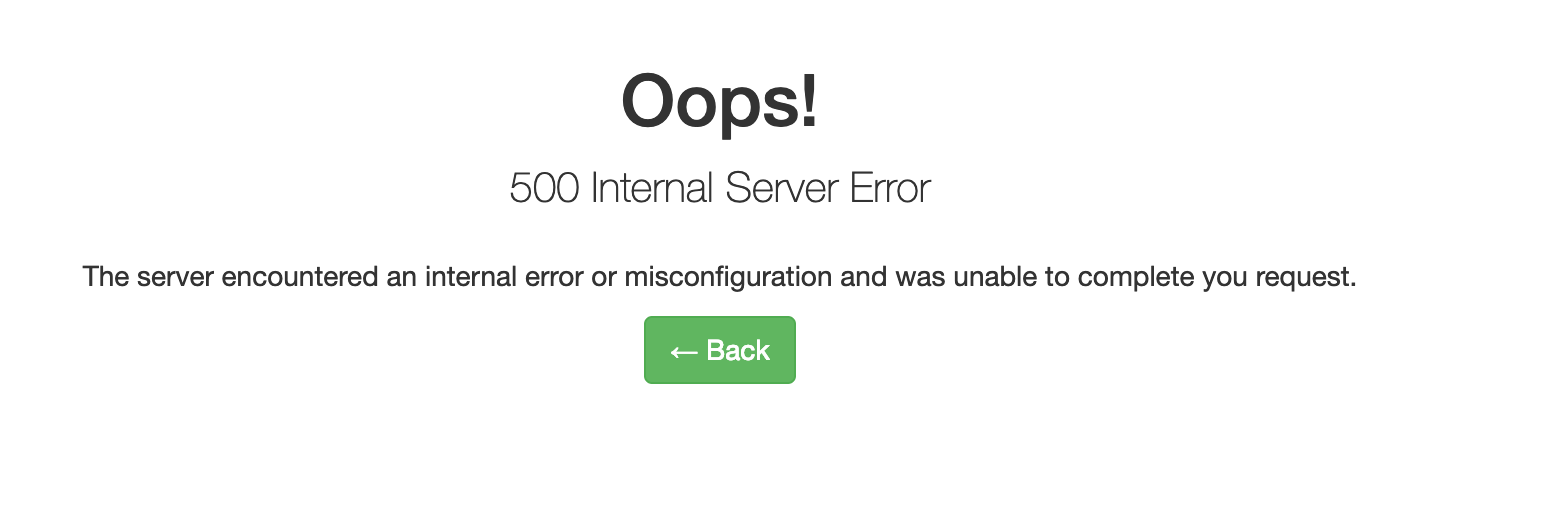
When I access http://***/instances/1/caas-120/,it shows error
image

How can I resolve it?and where is the error log?
Thanks

Originally created by @JadeQin on GitHub (Mar 19, 2019). Original GitHub issue: https://github.com/retspen/webvirtcloud/issues/228 When I access `http://***/instances/1/caas-120/`,it shows error ![image](https://user-images.githubusercontent.com/1001227/54589508-cc838d00-4a60-11e9-8e3b-45fd499ddc58.png) How can I resolve it?and where is the error log? Thanks
Author
Owner

@catborise commented on GitHub (Mar 19, 2019):

right click on the page and click inspect . Click right top to see error or warning.
it is too generic

<!-- gh-comment-id:474335759 --> @catborise commented on GitHub (Mar 19, 2019): right click on the page and click inspect . Click right top to see error or warning. it is too generic
Author
Owner

@JadeQin commented on GitHub (Mar 22, 2019):

image

<!-- gh-comment-id:475502195 --> @JadeQin commented on GitHub (Mar 22, 2019): ![image](https://user-images.githubusercontent.com/1001227/54803528-d698cc00-4caa-11e9-80f2-7df8b23a2a52.png)
Author
Owner

@catborise commented on GitHub (Mar 22, 2019):

what is your user ? is it a new user or admin user?

edit user and give attribuest "-1" or any limits.

normally it generates generic values first creation

<!-- gh-comment-id:475506722 --> @catborise commented on GitHub (Mar 22, 2019): what is your user ? is it a new user or admin user? edit user and give attribuest "-1" or any limits. normally it generates generic values first creation
Author
Owner

@JadeQin commented on GitHub (Mar 22, 2019):

I use admin

<!-- gh-comment-id:475507443 --> @JadeQin commented on GitHub (Mar 22, 2019): I use admin
Author
Owner

@catborise commented on GitHub (Mar 22, 2019):

image

it should be like that

<!-- gh-comment-id:475508167 --> @catborise commented on GitHub (Mar 22, 2019): ![image](https://user-images.githubusercontent.com/1725643/54804430-7131e480-4c84-11e9-8842-f94e4ac9b976.png) it should be like that
Author
Owner

@JadeQin commented on GitHub (Mar 22, 2019):

I can not do like this.Because I can login,but no matter what I do, I will be quit.
Can I directly modify the data in the database?

<!-- gh-comment-id:475562414 --> @JadeQin commented on GitHub (Mar 22, 2019): I can not do like this.Because I can login,but no matter what I do, I will be quit. Can I directly modify the data in the database?
Author
Owner

@catborise commented on GitHub (Mar 22, 2019):

yes you can do

<!-- gh-comment-id:475612802 --> @catborise commented on GitHub (Mar 22, 2019): yes you can do
Author
Owner

@JadeQin commented on GitHub (Mar 22, 2019):

How can I do it

<!-- gh-comment-id:475657646 --> @JadeQin commented on GitHub (Mar 22, 2019): How can I do it
Author
Owner

@catborise commented on GitHub (Mar 22, 2019):

i have solved this problem along time ago. did you do everything correctly with guide?

// can you try that
edit webvirtcloud/settings.py file
make

AUTHENTICATION_BACKENDS = (
    'django.contrib.auth.backends.ModelBackend',
    #'django.contrib.auth.backends.RemoteUserBackend',
    'accounts.backends.MyRemoteUserBackend',
)

like that

than crate a new super user with that command

python manage.py createsuperuser
<!-- gh-comment-id:475671222 --> @catborise commented on GitHub (Mar 22, 2019): i have solved this problem along time ago. did you do everything correctly with guide? // can you try that edit webvirtcloud/settings.py file make ``` AUTHENTICATION_BACKENDS = ( 'django.contrib.auth.backends.ModelBackend', #'django.contrib.auth.backends.RemoteUserBackend', 'accounts.backends.MyRemoteUserBackend', ) ``` like that than crate a new super user with that command ``` python manage.py createsuperuser ```
Sign in to join this conversation.
No milestone
No project
No assignees
1 participant
Notifications
Due date
The due date is invalid or out of range. Please use the format "yyyy-mm-dd".

No due date set.

Dependencies

No dependencies set.

Reference
starred/webvirtcloud#151
No description provided.