mirror of
https://github.com/dani-garcia/vaultwarden.git
synced 2026-04-26 01:35:54 +03:00
[GH-ISSUE #1251] FIDO U2F isn't shown while login #880
Labels
No labels
SSO
Third party
better for forum
bug
bug
documentation
duplicate
enhancement
future Vault
future Vault
future Vault
good first issue
help wanted
low priority
notes
pull-request
question
troubleshooting
wontfix
No milestone
No project
No assignees
1 participant

Notifications
Due date
No due date set.
Dependencies
No dependencies set.
Reference
starred/vaultwarden#880
Loading…
Add table
Add a link
Reference in a new issue
No description provided.
Delete branch "%!s()"
Deleting a branch is permanent. Although the deleted branch may continue to exist for a short time before it actually gets removed, it CANNOT be undone in most cases. Continue?
Originally created by @Gaojianli on GitHub (Dec 3, 2020).
Original GitHub issue: https://github.com/dani-garcia/vaultwarden/issues/1251
Subject of the issue
I can add FIDO device(yubikey) at console, but when I try to login, I can't find FIDO options.
Your environment
Steps to reproduce
Expected behaviour
I can choose any 2FA I configured, including U2F
Actual behaviour
I can't choose FIDO U2F
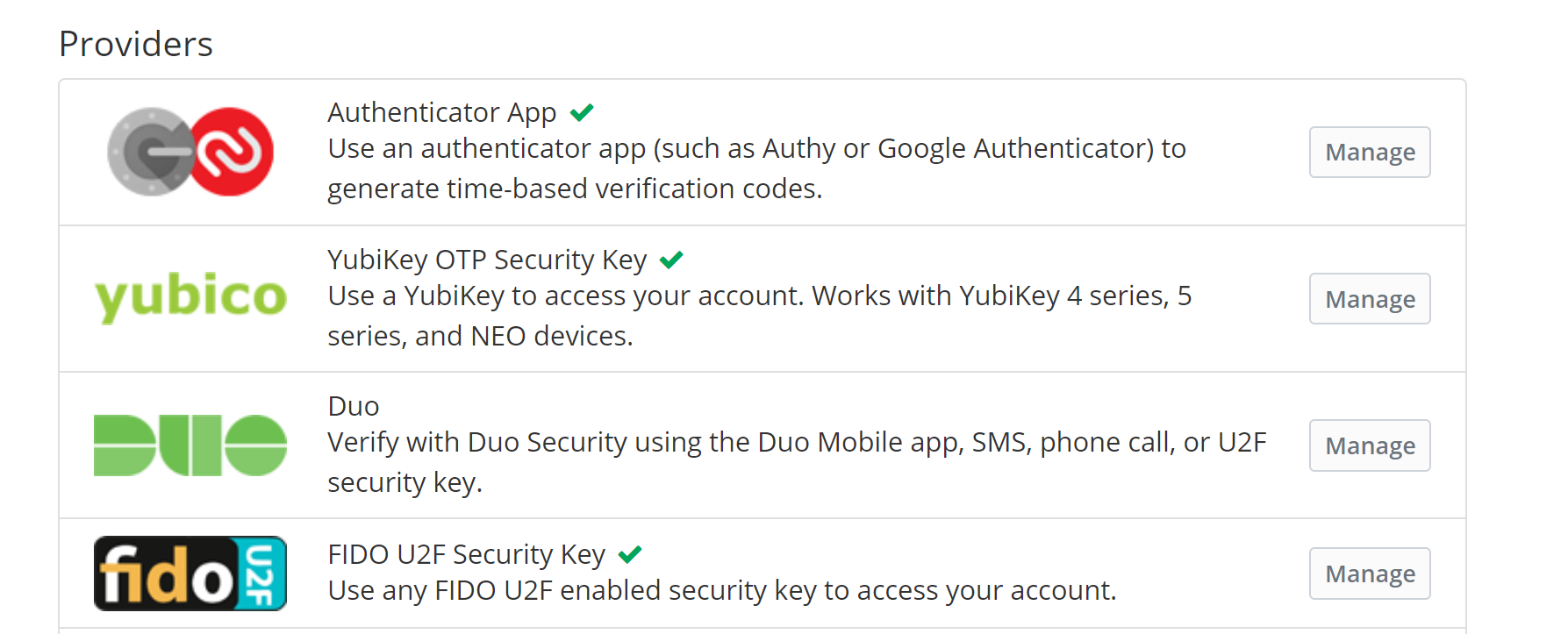
What I configured:
What I see:

Relevant logs
Request to
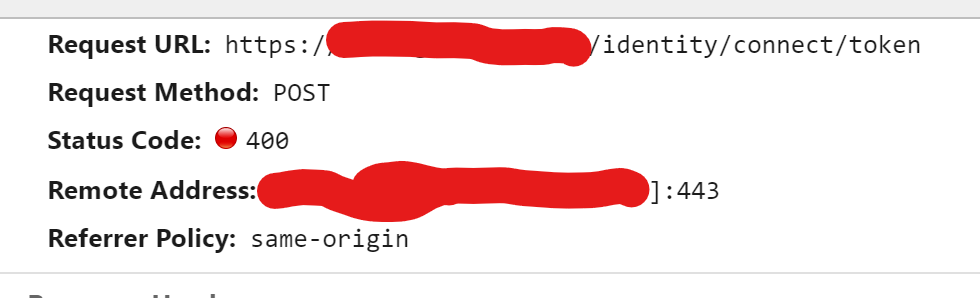
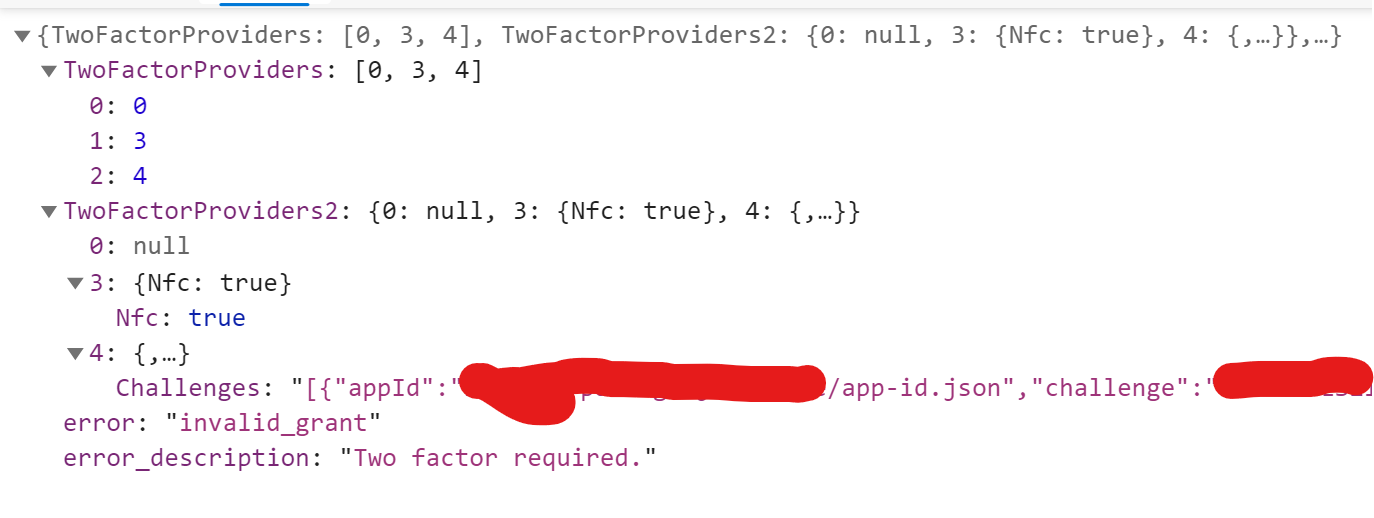
/identity/connect/tokenreturns a 400 Bad RequestHere is the response body:
@BlackDex commented on GitHub (Dec 13, 2020):
I just tested it with a softu2f token and it all seems to work.
If you use any of the other 2FA ones, does it work?
Also, have you tried to remove and re-add the Fido U2F token?
Else we probably need a bit more information like logs etc...
Also, what happens if you create a new account and try to use it there?
@Gaojianli commented on GitHub (Dec 16, 2020):
Yes, all work except u2f
I tried it and it doesn't work.
A new user can use u2f normally
@Gaojianli commented on GitHub (Dec 16, 2020):
After stop, remove and restart the docker container, it finally works. Strange problem....