Available from version v1.2.3 of Streama we added support for Batch File-Adding using regex.
1. Batch Add Files
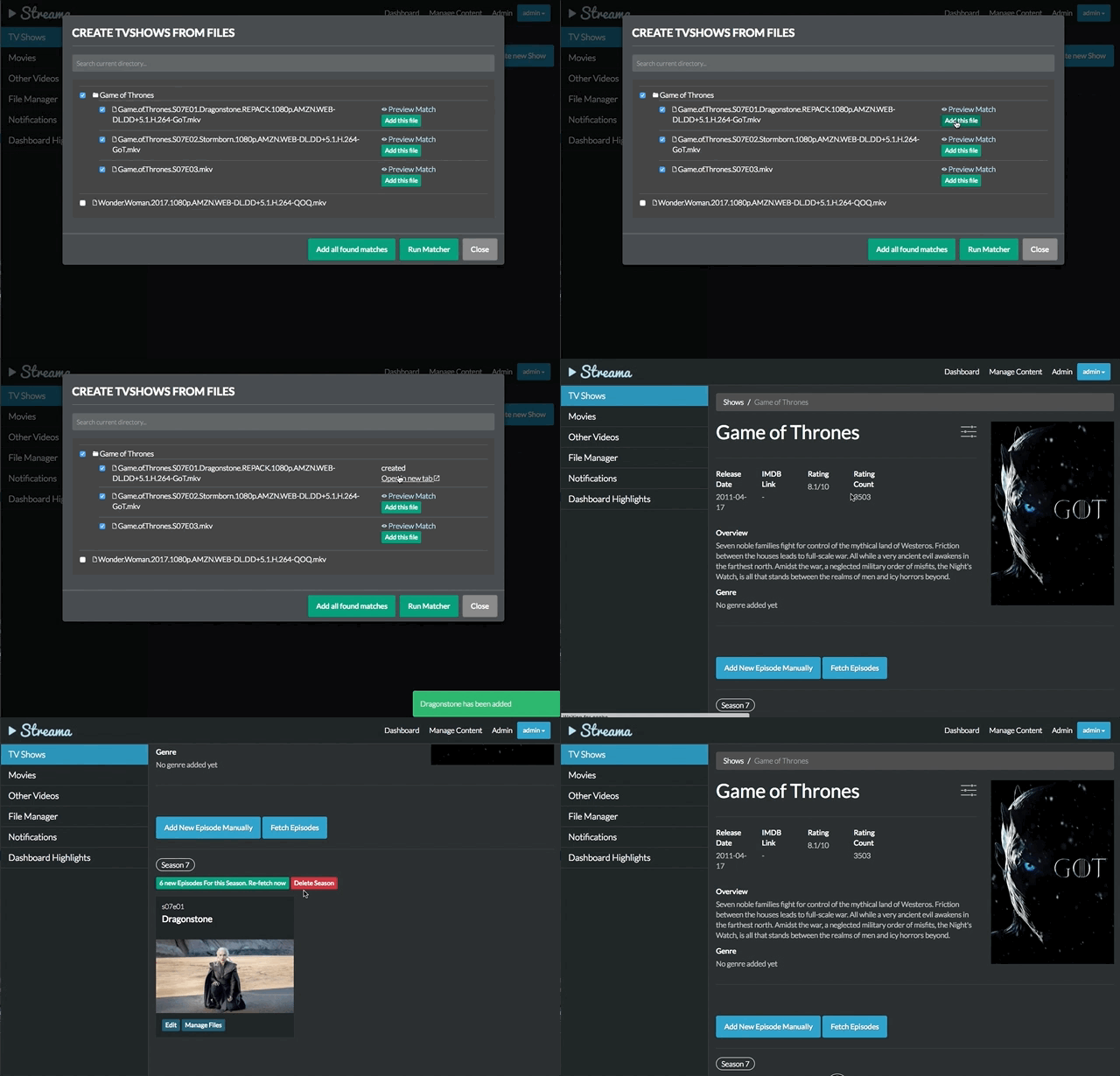
Running matcher & previewing result

adding single matched file
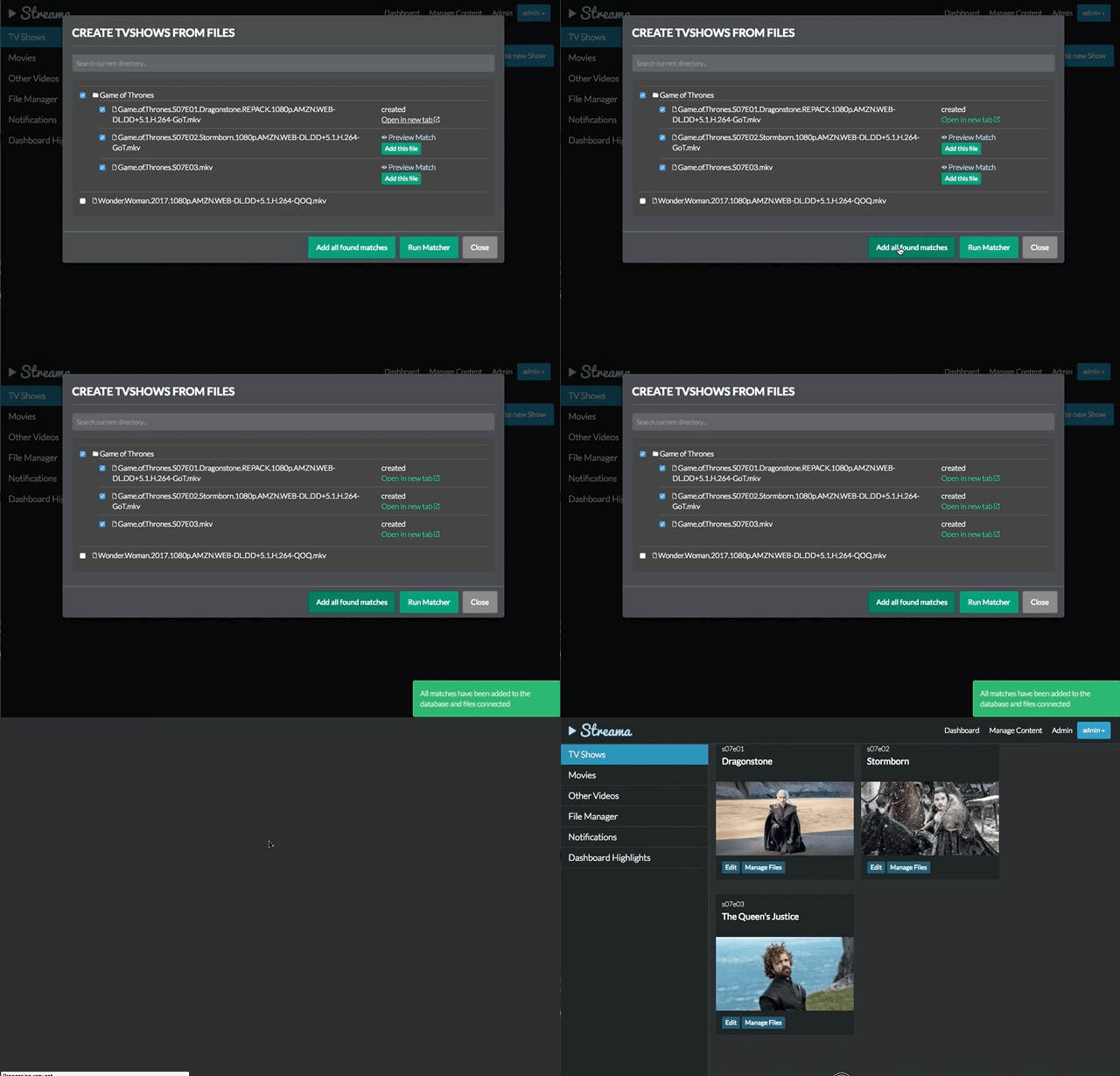
adding files in bulk
Customizing the Matcher
Just like in Emby or Kodi, the matcher-regex can be altered. For movies and shows two different sets of matcher are used. More matchers can be added to the set of existing matcher or the existings ones can be altered.
In order to customize the regex, just add the regex in the bottom of the application.yml like so (the below settings are the current default for streama):
streama:
  regex:
    movies:
      - ^(?<Name>.*)[._ ]\(\d{4}\).*
    shows:
      - ^(?<Name>.+)[._ ]S(?<Season>\d{2})E(?<Episode>\d{2,3}).*
      - ^(?<Name>.+)[._ ](?<Season>\d{1,2})x(?<Episode>\d{2,3}).*
Note that a Java-Style regex is used and that named capture groups are used to extractName, Season and Episode.
Note: when multiple results are returned by the API, the first result is chosen and can be previewed by the user.
Roadmap
for the future we plan to integrate better recursiveness of this feature (currently limited to one directory hierarchy at a time). Also, we want to improve overall usability for a faster workflow.