mirror of
https://github.com/ProxymanApp/proxyman-windows-linux.git
synced 2026-04-27 00:45:55 +03:00
[GH-ISSUE #195] Add a Show/Hide Filter #193
Labels
No labels
Linux
bug
enhancement
enhancement
pull-request
question
✅ Done
No milestone
No project
No assignees
1 participant

Notifications
Due date
No due date set.
Dependencies
No dependencies set.
Reference
starred/proxyman-windows-linux#193
Loading…
Add table
Add a link
Reference in a new issue
No description provided.
Delete branch "%!s()"
Deleting a branch is permanent. Although the deleted branch may continue to exist for a short time before it actually gets removed, it CANNOT be undone in most cases. Continue?
Originally created by @NghiaTranUIT on GitHub (Feb 19, 2023).
Original GitHub issue: https://github.com/ProxymanApp/proxyman-windows-linux/issues/195
Originally assigned to: @kics223w1 on GitHub.
Description
We've implemented #179, We can show/hide the Filter Bar by using the shortcut Control + F. However, it's hard to discover. We should add a Toggle button.
⚠️ See the macOS version to understand how it works.
See https://github.com/ProxymanApp/proxyman-windows-linux/issues/194 to understand how to export the SVG icon from the SF Symbol app.
Acceptance Criteria
line.3.horizontal.decrease.circleSVG from the SF Symbol app to all tabs from the Request/Response Tabhttps://user-images.githubusercontent.com/5878421/219935460-cff61eb3-0b03-49ea-b2d0-5580346f761d.mp4
Raw tab

Body Tab -> Show the default filter of the CodeMirror
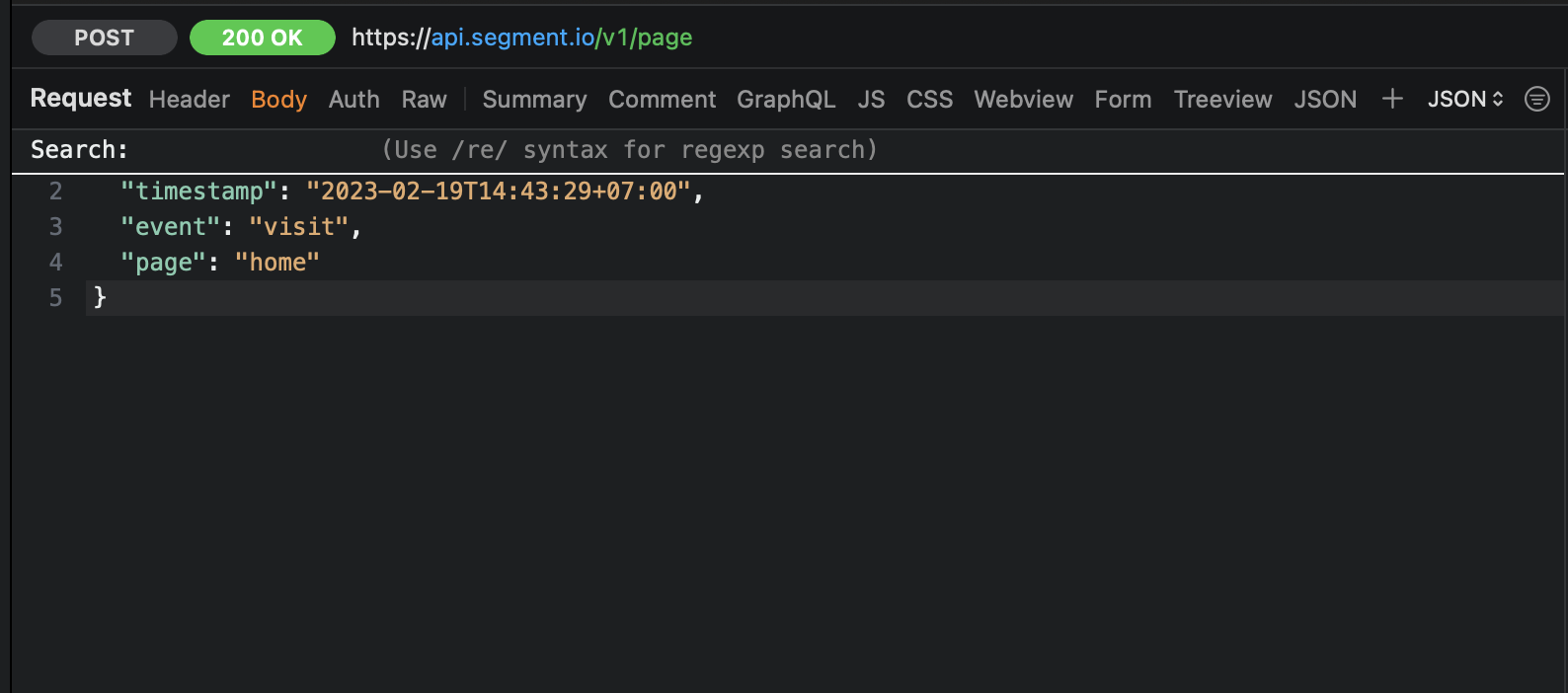
The Filter button will align to the right column (See the video for the behavior)
https://user-images.githubusercontent.com/5878421/219935481-7220d348-2e5a-4489-a7ba-d53bcbb0d8bc.mp4