mirror of
https://github.com/aluxnimm/outlookcaldavsynchronizer.git
synced 2026-04-26 03:25:48 +03:00
[GH-ISSUE #309] Nginx Modern Configuration not supported #300
Labels
No labels
1.0
1.0
1.0
2.0
Feature
Feature request
Google
Google Calendar
async
attachement
auto-migrated
auto-migrated
auto-migrated
bug
critical
enhancement
help wanted
implemented
pull-request
solved
solved
sourceforge
sourceforge
sourceforge
No milestone
No project
No assignees
1 participant

Notifications
Due date
No due date set.
Dependencies
No dependencies set.
Reference
starred/outlookcaldavsynchronizer#300
Loading…
Add table
Add a link
Reference in a new issue
No description provided.
Delete branch "%!s()"
Deleting a branch is permanent. Although the deleted branch may continue to exist for a short time before it actually gets removed, it CANNOT be undone in most cases. Continue?
Originally created by @vallant on GitHub (Mar 18, 2021).
Original GitHub issue: https://github.com/aluxnimm/outlookcaldavsynchronizer/issues/309
Hello,
first of all- thanks for your work! This plugin is awesome, i use it alongside my self-hosted nextcloud server.
I recently changed my server setup and switched from apache to nginx as a reverse-proxy, in this process i also updated the SSL configuration of the proxy.
I've noticed that when using the "modern" configuration below (obtained by the mozilla config generator), it fails to connect with the error that is attached.
If i switch to the intermediate configuration, the connection works fine.
Obviously the TLS1.3 support option is activated (if not i'd expect a protocol-mismatch error message).
Is there a way around this? I'd really like to keep use the modern SSL configuration on my server.
Best, Stephan
error.log
@aluxnimm commented on GitHub (Mar 19, 2021):
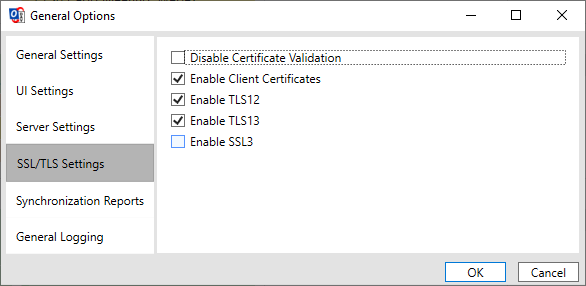
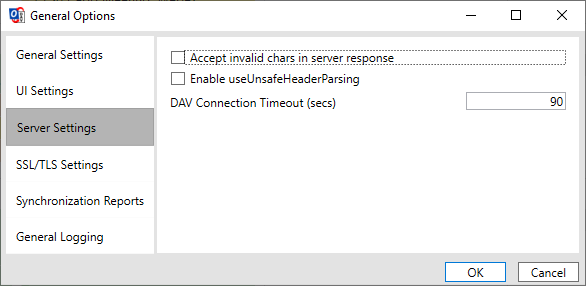
What exactly are your general options/ssl and tls settings? And what Windows/Outlook and .Net versions installed?
@vallant commented on GitHub (Mar 29, 2021):
Hi- sorry for the late reply.
I'm using Outlook 2016 and Windows 10 Enterprise (10.0.19042).
Which is the exact command for finding out the .Net version?
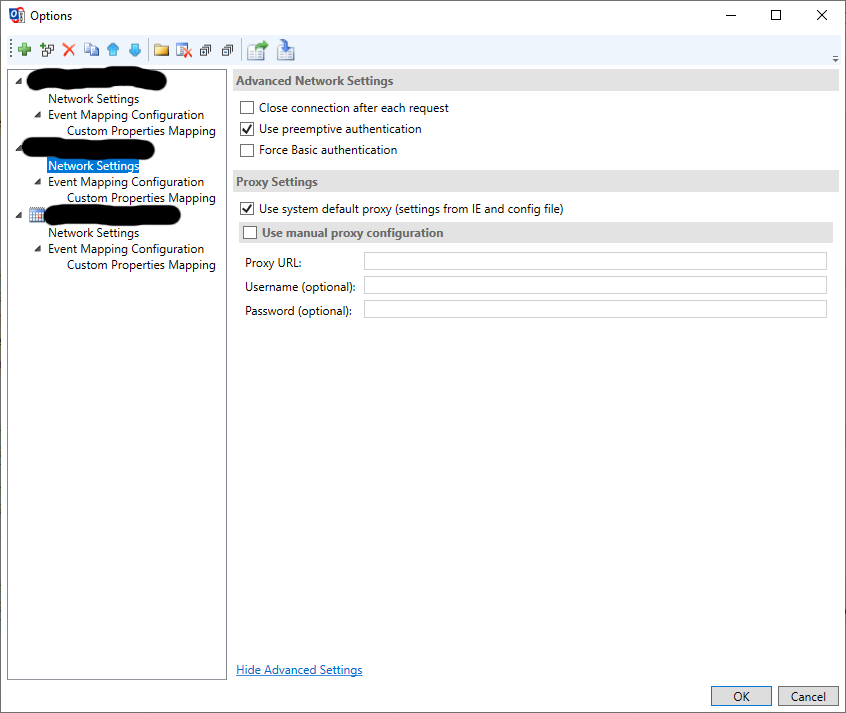
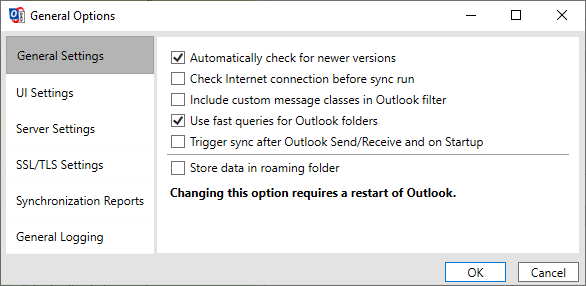
The TLS settings are the following.
@flo-mic commented on GitHub (Jul 27, 2021):
I have the same issue on windows 10 Home 21H1 with Outlook 365 (Version 2106). In the general settings the TLS 1.3 option is enabled. If I enable TLS 1.2 on the webserver the connection is working without any issues. The CalDav Sync Version is 4.1 and .Net 4.8 is installed on the system
@alainwolf commented on GitHub (Mar 6, 2022):
I have the same issue with a Nextcloud server running on a Synology NAS (Nginx -> Apache HTTPD -> PHP -> Nextcloud -> WebDAV).
I found the following announcement from Microsoft in August 2020 regarding TLS 1.3 support:
https://www.microsoft.com/security/blog/2020/08/20/taking-transport-layer-security-tls-to-the-next-level-with-tls-1-3/
There it also says that "... TLS 1.3 support will also be added to .NET beginning with version 5.0. ...".
Looking trough the release announcements of this project, it mentions upgrade of the NET framework to 4.8 with release 4.0.0 in November 2020,
Since then, no release-announcements mention the .NET framework or version 5.0 of it.
I'm not a Windows developer myself, so I don't know how this plays out in users desktops.
@aluxnimm commented on GitHub (Feb 16, 2023):
C# VSTO Add-Ins don't support .Net 5/7 unfortunately, see
https://developercommunity.visualstudio.com/t/please-port-visual-studio-tools-for-office-vsto-to/757925