mirror of
https://github.com/NginxProxyManager/nginx-proxy-manager.git
synced 2026-04-25 17:35:52 +03:00
[GH-ISSUE #2699] Does npm not support proxy for the server deployed on port 80 ? #1863
Labels
No labels
awaiting feedback
bug
cannot reproduce
dns provider request
duplicate
enhancement
enhancement
enhancement
good first issue
help wanted
invalid
need more info
no certbot plugin available
product-support
pull-request
question
stale
troll
upstream issue
v2
v2
v2
v3
wontfix
No milestone
No project
No assignees
1 participant

Notifications
Due date
No due date set.
Dependencies
No dependencies set.
Reference
starred/nginx-proxy-manager-NginxProxyManager#1863
Loading…
Add table
Add a link
Reference in a new issue
No description provided.
Delete branch "%!s()"
Deleting a branch is permanent. Although the deleted branch may continue to exist for a short time before it actually gets removed, it CANNOT be undone in most cases. Continue?
Originally created by @chuwza on GitHub (Mar 17, 2023).
Original GitHub issue: https://github.com/NginxProxyManager/nginx-proxy-manager/issues/2699
My docker config is this:
docker run -d
-p 8188:81
-p 8088:80
-p 4438:443
-v c:/docker/npm/data:/data
-v c:/docker/npm/letsencrypt:/etc/letsencrypt
jc21/nginx-proxy-manager
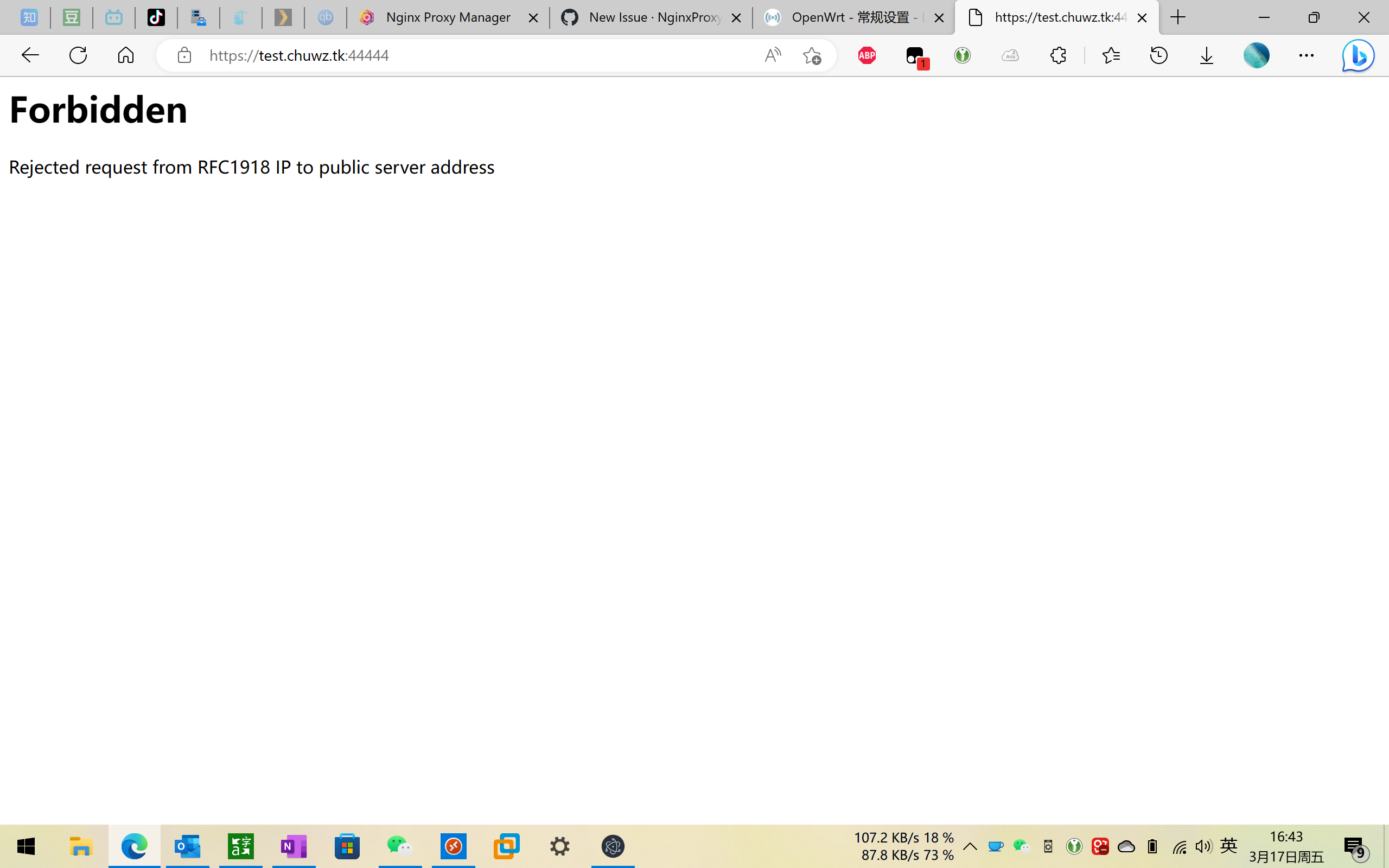
Does npm not support proxy for the server deployed on port 80 ? When I use npm proxies such as 192.168.1.1:80, 192.168.1.2:80, after configuration, I visit the URL , and error "Forbidden Rejected request from RFC1918 IP to public server address"
Even I found that even though I didn't deploy the service on port 80, npm would still report this error when I visited the URL! (In the case of no service, 502 Bad Gateway should be reported, so this is strange)
After my testing, as long as it is not port 80, e.g. emby 192.168.1.2:8096, e.g. calibre-web 192.168.1.2:8083
These internal servers can be successfully proxyed, but once an internal server with port 80 is proxyed, such as 192.168.1.1:80, such as 192.168.1.2:80, the error "Forbidden Rejected request from RFC1918 IP to public server address" will appear
this is OK (192.168.1.2:8096)
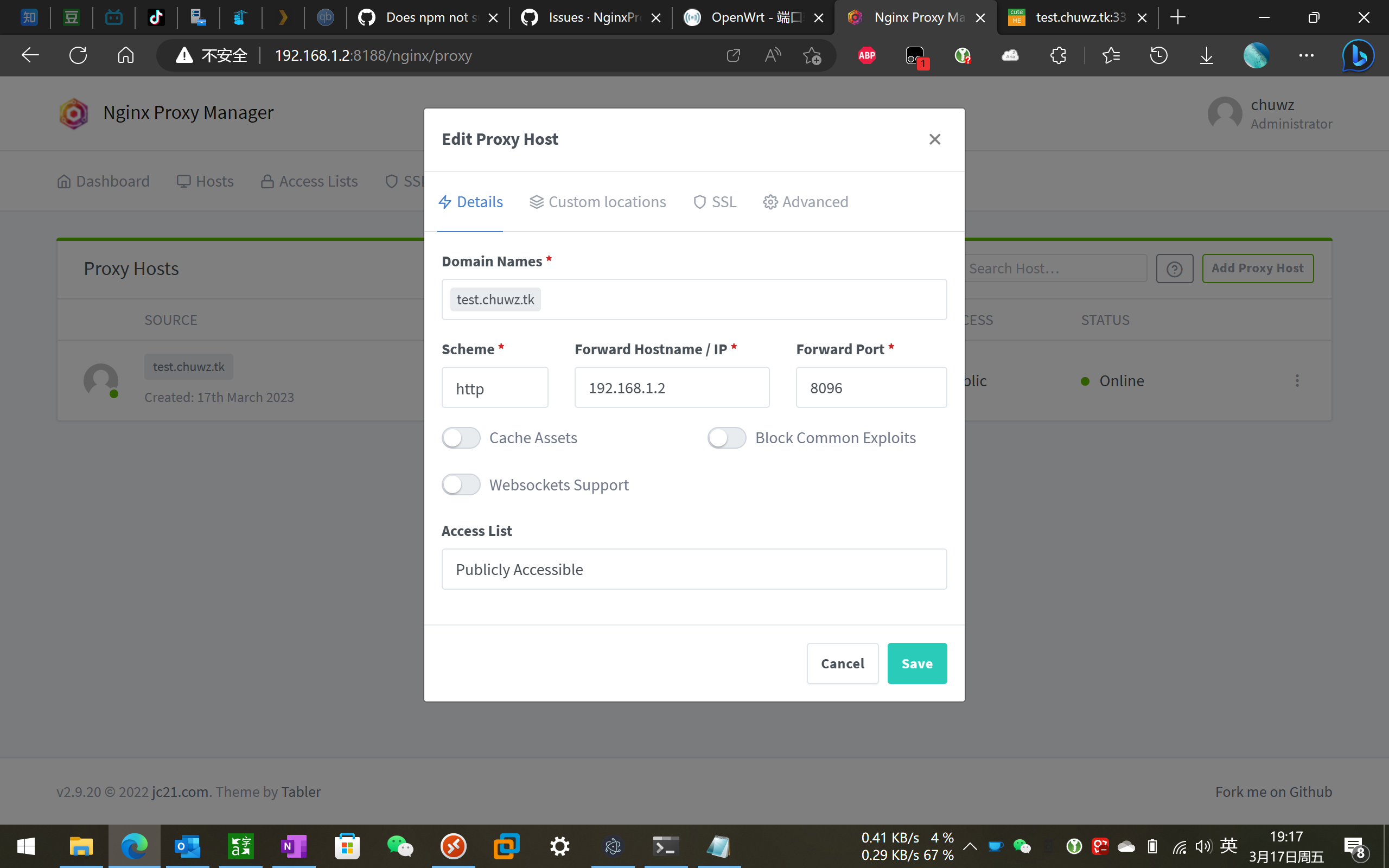
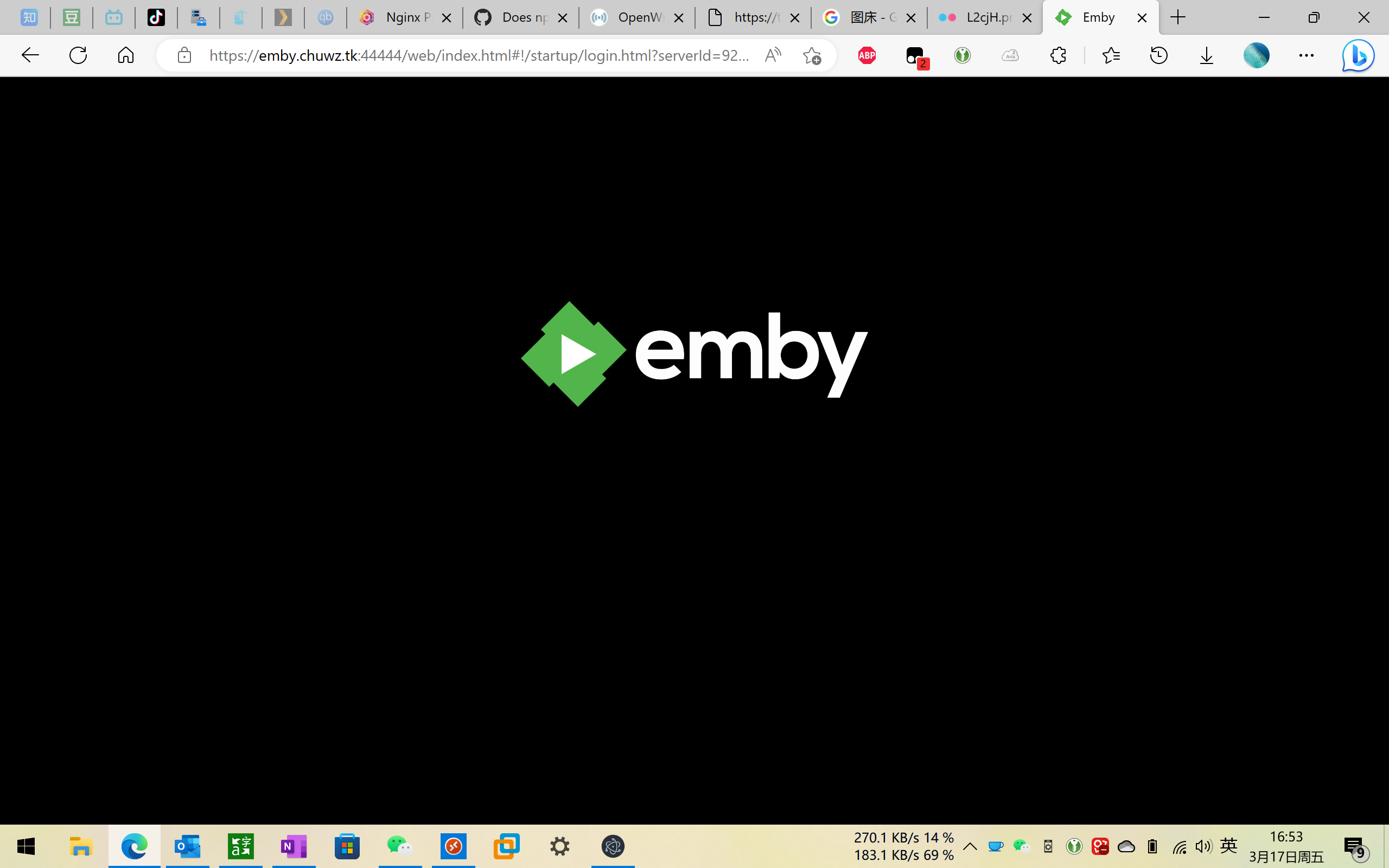
this is error (192.168.1.2:80, it seems that as long as it points to port 80, whether the IP of the service is 192.168.1.1 or 192.168.1.2 or 192.168.1.3, this error will be reported, does npm not support pointing to port 80?)