mirror of
https://github.com/NginxProxyManager/nginx-proxy-manager.git
synced 2026-04-25 01:15:51 +03:00
[GH-ISSUE #1363] WordPress website loses styling when proxied through NPM & Cloudflared Argo Tunnel #1078
Labels
No labels
awaiting feedback
bug
cannot reproduce
dns provider request
duplicate
enhancement
enhancement
enhancement
good first issue
help wanted
invalid
need more info
no certbot plugin available
product-support
pull-request
question
stale
troll
upstream issue
v2
v2
v2
v3
wontfix
No milestone
No project
No assignees
1 participant

Notifications
Due date
No due date set.
Dependencies
No dependencies set.
Reference
starred/nginx-proxy-manager-NginxProxyManager#1078
Loading…
Add table
Add a link
Reference in a new issue
No description provided.
Delete branch "%!s()"
Deleting a branch is permanent. Although the deleted branch may continue to exist for a short time before it actually gets removed, it CANNOT be undone in most cases. Continue?
Originally created by @TomKamin1 on GitHub (Aug 30, 2021).
Original GitHub issue: https://github.com/NginxProxyManager/nginx-proxy-manager/issues/1363
Describe the bug
I'm getting odd behaviour when i combined Proxy manager & Cloudflared (argo tunnel) & Wordpress on my Unraid server. Instead of my website having normal styling, it seems to only display text, but ONLY on the domain, not on my LAN server ip. Cloudflare setup remains the same as it were before (when i used SWAG, it worked fine).
Nginx Proxy Manager Version
v2.9.8
To Reproduce
Steps to reproduce the behavior:
Correctly setup MariaDB, Cloudflared and WordPress docker templates on Unraid. Attempt to have all traffic go through cloudflared, directly to NPM.
Expected behavior
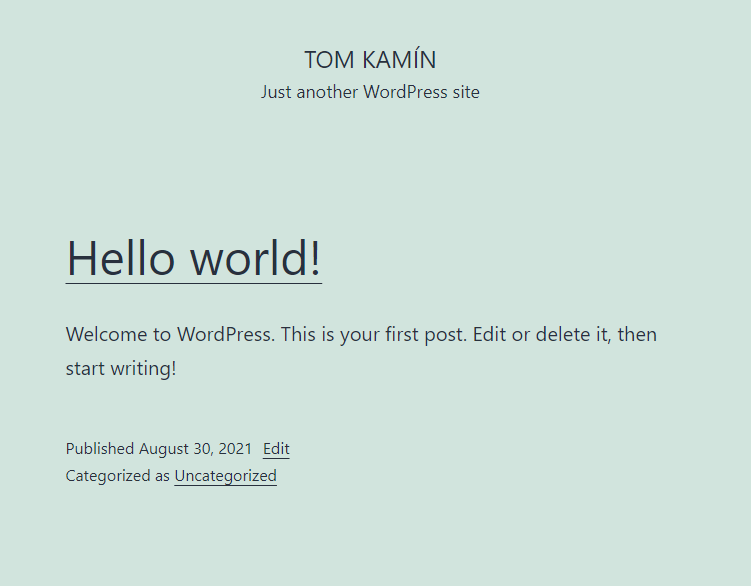
Check second screenshot.
Screenshots
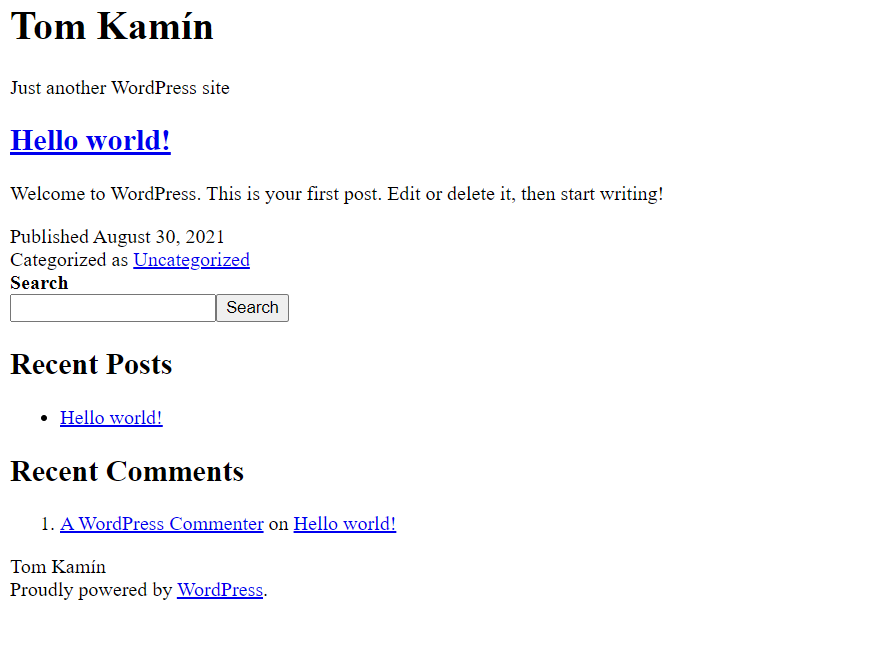
How the website looks through Nginx
How it looks on LAN
Operating System
Unraid 6.9.2
Any help / ideas what this could be are welcome !
@mastoltejr commented on GitHub (Sep 15, 2021):
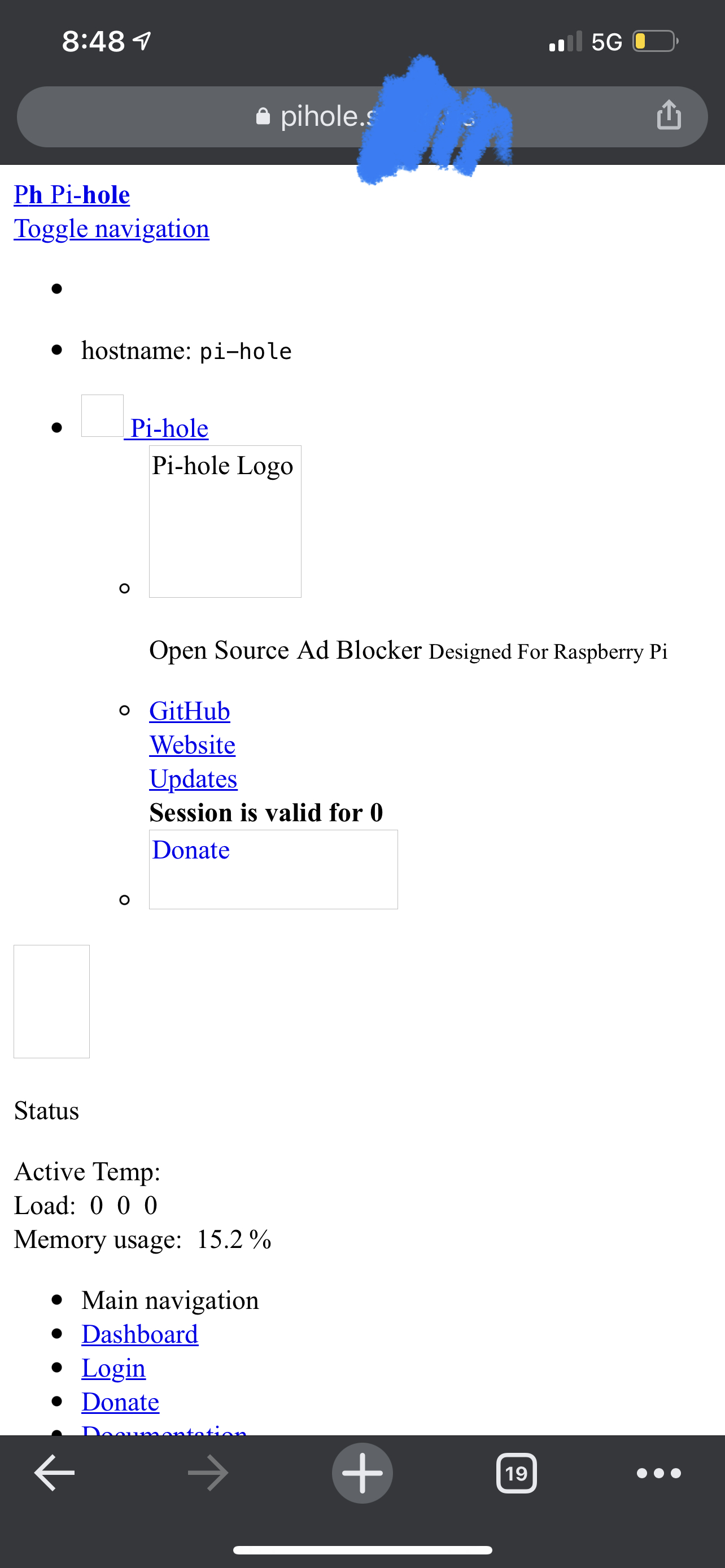
I have the same issue with my pihole web UI and I have Cloudflare as my dns provider.
@yun00001 commented on GitHub (Oct 13, 2021):
I got the same issue also. Do you guys got any resolution for this?
@TomKamin1 commented on GitHub (Oct 13, 2021):
It ended up being caused by the wordpress container being installed before
i set up NGNIX. You need to do the initial setup through the actual UI it
will be on later on in Wordpress.
@yun00001 commented on GitHub (Oct 13, 2021):
Okay i'll try it later! Tysm!
@jc21 commented on GitHub (Oct 13, 2021):
Yes wordpress likes to hardcode the entire domain url inside the database in a lot of different places.
In the past I've had to run a wordpress plugin on the command line that replaces one string (domain) with another in all places and since some of those places are "php serialized" you can't just use sql for it :/
I hate wordpress for a lot of reasons but this one specifically erks me.