mirror of
https://github.com/FiloSottile/mkcert.git
synced 2026-04-25 13:36:02 +03:00
[GH-ISSUE #256] ERR_CERT_AUTHORITY #168
Labels
No labels
TLS stack issue
Windows
bug
duplicate
duplicate
enhancement
help wanted
help wanted
pull-request
question
question
root store
waiting for info
No milestone
No project
No assignees
1 participant

Notifications
Due date
No due date set.
Dependencies
No dependencies set.
Reference
starred/mkcert#168
Loading…
Add table
Add a link
Reference in a new issue
No description provided.
Delete branch "%!s()"
Deleting a branch is permanent. Although the deleted branch may continue to exist for a short time before it actually gets removed, it CANNOT be undone in most cases. Continue?
Originally created by @catur515 on GitHub (Apr 17, 2020).
Original GitHub issue: https://github.com/FiloSottile/mkcert/issues/256
I use nodejs on windows, when accessed from the desktop there are no problems.
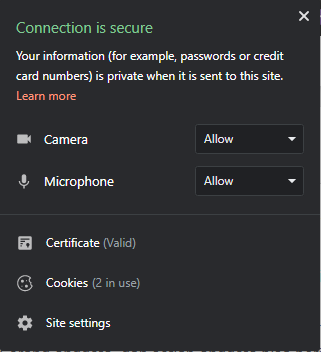
But when accessed from android. "Your Connection is not Private" ERR_CERT_AUTHORITY_INVALID

Then I try to check at https://www.ssllabs.com/ssltest
the results are as follows:
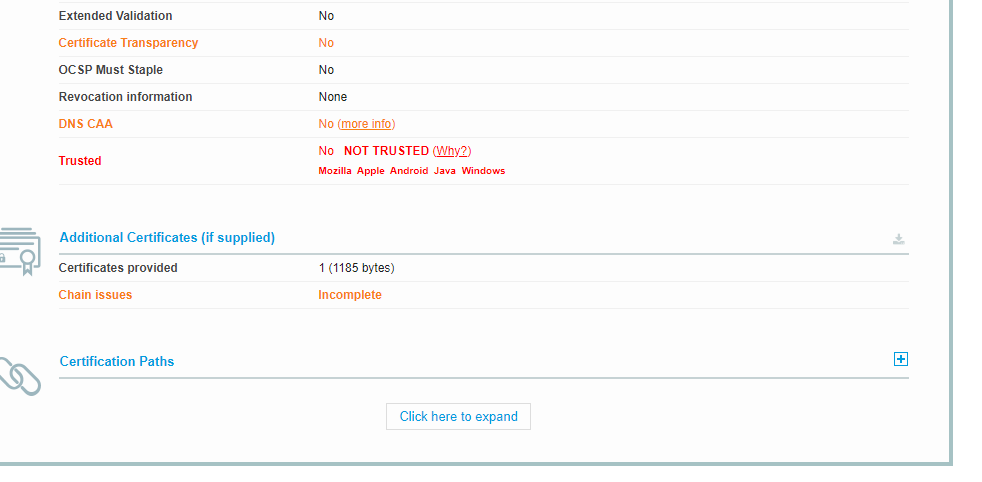
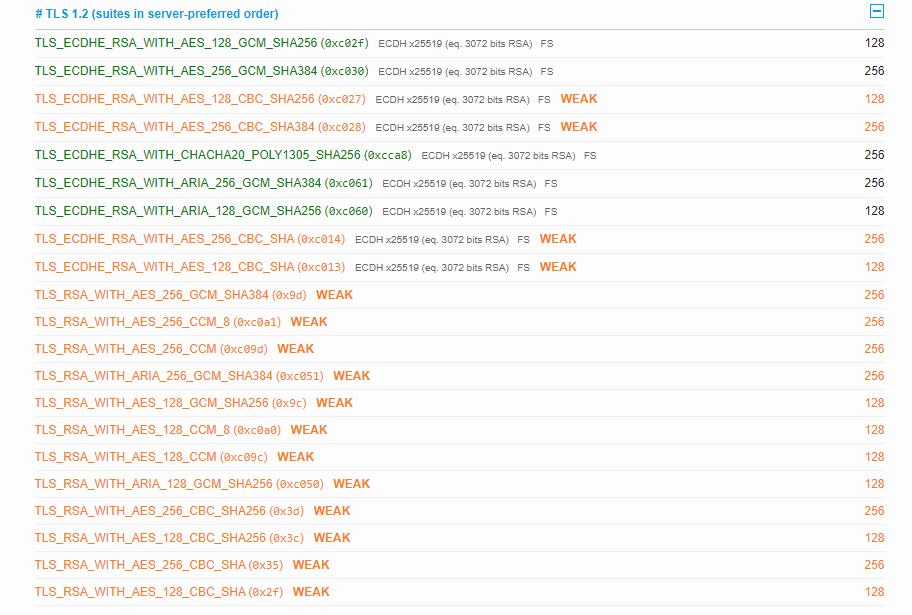
@FiloSottile commented on GitHub (Oct 25, 2020):
mkcert certificates are NOT production certificates, so they will never work with third-party clients like SSL Labs. For production certificates look at Let's Encrypt.
For mkcert to work, you need to install the root on the device. For Android devices, see https://github.com/FiloSottile/mkcert#mobile-devices