mirror of
https://github.com/hoppscotch/hoppscotch.git
synced 2026-04-25 16:55:59 +03:00
[GH-ISSUE #2776] Local env not working #900
Labels
No labels
CodeDay
a11y
browser limited
bug
bug fix
cli
core
critical
design
desktop
discussion
docker
documentation
duplicate
enterprise
feature
feature
fosshack
future
good first issue
hacktoberfest
help wanted
i18n
invalid
major
minor
need information
need testing
not applicable to hoppscotch
not reproducible
pull-request
question
refactor
resolved
sandbox
self-host
spam
stale
testmu
wip
wont fix
No milestone
No project
No assignees
1 participant

Notifications
Due date
No due date set.
Dependencies
No dependencies set.
Reference
starred/hoppscotch#900
Loading…
Add table
Add a link
Reference in a new issue
No description provided.
Delete branch "%!s()"
Deleting a branch is permanent. Although the deleted branch may continue to exist for a short time before it actually gets removed, it CANNOT be undone in most cases. Continue?
Originally created by @Akshay448 on GitHub (Oct 11, 2022).
Original GitHub issue: https://github.com/hoppscotch/hoppscotch/issues/2776
I am trying to develop hoppscotch in my local , i am using docker-compose
The issue is that docker-compose.yml file has this command _ command: "pnpm run dev"_
The dockerfile is successfully build and container runs fine, but when i go to localhost:3000, the error is
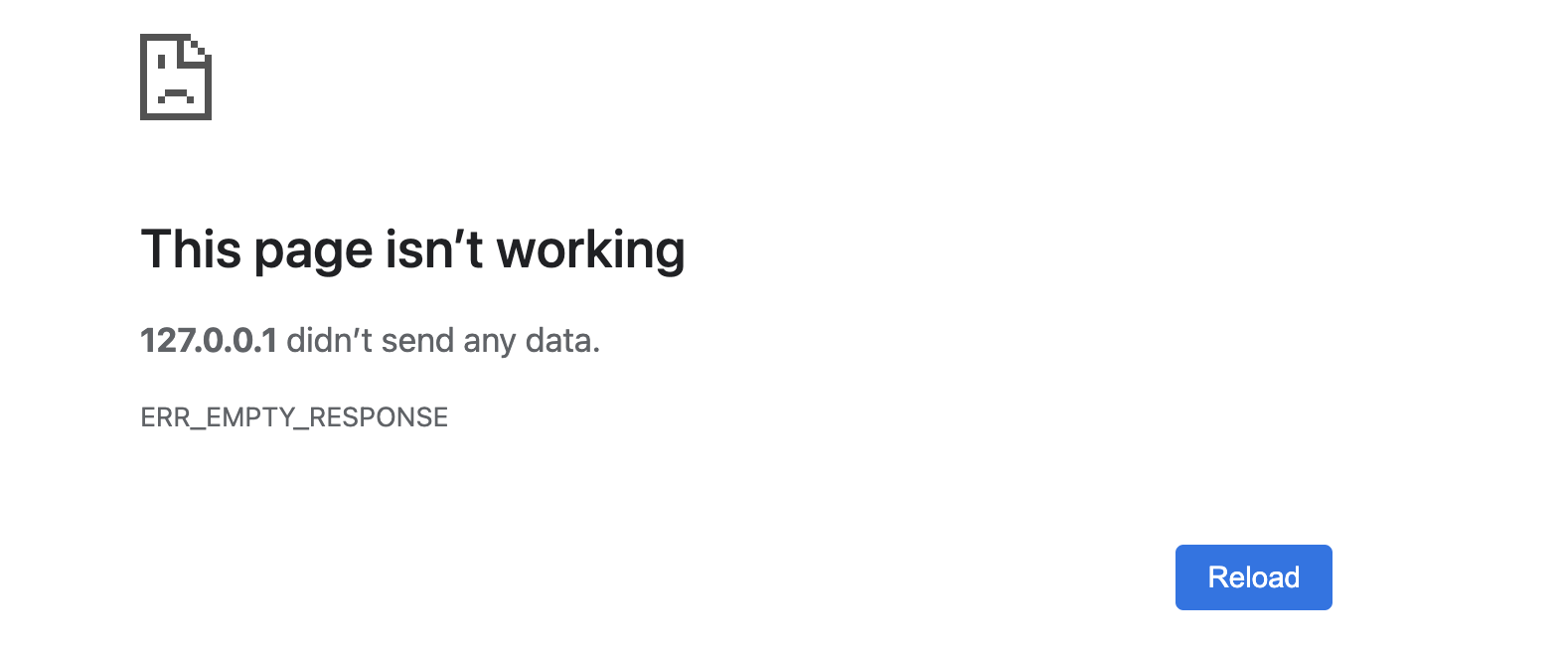
but when i change the command to pnpm run start, everything is fine, and website loads in my local.
But it would be really great, if i can load my website in my. local using pnpm run dev, so i can map the exact volumes with my code and debug.
Can someone help me with this issue please?
@liyasthomas commented on GitHub (Oct 12, 2022):
There used to be an issue with Docker which has been resolved (via
github.com/hoppscotch/hoppscotch@5701454c02) in the latestmainbranch. Pull the latest commits on the main branch and re run Docker compose.Kindly reopen this issue ticket if pulling latest commits doesn't fix the issue.
@shreeraj4595 commented on GitHub (Oct 14, 2022):
The issue is still there, I am using the latest commit which was pulled today and I am facing exactly the same issue.