mirror of
https://github.com/hoppscotch/hoppscotch.git
synced 2026-04-26 09:16:03 +03:00
[GH-ISSUE #2170] [bug]: Cannot send request using Brave browser + Chrome extension #735
Labels
No labels
CodeDay
a11y
browser limited
bug
bug fix
cli
core
critical
design
desktop
discussion
docker
documentation
duplicate
enterprise
feature
feature
fosshack
future
good first issue
hacktoberfest
help wanted
i18n
invalid
major
minor
need information
need testing
not applicable to hoppscotch
not reproducible
pull-request
question
refactor
resolved
sandbox
self-host
spam
stale
testmu
wip
wont fix
No milestone
No project
No assignees
1 participant

Notifications
Due date
No due date set.
Dependencies
No dependencies set.
Reference
starred/hoppscotch#735
Loading…
Add table
Add a link
Reference in a new issue
No description provided.
Delete branch "%!s()"
Deleting a branch is permanent. Although the deleted branch may continue to exist for a short time before it actually gets removed, it CANNOT be undone in most cases. Continue?
Originally created by @lucrnz on GitHub (Mar 16, 2022).
Original GitHub issue: https://github.com/hoppscotch/hoppscotch/issues/2170
Is there an existing issue for this?
Current behavior
When I open the site and try to do a get call against my local Python's http server, the request cannot be sent.
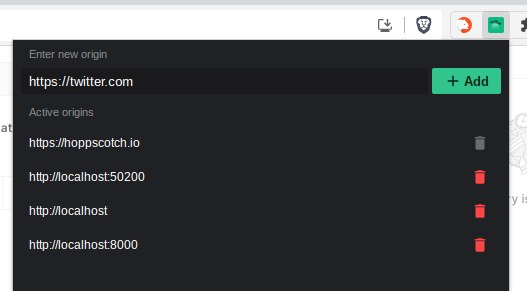
Here is the configuration for the extension.
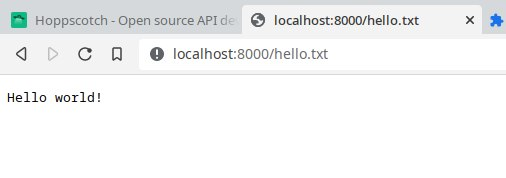
As you can see the end-point is indeed working.
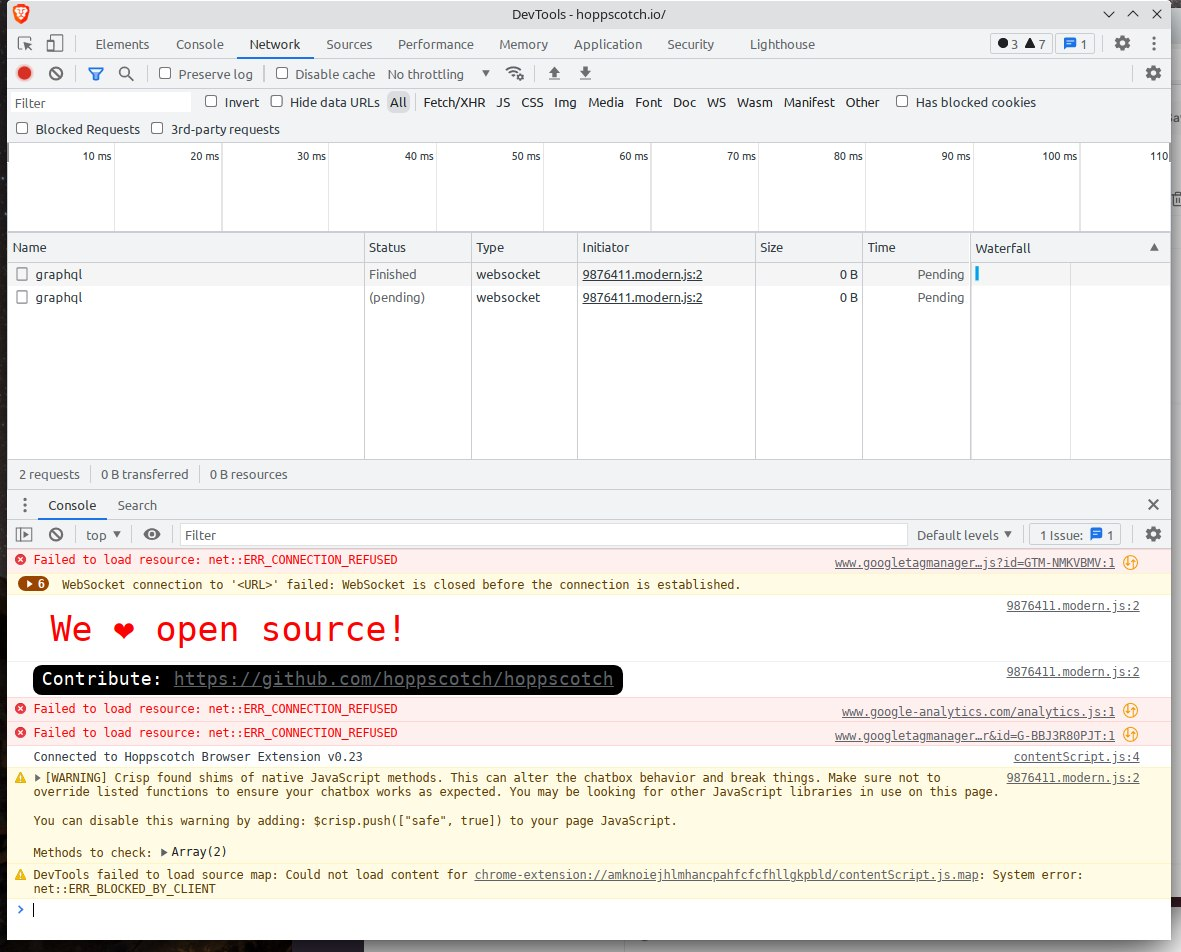
Developer console:
Here is an error log, that I could gather using dev tools:
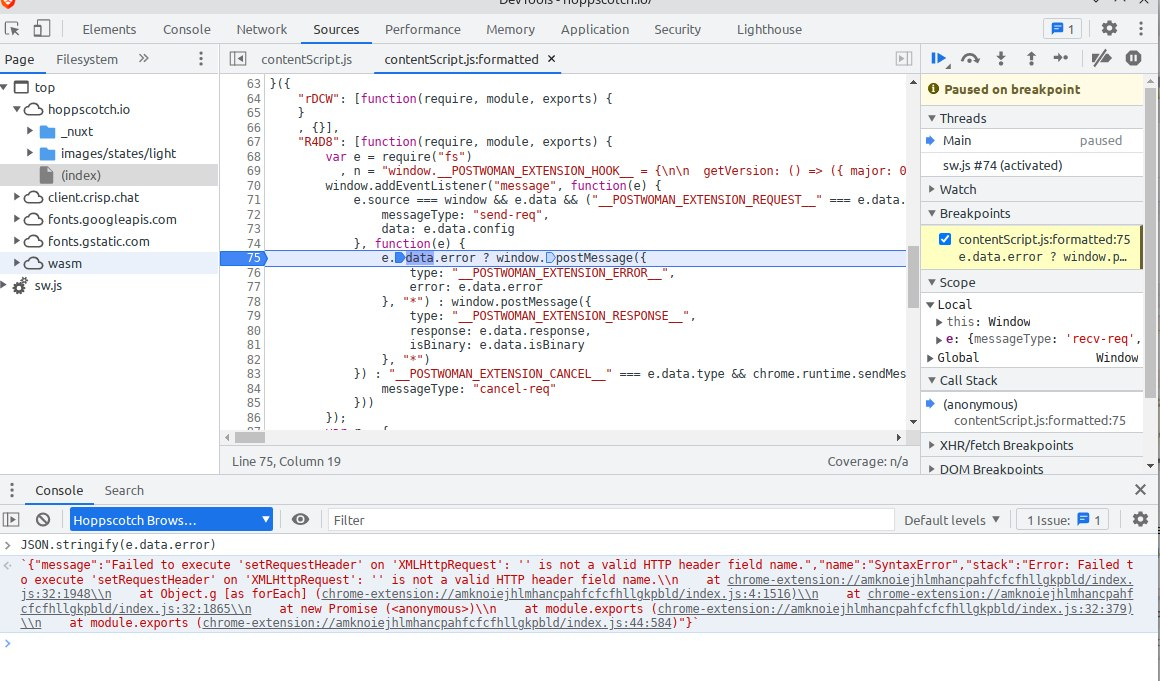
{"message":"Failed to execute 'setRequestHeader' on 'XMLHttpRequest': '' is not a valid HTTP header field name.","name":"SyntaxError","stack":"Error: Failed to execute 'setRequestHeader' on 'XMLHttpRequest': '' is not a valid HTTP header field name.\\n at chrome-extension://amknoiejhlmhancpahfcfcfhllgkpbld/index.js:32:1948\\n at Object.g [as forEach] (chrome-extension://amknoiejhlmhancpahfcfcfhllgkpbld/index.js:4:1516)\\n at chrome-extension://amknoiejhlmhancpahfcfcfhllgkpbld/index.js:32:1865\\n at new Promise (<anonymous>)\\n at module.exports (chrome-extension://amknoiejhlmhancpahfcfcfhllgkpbld/index.js:32:379)\\n at module.exports (chrome-extension://amknoiejhlmhancpahfcfcfhllgkpbld/index.js:44:584)"}Steps to reproduce
python -m http.server --bind 127.0.0.1 8000http://localhost:8000/hello.txtEnvironment
Production
Version
Cloud
@AndrewBastin commented on GitHub (Mar 16, 2022):
@lucie-cupcakes I am unable to reproduce this in my end, could be some weird type mismatch issue.
Can you switch to the Headers tab and completely clear all the headers defined in it ?
Or you can click on the Arrow to the side of the Send Icon and click on
Clear all. This button clears the request configuration to the default one and should fix that in the mean time.After doing either of the steps and running your request again, does your issue still persist ?
@lucrnz commented on GitHub (Mar 16, 2022):
@AndrewBastin Thanks, that fixed my issue!
Maybe it was a bad cache or something.