mirror of
https://github.com/hoppscotch/hoppscotch.git
synced 2026-04-25 08:45:58 +03:00
[GH-ISSUE #1058] Not able to create a collection in chrome #368
Labels
No labels
CodeDay
a11y
browser limited
bug
bug fix
cli
core
critical
design
desktop
discussion
docker
documentation
duplicate
enterprise
feature
feature
fosshack
future
good first issue
hacktoberfest
help wanted
i18n
invalid
major
minor
need information
need testing
not applicable to hoppscotch
not reproducible
pull-request
question
refactor
resolved
sandbox
self-host
spam
stale
testmu
wip
wont fix
No milestone
No project
No assignees
1 participant

Notifications
Due date
No due date set.
Dependencies
No dependencies set.
Reference
starred/hoppscotch#368
Loading…
Add table
Add a link
Reference in a new issue
No description provided.
Delete branch "%!s()"
Deleting a branch is permanent. Although the deleted branch may continue to exist for a short time before it actually gets removed, it CANNOT be undone in most cases. Continue?
Originally created by @sameer1001 on GitHub (Aug 8, 2020).
Original GitHub issue: https://github.com/hoppscotch/hoppscotch/issues/1058
Describe the bug
When I am trying to create a new collection in Chrome, it is not throwing any error, neither the collection getting created. I tried with Edge, it seems to work.
To Reproduce
Steps to reproduce the behavior:
Expected behavior
The collection should be created on the right side, but I don't see any collection getting created.
When I look at the Console, I see the attached error.
Screenshots
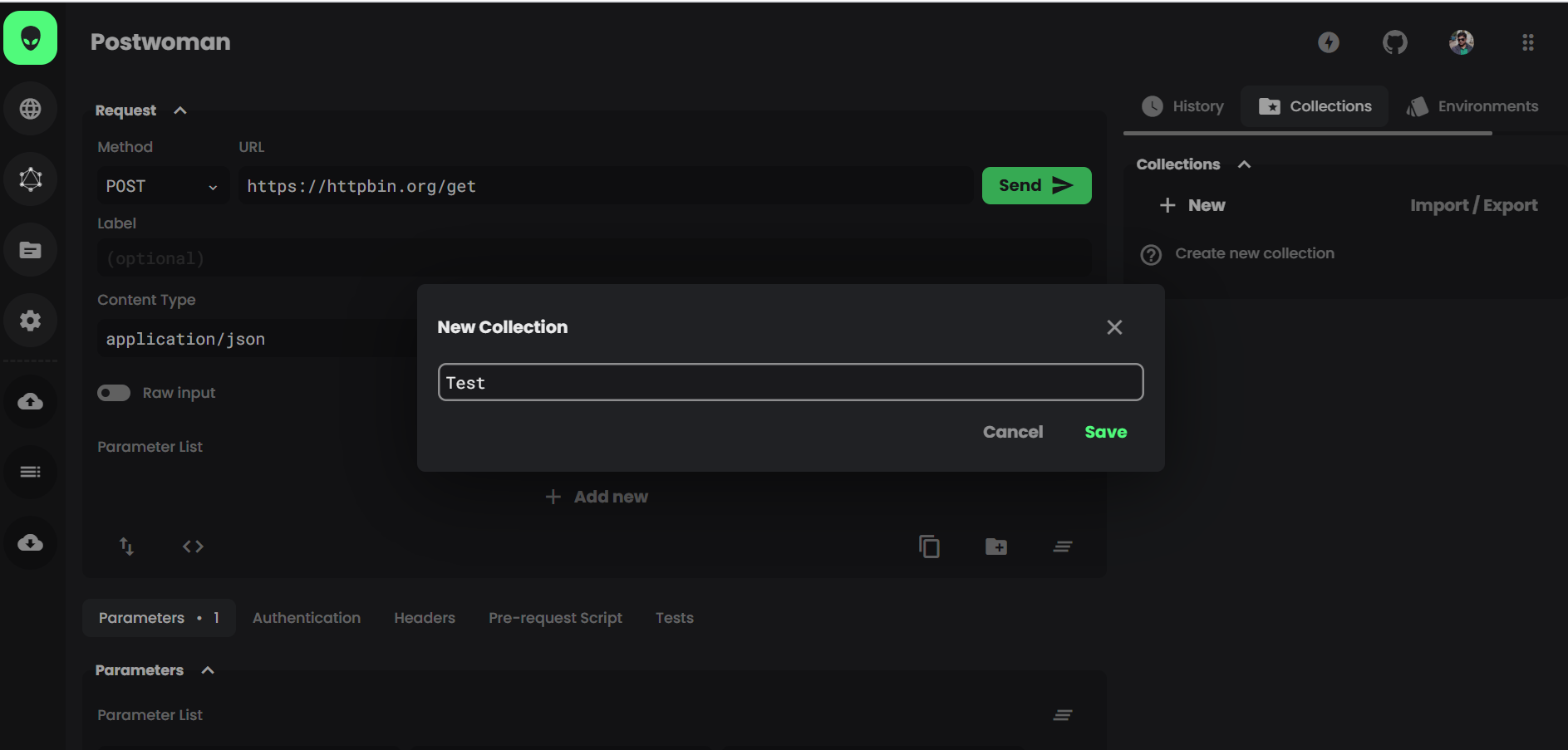
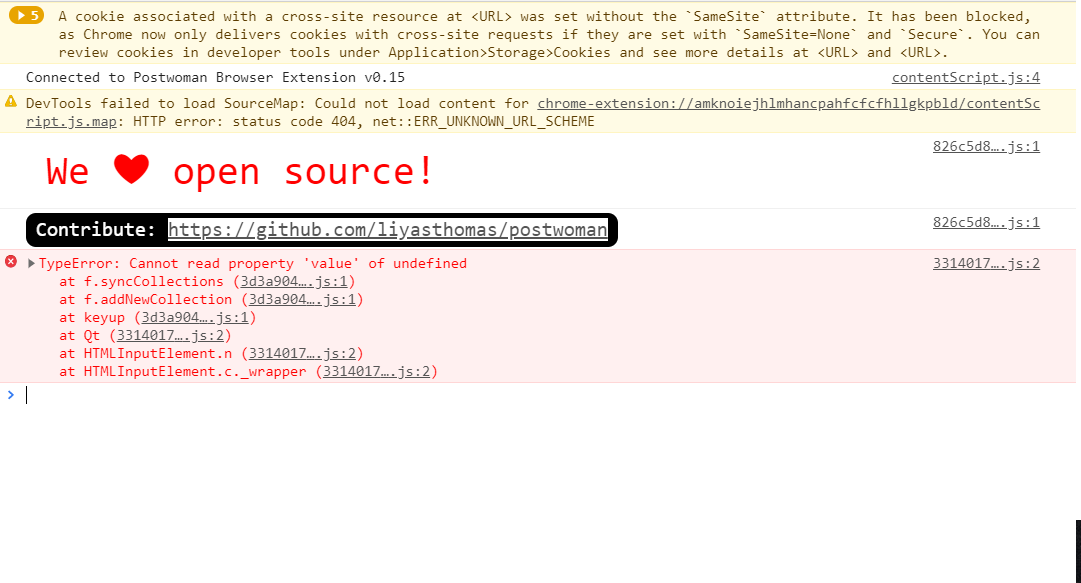
If applicable, add screenshots to help explain your problem.
Desktop (please complete the following information):
Additional context
Seems to work in Edge, so could be an issue with Chrome latest version.
@liyasthomas commented on GitHub (Aug 10, 2020):
I can't reproduce this issue at my end. Can you produce a screenrecord?
@liyasthomas commented on GitHub (Aug 10, 2020):
@AndrewBastin can you reproduce this issue at your end?
@AndrewBastin commented on GitHub (Aug 10, 2020):
Nope. Can't reproduce it.
@sameer1001 if the issue is still going on for you, please clear the browser storage for Postwoman through DevTools and try again.
@liyasthomas commented on GitHub (Aug 10, 2020):
Feel free to reopen if the issue persist.