mirror of
https://github.com/hoppscotch/hoppscotch.git
synced 2026-04-26 09:16:03 +03:00
[GH-ISSUE #607] Can't login on Brave Browser #219
Labels
No labels
CodeDay
a11y
browser limited
bug
bug fix
cli
core
critical
design
desktop
discussion
docker
documentation
duplicate
enterprise
feature
feature
fosshack
future
good first issue
hacktoberfest
help wanted
i18n
invalid
major
minor
need information
need testing
not applicable to hoppscotch
not reproducible
pull-request
question
refactor
resolved
sandbox
self-host
spam
stale
testmu
wip
wont fix
No milestone
No project
No assignees
1 participant

Notifications
Due date
No due date set.
Dependencies
No dependencies set.
Reference
starred/hoppscotch#219
Loading…
Add table
Add a link
Reference in a new issue
No description provided.
Delete branch "%!s()"
Deleting a branch is permanent. Although the deleted branch may continue to exist for a short time before it actually gets removed, it CANNOT be undone in most cases. Continue?
Originally created by @sawa-ko on GitHub (Feb 26, 2020).
Original GitHub issue: https://github.com/hoppscotch/hoppscotch/issues/607
Describe the bug
I try to log in from the PC with Google or with Github but I only get an error that the action has been denied.
To Reproduce
Steps to reproduce the behavior:
Expected behavior
I was hoping to be able to log in as well to be able to synchronize all my requests.
Screenshots
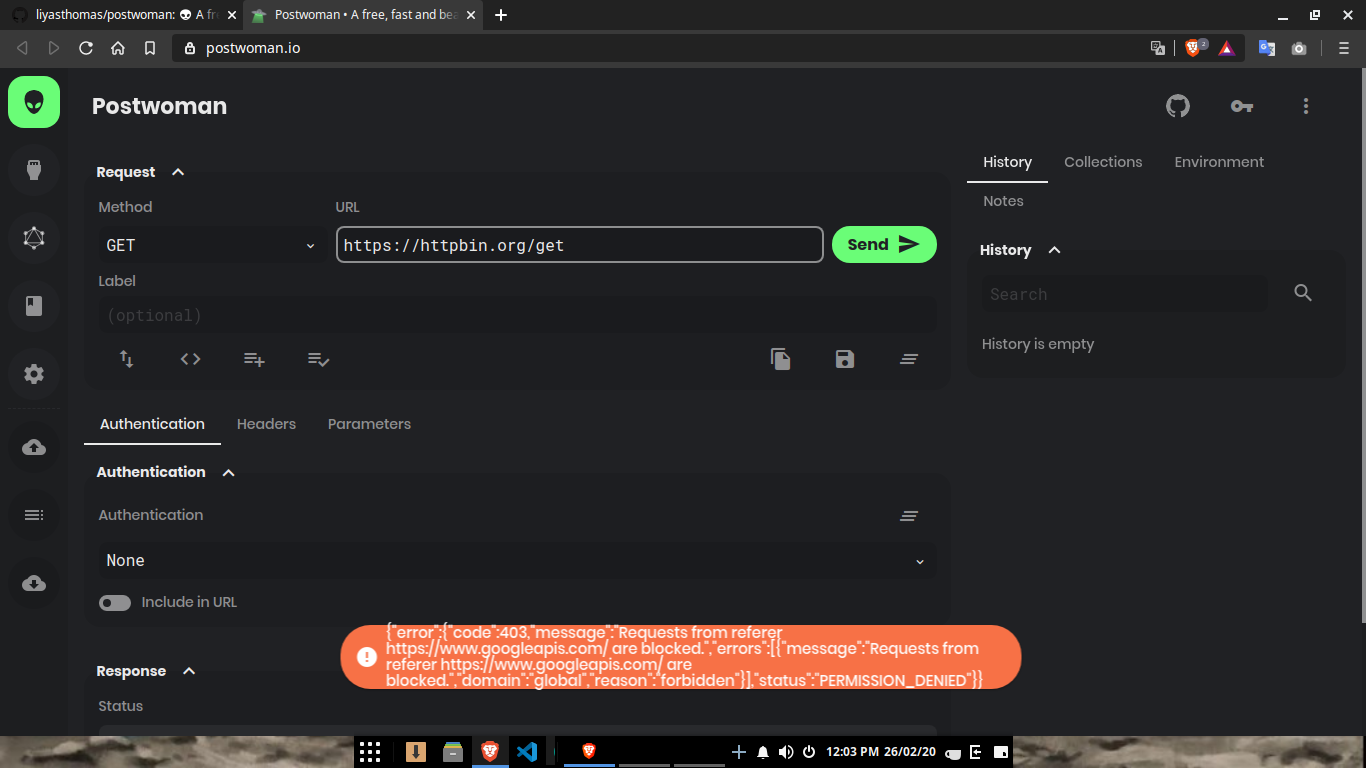
Desktop:
@dihmeetree commented on GitHub (Feb 26, 2020):
Thanks for starting an issue thread for this @taksumaki We'll make sure we get this sorted out ASAP, if there is indeed an issue! Thanks for your patience :)
@dihmeetree commented on GitHub (Feb 26, 2020):
I'm wondering if this was a temporary error? Can you reset the pages application cache, by right clicking on the page, then clicking ->
Inspect Element > Application > Clear site data, and then refresh and try again @taksumaki ?Note: I was able to login with Github and Google just fine, when I tried. Maybe others can try as well? @NBTX @AndrewBastin
If not, this could also be an issue with Firebase not set to allow multiple accounts with the same email address. I know that I already signed up with Github with an email address, and if I try to login to Google with that same email address it won't let me login. There's an option in Firebase to disable this @liyasthomas.
@sawa-ko commented on GitHub (Feb 26, 2020):
No, my Github account and my Google account have totally different emails.
Also try the steps of deleting the site data as you said, and the same result.
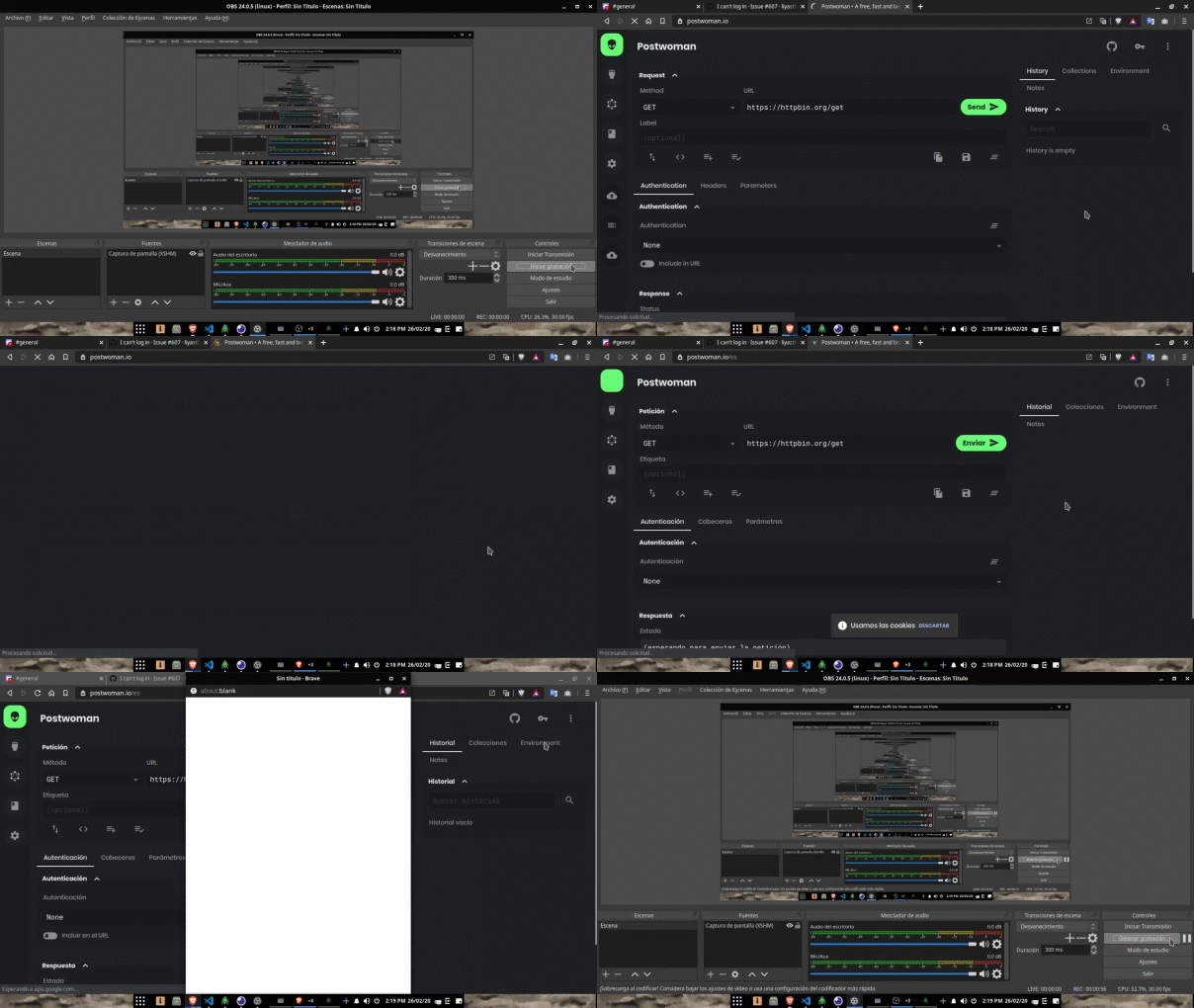
Attached video of the page.
@dihmeetree commented on GitHub (Feb 26, 2020):
I see you're using the Brave browser. Can you use the regular Chrome browser, and tell me if it works then? @taksumaki
@sawa-ko commented on GitHub (Feb 26, 2020):
With Google Chrome it seems to work perfect, I can log in normally. I don't understand why with Brave Browser you can't.
@dihmeetree commented on GitHub (Feb 26, 2020):
Hmm yeah interesting! Atleast we found the root of the issue :) Thanks for the troubleshooting steps. @liyasthomas hopefully you can take a look into this?
@liyasthomas commented on GitHub (Feb 26, 2020):
There'll be a 3rd party extension or prolly an in-built feature that restrict access to store cookies.
Track issue ticket on Brave community: https://community.brave.com/t/cant-sign-in-to-any-website-using-google-sign-in/38109