mirror of
https://github.com/hwdsl2/docker-ipsec-vpn-server.git
synced 2026-04-26 10:05:48 +03:00
[GH-ISSUE #100] macos unable connect vpn server running on vps #88

Loading…
Add table
Add a link
Reference in a new issue
No description provided.
Delete branch "%!s()"
Deleting a branch is permanent. Although the deleted branch may continue to exist for a short time before it actually gets removed, it CANNOT be undone in most cases. Continue?
Originally created by @lncan on GitHub (Nov 19, 2018).
Original GitHub issue: https://github.com/hwdsl2/docker-ipsec-vpn-server/issues/100
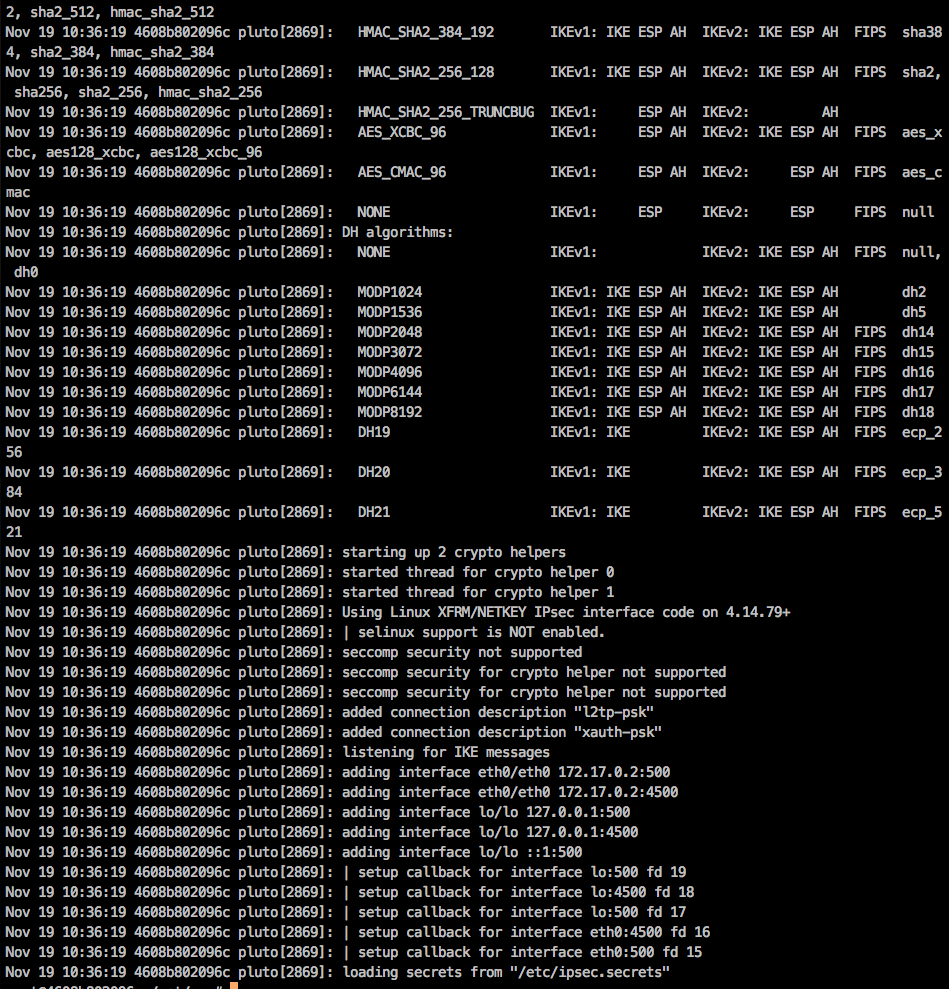
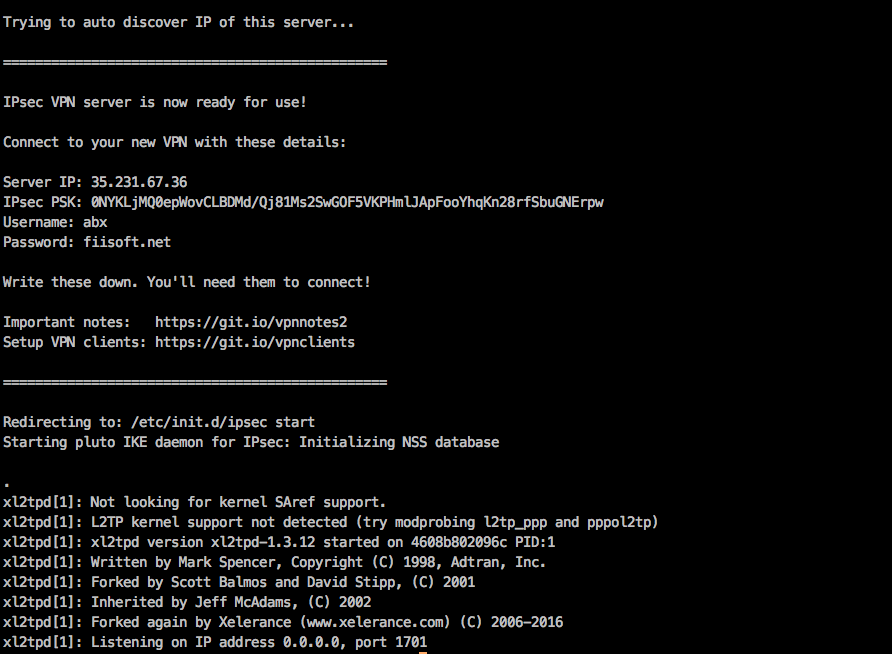
Hi guys, I followed this tutorial to run libreswan ipsec vpn server on google cloud. But when i cannot connect to server. Here is my log:
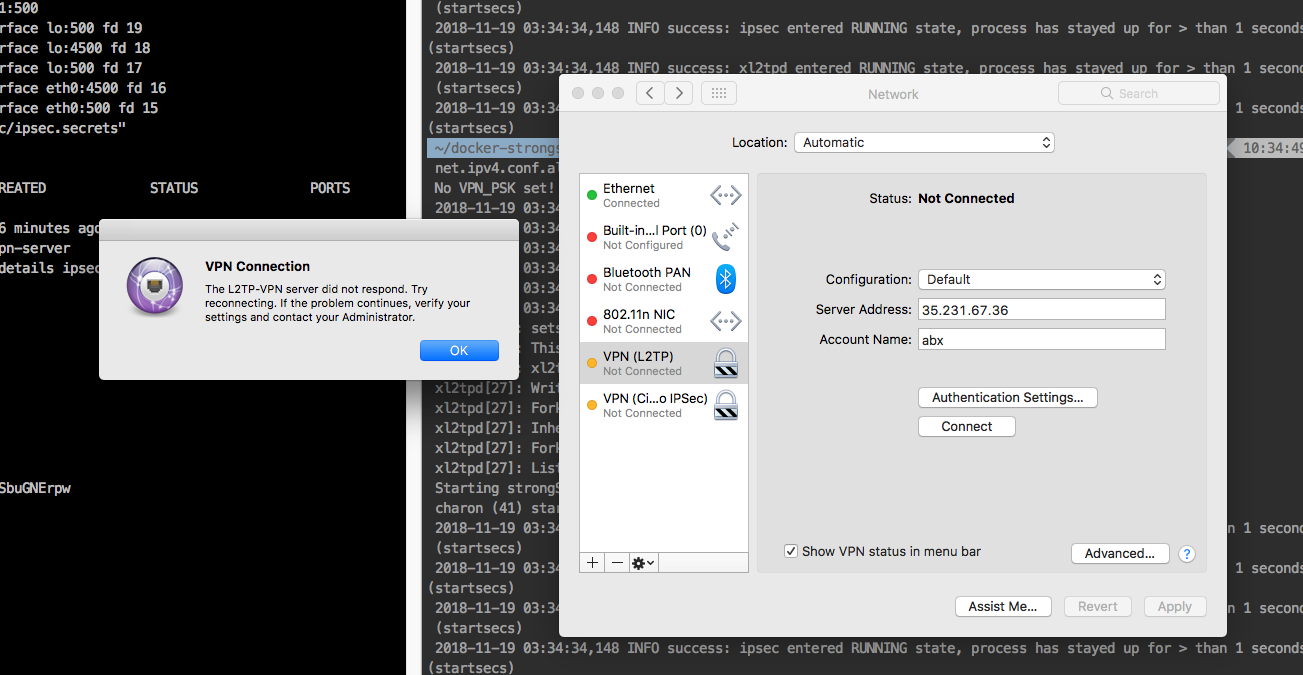
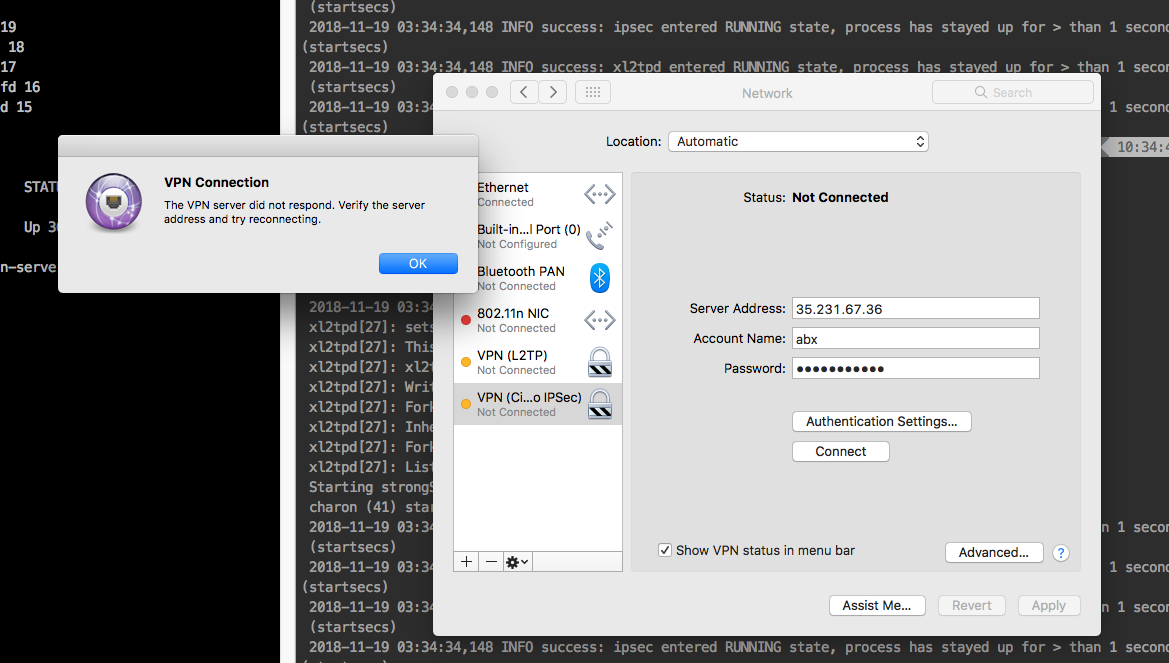
I tried to connect, but this error always occur everytime:
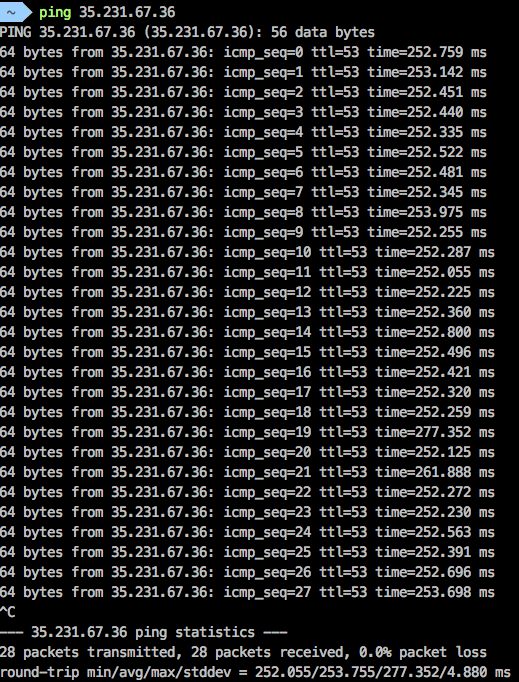
While I can ping this ip normally:
I sure that i do all step correctly. I searched and tried to fix it but no successful. i don't know where error from? Anybody has solution about that and please let me know details that how can i correct this error? Thank you.
@hwdsl2 commented on GitHub (Nov 19, 2018):
@lncan Hello! You’ll need to open UDP ports 500 and 4500 for the VPN in your Google Cloud firewall settings for this server. Search Google for how to open the two ports. Before doing that, make sure to delete and re-create the Docker container with a new secure IPsec PSK and password (you posted those in the screenshot)