mirror of
https://github.com/budtmo/docker-android.git
synced 2026-04-25 12:15:52 +03:00
[GH-ISSUE #53] Show clock in the video #41
Labels
No milestone
No project
No assignees
1 participant

Notifications
Due date
No due date set.
Dependencies
No dependencies set.
Reference
starred/docker-android#41
Loading…
Add table
Add a link
Reference in a new issue
No description provided.
Delete branch "%!s()"
Deleting a branch is permanent. Although the deleted branch may continue to exist for a short time before it actually gets removed, it CANNOT be undone in most cases. Continue?
Originally created by @yamamoo on GitHub (Dec 15, 2017).
Original GitHub issue: https://github.com/budtmo/docker-android/issues/53
Hi.
Is there an easy way to show current time in the recorded video? The emulator shows the hour and minute clock, but I want to see the seconds.
@yamamoo commented on GitHub (Jan 9, 2018):
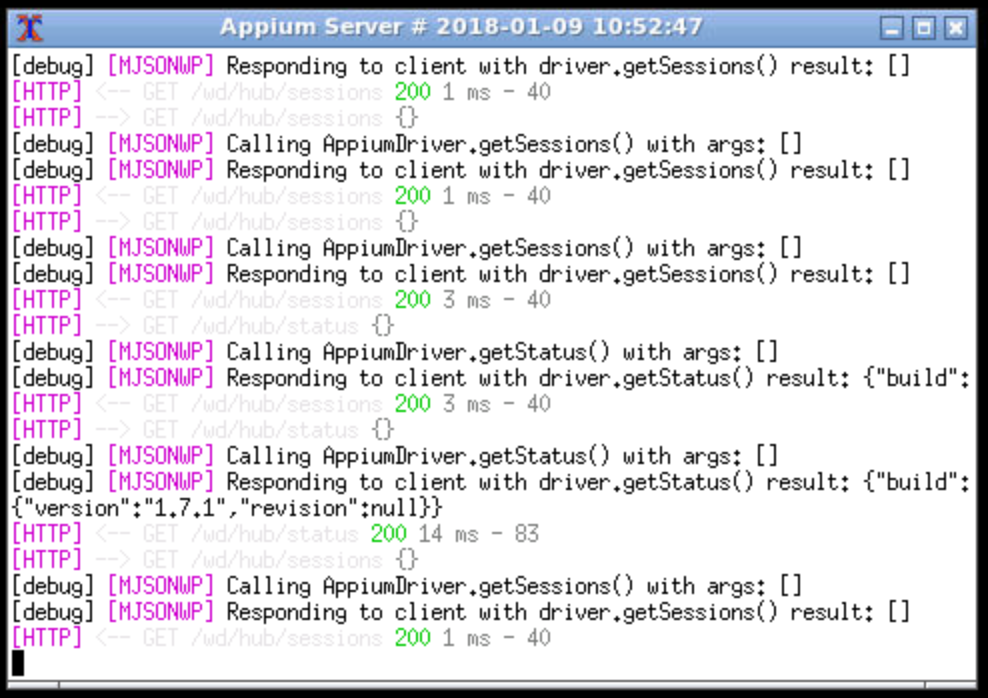
Looks like I can run a simple script like this to show the current time on the Appium Server terminal window title.
The Android container does not have the wmctrl command, so it needs to be installed.