mirror of
https://github.com/NickeManarin/ScreenToGif.git
synced 2026-04-25 23:25:52 +03:00
[GH-ISSUE #956] [Feature Request] Set the color for click highlights #730
Labels
No labels
copy cats
duplicated
future feature
pull-request
⬜ Accepted
⬜ Completed
⬜ Help Wanted 💪
⬜ In Progress
⬜ Missing Details
⬜ Pending
⬜ Waiting For Answer ⏳
🆕 feature preview
🔷 Bug 🐛
🔷 Out Of Scope
🔷 Out Of Scope
🔷 Question
🔷Enhancement
🔷Enhancement
🔷Invalid / External
🔷Knowledge Base
🔷Won't Fix
🕑 High
🕑 High
🕑 High
🕕 Medium
🕙 Low
🕛 Critical
No milestone
No project
No assignees
1 participant

Notifications
Due date
No due date set.
Dependencies
No dependencies set.
Reference
starred/ScreenToGif#730
Loading…
Add table
Add a link
Reference in a new issue
No description provided.
Delete branch "%!s()"
Deleting a branch is permanent. Although the deleted branch may continue to exist for a short time before it actually gets removed, it CANNOT be undone in most cases. Continue?
Originally created by @claudiojs on GitHub (Jul 27, 2021).
Original GitHub issue: https://github.com/NickeManarin/ScreenToGif/issues/956
Currently there is no possibility to set a custom color for left and right clicks. This option would be great!
@NickeManarin commented on GitHub (Jul 27, 2021):
Which version are you using? That feature was implemented recently.
@claudiojs commented on GitHub (Jul 27, 2021):
@pawlos commented on GitHub (Jul 27, 2021):
@claudiojs You can either set the colors directly when you add mouse clicks in the Editor via Image -> Mouse clicks. On the side panel you have the ability to pick colors.
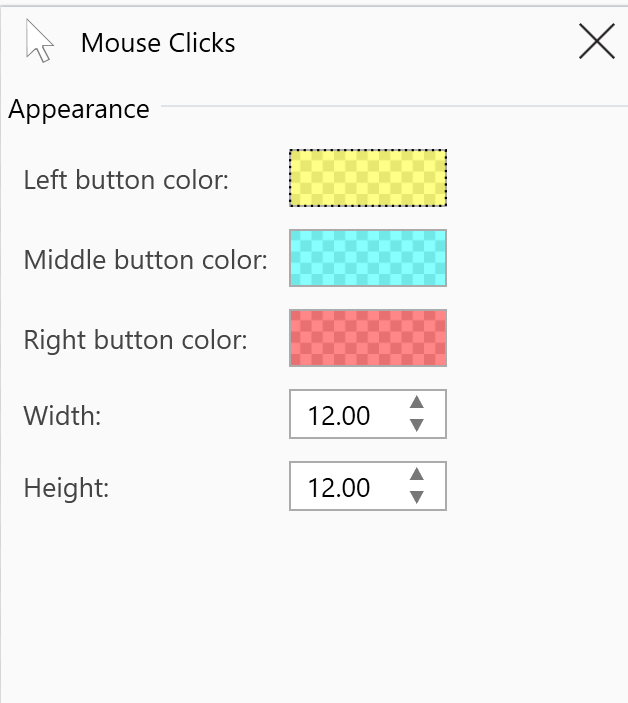
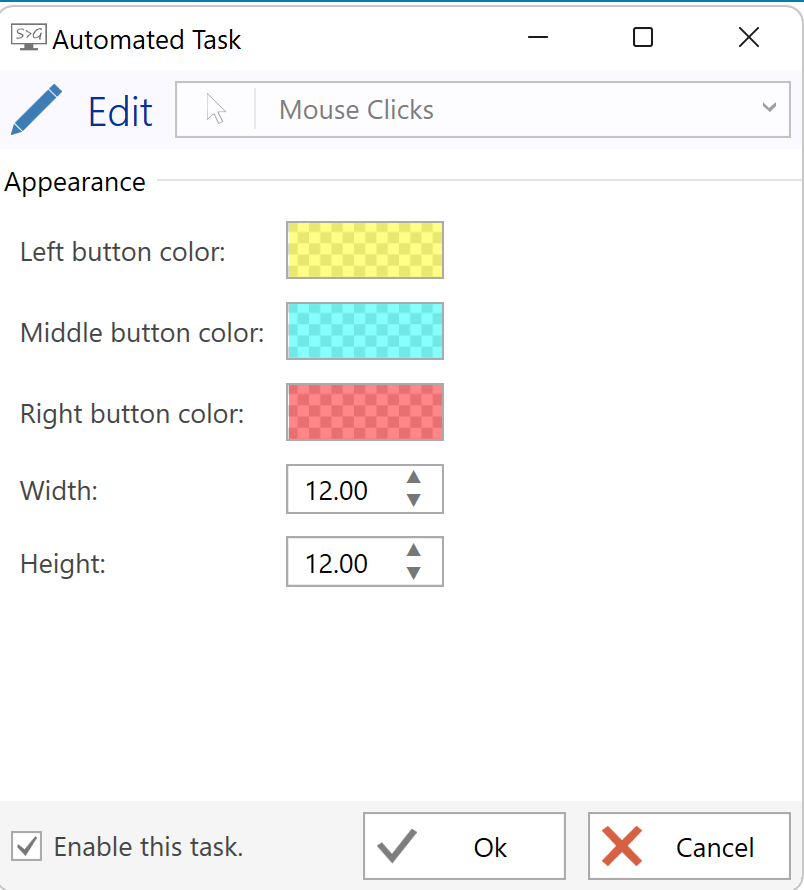
Or if you use automatic tasks, then go to Options -> Tasks and hit "Edit selected item" (selecting first the Mouse clicks task) and you will be able to edit the colors for that automatic task.
@claudiojs commented on GitHub (Jul 28, 2021):
@pawlos thank you very much!