mirror of
https://github.com/NickeManarin/ScreenToGif.git
synced 2026-04-25 15:15:51 +03:00
[GH-ISSUE #766] Recorded GIF removing top line of pixels regardless of size. #616
Labels
No labels
copy cats
duplicated
future feature
pull-request
⬜ Accepted
⬜ Completed
⬜ Help Wanted 💪
⬜ In Progress
⬜ Missing Details
⬜ Pending
⬜ Waiting For Answer ⏳
🆕 feature preview
🔷 Bug 🐛
🔷 Out Of Scope
🔷 Out Of Scope
🔷 Question
🔷Enhancement
🔷Enhancement
🔷Invalid / External
🔷Knowledge Base
🔷Won't Fix
🕑 High
🕑 High
🕑 High
🕕 Medium
🕙 Low
🕛 Critical
No milestone
No project
No assignees
1 participant

Notifications
Due date
No due date set.
Dependencies
No dependencies set.
Reference
starred/ScreenToGif#616
Loading…
Add table
Add a link
Reference in a new issue
No description provided.
Delete branch "%!s()"
Deleting a branch is permanent. Although the deleted branch may continue to exist for a short time before it actually gets removed, it CANNOT be undone in most cases. Continue?
Originally created by @tobobobo on GitHub (Dec 15, 2020).
Original GitHub issue: https://github.com/NickeManarin/ScreenToGif/issues/766
Hello there. Love S2G, use it daily and have donated.
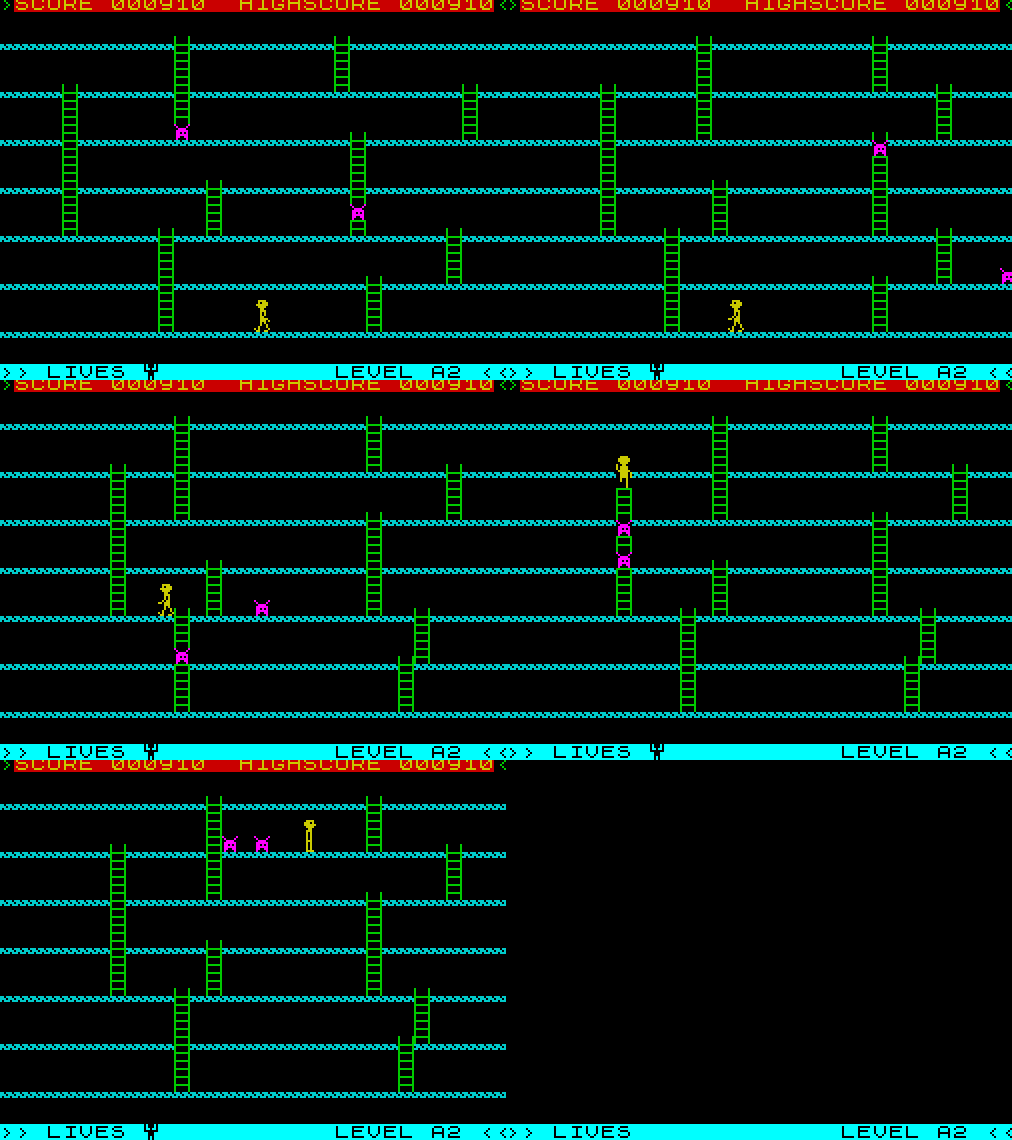
However, there's an issue where a recorded GIF will crop the top couple of lines of pixels, regardless of how its sized.
This is the GIF (check the very top)...
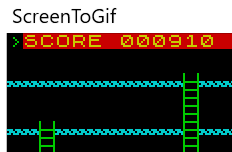
And this is the S2G recording window
@NickeManarin commented on GitHub (Dec 15, 2020):
Hmm, that's new.
Which version are you using? v2.27.3 is the latest.
Have you tried moving the recorder screen around before or while recording? (to check if the capture padding gets removed).
Also, what are you recording exactly? Is it directly from a game engine render or from a video/animation?
Have you tried using the newer recorder UI? And also perhaps the DirectX recording method (Options > Recorder).
@fz0000 commented on GitHub (Apr 30, 2021):
Verified on the latest version 2.29. And I found that there's a transparent border (1px width) outside the recording area:
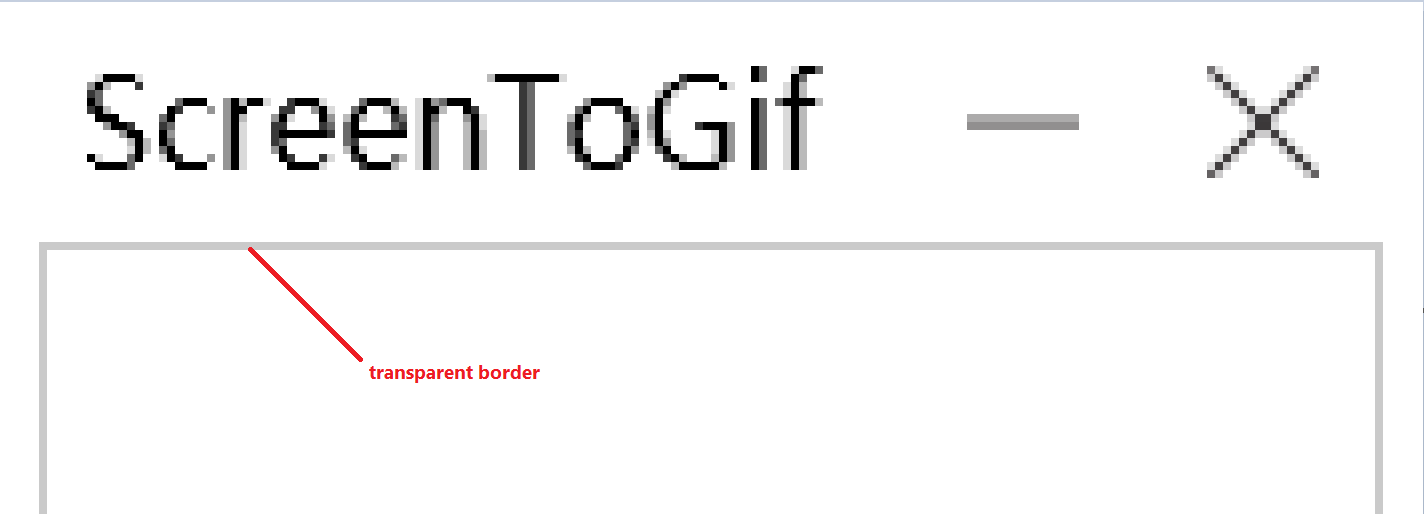
So if you can see a 200x200 size area in the recorder, the actual recording size should be 198x198. (By the way, the size value on the bottom right of the recorder window is correct. It's the actual recording size.)