mirror of
https://github.com/NickeManarin/ScreenToGif.git
synced 2026-04-26 07:35:54 +03:00
[GH-ISSUE #681] Control the speed of the recorded GIF #554
Labels
No labels
copy cats
duplicated
future feature
pull-request
⬜ Accepted
⬜ Completed
⬜ Help Wanted 💪
⬜ In Progress
⬜ Missing Details
⬜ Pending
⬜ Waiting For Answer ⏳
🆕 feature preview
🔷 Bug 🐛
🔷 Out Of Scope
🔷 Out Of Scope
🔷 Question
🔷Enhancement
🔷Enhancement
🔷Invalid / External
🔷Knowledge Base
🔷Won't Fix
🕑 High
🕑 High
🕑 High
🕕 Medium
🕙 Low
🕛 Critical
No milestone
No project
No assignees
1 participant

Notifications
Due date
No due date set.
Dependencies
No dependencies set.
Reference
starred/ScreenToGif#554
Loading…
Add table
Add a link
Reference in a new issue
No description provided.
Delete branch "%!s()"
Deleting a branch is permanent. Although the deleted branch may continue to exist for a short time before it actually gets removed, it CANNOT be undone in most cases. Continue?
Originally created by @amirmeimari on GitHub (Jun 22, 2020).
Original GitHub issue: https://github.com/NickeManarin/ScreenToGif/issues/681
Hey 👋
I don't know if this is a UX issue or docs are not complete yet. how can I increase or decrease the speed of the output gif file? I've change this settings but my output speed remains the same!
for example if I recorded a gif in 3 sec, I wanted an output file with just a 1-second duration.
@NickeManarin commented on GitHub (Jun 22, 2020):
Hi, you need to select the frames that you want to manipulate, click on any of those three delay options and click apply later.
In this case, I think that the "Scale" should do the job. Apply the manipulation, check on the Statistics tab to see if the animation has 1 second or not.
@amirmeimari commented on GitHub (Jun 23, 2020):
Thank you for the reply but this solution is not working for me. I did the following:
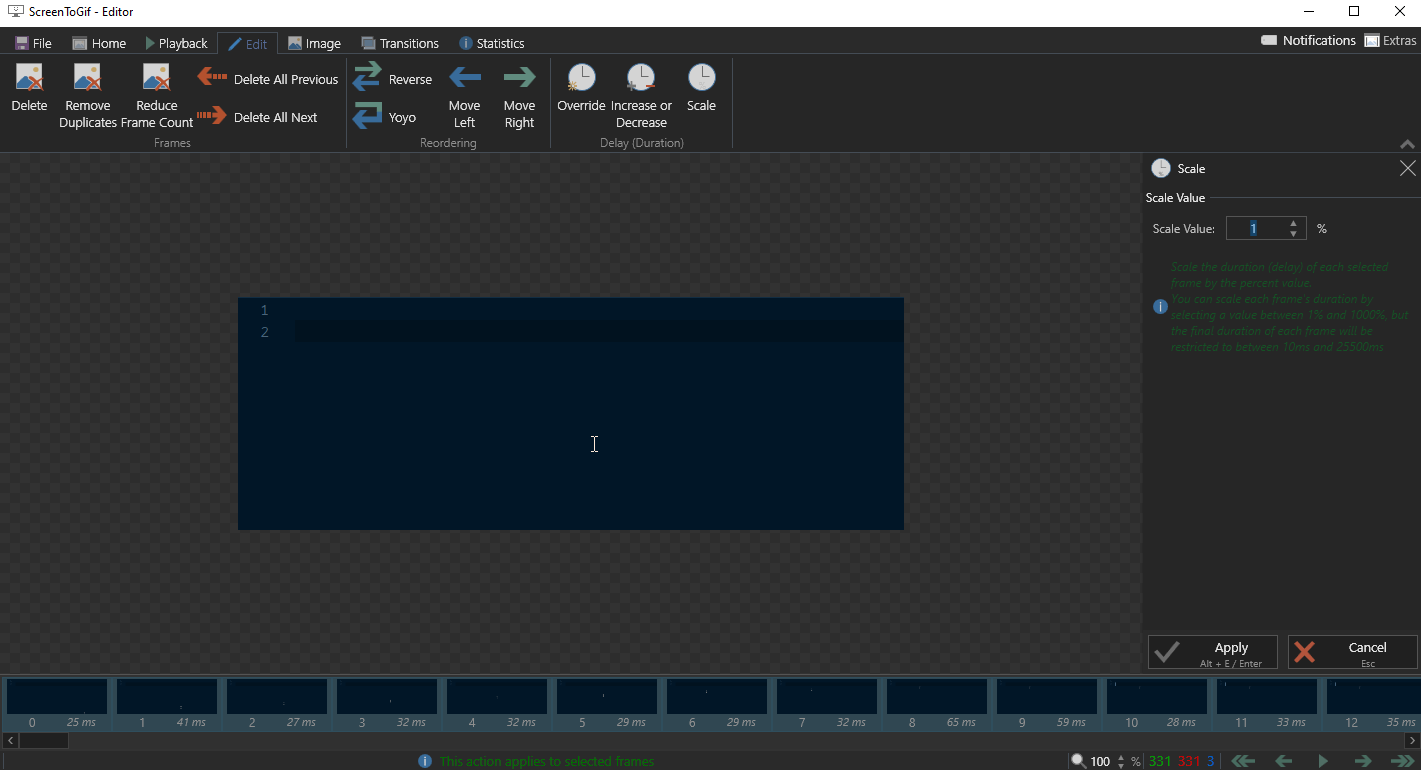
recorded a 10-sec gif and then selected all frames and reduced the "Scale" to 1 then exported it.
the output file is exactly the same. I've looked at the statics tab the duration is different though.
take a look at this screenshots:
statics before the change:
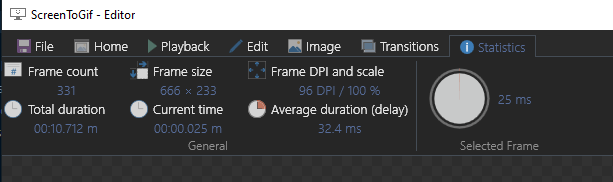
then selected all frames and changed the scale:
static tab after the change:
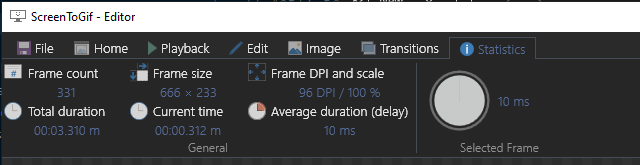
as you can see the duration changed but the output file is not changed. and the output file size in both scenarios the same (17.6KB).
output file before the change:
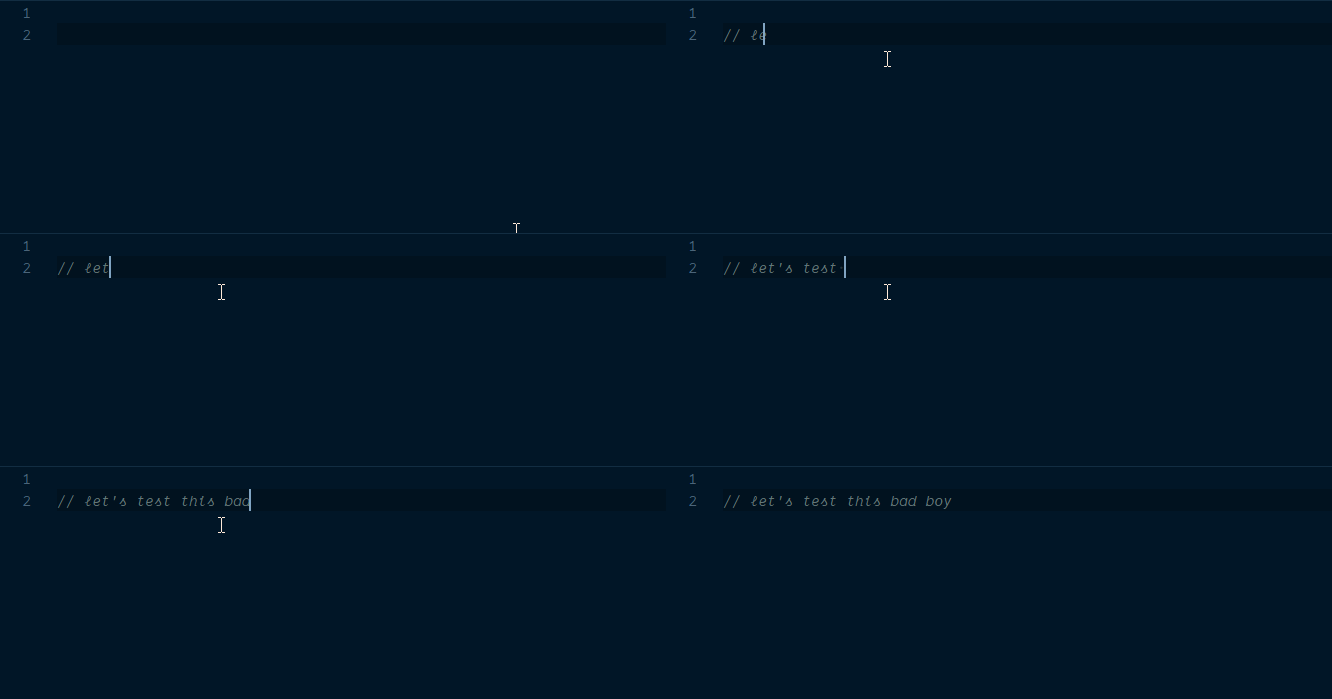
output file after the change:
I'm using version 2.25 windows 10 pro version 2004
@NickeManarin commented on GitHub (Jun 23, 2020):
Try reducing the framerate.
The frames are hitting the minimum delay (i'ts written in the green text below the scale value).
I need to increase the brightness of that text in dark mode.
@NickeManarin commented on GitHub (Aug 29, 2020):
The brightness of the info texts was increased.
Your issue can be solved by using the "Reduce frame rate" feature in order to cut down frames from the recording.
@SoutrikDas commented on GitHub (Sep 7, 2020):
For me Selecting all the frames then scaling the delay duration % to 1 works.
@squidovado commented on GitHub (Dec 19, 2022):
I have this bug repro. Version 2.37.1.0
Setting delay works OK for playback, but when I save the gif itself, it's speed isn't changed.