mirror of
https://github.com/NickeManarin/ScreenToGif.git
synced 2026-04-26 07:35:54 +03:00
[GH-ISSUE #622] Mouse movements unstable when recording remote desktop screen #2101
Labels
No labels
copy cats
duplicated
future feature
pull-request
⬜ Accepted
⬜ Completed
⬜ Help Wanted 💪
⬜ In Progress
⬜ Missing Details
⬜ Pending
⬜ Waiting For Answer ⏳
🆕 feature preview
🔷 Bug 🐛
🔷 Out Of Scope
🔷 Out Of Scope
🔷 Question
🔷Enhancement
🔷Enhancement
🔷Invalid / External
🔷Knowledge Base
🔷Won't Fix
🕑 High
🕑 High
🕑 High
🕕 Medium
🕙 Low
🕛 Critical
No milestone
No project
No assignees
1 participant

Notifications
Due date
No due date set.
Dependencies
No dependencies set.
Reference
starred/ScreenToGif#2101
Loading…
Add table
Add a link
Reference in a new issue
No description provided.
Delete branch "%!s()"
Deleting a branch is permanent. Although the deleted branch may continue to exist for a short time before it actually gets removed, it CANNOT be undone in most cases. Continue?
Originally created by @erickmp07 on GitHub (Apr 2, 2020).
Original GitHub issue: https://github.com/NickeManarin/ScreenToGif/issues/622
Bug description
I'm working with a notebook and connected to my desktop by Remote Desktop Application.
This desktop has the ScreenToGif (version 2.22.1) installed and I'm trying to record the screen of my remote desktop, but the mouse movements are unstable.
I think that is a bug caused by de remote desktop connection because when I'm working with the desktop the mouse movements are ok.
Steps to Reproduce
Expected behavior
The mouse movements should be fluid.
References
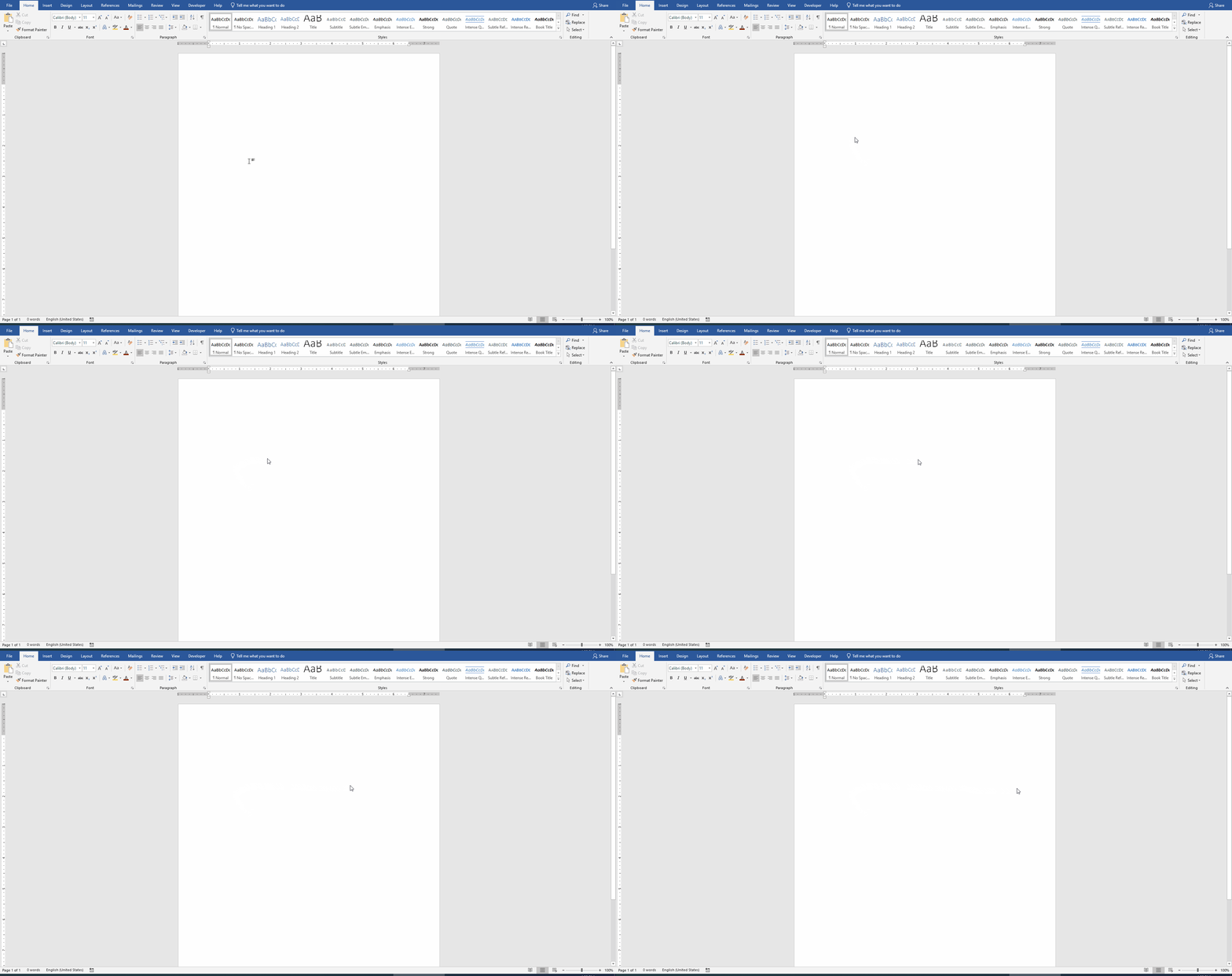
This gif was generated by ScreenToGif
Device and Application Information
OS (both): Windows 10
OS Version (both): 1909
OS Build (both): 18363.720
Architecture (both): X64
Application Version: 2.22.1
Additional context
I don't know if this bug is recent, but I tested two versions of ScreenToGif and the bug persists.