[GH-ISSUE #212] [Game Support]: Catalyst Black (Becomes "Not Responding" after Launch) #96

Closed
opened 2026-03-03 18:54:31 +03:00 by kerem · 3 comments
Owner

Originally created by @amirsaam on GitHub (Aug 20, 2022).
Original GitHub issue: https://github.com/PlayCover/PlayCover/issues/212

UPDATE September 5: It will run on Nightly 53 so far

https://apps.apple.com/app/catalyst-black/id1525298433

Current issues

  • Game fails to install
  • Game fails to open
  • Game crashes randomly during gameplay
  • Game does not work with keymapping
  • Game experiences graphical issues or broken UI
  • Game fails to connect to servers or complete download

More details

You can install the game with no error but when you try to open it, it fails to open.
No window will show up, you can't even click on the menubar items, it freezes and you will need to force quit it.

Tried IPAs from Decrypt Day and Decrypted AppStore, there was none in PlayCover's IPA directory.

Tested on PlayCover 1.0.7, 1.1.0 and 1.1.1 - All have the same result.
My Device: M1 MacBook Pro 2020 13" on macOS 12.5.1

Crash log

Version 12.5.1 (Build 21G83)
/Applications/Xcode.app/Contents/Developer

Installing PlayTools
Copying PlayTools to Frameworks

<?xml version="1.0" encoding="UTF-8"?>
<!DOCTYPE plist PUBLIC "-//Apple//DTD PLIST 1.0//EN" "https://www.apple.com/DTDs/PropertyList-1.0.dtd">
<plist version="1.0">
  <dict>
    <key>application-identifier</key>
    <string>NL5F6ASZG5.com.superevilmegacorp.spellfire</string>
    <key>aps-environment</key>
    <string>production</string>
    <key>com.apple.developer.associated-domains</key>
    <array>
      <string>webcredentials:catalystblack.com</string>
      <string>applinks:catalystblack.com</string>
    </array>
    <key>com.apple.developer.team-identifier</key>
    <string>NL5F6ASZG5</string>
    <key>com.apple.private.tcc.allow</key>
    <array>
      <string>kTCCService</string>
      <string>kTCCServiceAll</string>
      <string>kTCCServiceAddressBook</string>
      <string>kTCCServiceCalendar</string>
      <string>kTCCServiceReminders</string>
      <string>kTCCServiceLiverpool</string>
      <string>kTCCServiceUbiquity</string>
      <string>kTCCServiceShareKit</string>
      <string>kTCCServicePhotos</string>
      <string>kTCCServicePhotosAdd</string>
      <string>kTCCServiceMicrophone</string>
      <string>kTCCServiceCamera</string>
      <string>kTCCServiceMediaLibrary</string>
      <string>kTCCServiceSiri</string>
      <string>kTCCServiceAppleEvents</string>
      <string>kTCCServiceAccessibility</string>
      <string>kTCCServicePostEvent</string>
      <string>kTCCServiceLocation</string>
      <string>kTCCServiceSystemPolicyAllFiles</string>
      <string>kTCCServiceSystemPolicySysAdminFiles</string>
      <string>kTCCServiceSystemPolicyDeveloperFile</string>
      <string>kTCCServiceSystemPolicyDocumentsFolder</string>
    </array>
    <key>com.apple.security.app-sandbox</key>
    <true/>
    <key>com.apple.security.assets.movies.read-write</key>
    <true/>
    <key>com.apple.security.assets.music.read-write</key>
    <true/>
    <key>com.apple.security.assets.pictures.read-write</key>
    <true/>
    <key>com.apple.security.device.audio-input</key>
    <true/>
    <key>com.apple.security.device.bluetooth</key>
    <true/>
    <key>com.apple.security.device.camera</key>
    <true/>
    <key>com.apple.security.device.usb</key>
    <true/>
    <key>com.apple.security.files.downloads.read-write</key>
    <true/>
    <key>com.apple.security.files.user-selected.read-write</key>
    <true/>
    <key>com.apple.security.network.client</key>
    <true/>
    <key>com.apple.security.network.server</key>
    <true/>
    <key>com.apple.security.personal-information.addressbook</key>
    <true/>
    <key>com.apple.security.personal-information.calendars</key>
    <true/>
    <key>com.apple.security.personal-information.location</key>
    <true/>
    <key>com.apple.security.print</key>
    <true/>
    <key>com.apple.security.temporary-exception.sbpl</key>
    <array>
      <string>(allow user-preference-write (preference-domain ".GlobalPreferences"))</string>
      <string>(allow user-preference-read (preference-domain ".GlobalPreferences"))</string>
      <string>(allow file* file-read* file-write* file-write-data file-read-metadata file-ioctl (literal "/Users/amirsaam/Library/Preferences/playcover.plist"))</string>
      <string>(allow file* file-read* file-read-metadata file-ioctl (subpath "/Users/amirsaam/Library/Frameworks/PlayTools.framework"))</string>
    </array>
  </dict>
</plist>

/usr/bin/vtool

/Users/amirsaam/Library/Frameworks/PlayTools.framework/PlayTools:
Load command 50
      cmd LC_BUILD_VERSION
  cmdsize 24
 platform MACCATALYST
    minos 11.0
      sdk 14.0
   ntools 0

/usr/bin/vtool

/Users/amirsaam/Library/Containers/io.playcover.PlayCover/GameSpellfire.app/GameSpellfire:
Load command 59
      cmd LC_BUILD_VERSION
  cmdsize 24
 platform MACCATALYST
    minos 11.0
      sdk 14.0
   ntools 0

Executable=/Users/amirsaam/Library/Containers/io.playcover.PlayCover/GameSpellfire.app/GameSpellfire
Identifier=com.superevilmegacorp.spellfire
Format=app bundle with Mach-O thin (arm64)
CodeDirectory v=20400 size=145720 flags=0x2(adhoc) hashes=4543+7 location=embedded
Signature=adhoc
Info.plist entries=42
TeamIdentifier=not set
Sealed Resources version=2 rules=10 files=16039
Internal requirements count=0 size=12

Issue Language

  • Yes my issue is written in English
Originally created by @amirsaam on GitHub (Aug 20, 2022). Original GitHub issue: https://github.com/PlayCover/PlayCover/issues/212 **UPDATE September 5: It will run on Nightly 53 so far** ### App Store link https://apps.apple.com/app/catalyst-black/id1525298433 ### Current issues - [ ] Game fails to install - [X] Game fails to open - [ ] Game crashes randomly during gameplay - [ ] Game does not work with keymapping - [ ] Game experiences graphical issues or broken UI - [ ] Game fails to connect to servers or complete download ### More details You can install the game with no error but when you try to open it, it fails to open. No window will show up, you can't even click on the menubar items, it freezes and you will need to force quit it. Tried IPAs from [Decrypt Day](https://ipa.decrypt.day) and [Decrypted AppStore](https://armconverter.com/decryptedappstore), there was none in PlayCover's IPA directory. Tested on PlayCover 1.0.7, 1.1.0 and 1.1.1 - All have the same result. My Device: M1 MacBook Pro 2020 13" on macOS 12.5.1 ### Crash log ```shell Version 12.5.1 (Build 21G83) /Applications/Xcode.app/Contents/Developer Installing PlayTools Copying PlayTools to Frameworks <?xml version="1.0" encoding="UTF-8"?> <!DOCTYPE plist PUBLIC "-//Apple//DTD PLIST 1.0//EN" "https://www.apple.com/DTDs/PropertyList-1.0.dtd"> <plist version="1.0"> <dict> <key>application-identifier</key> <string>NL5F6ASZG5.com.superevilmegacorp.spellfire</string> <key>aps-environment</key> <string>production</string> <key>com.apple.developer.associated-domains</key> <array> <string>webcredentials:catalystblack.com</string> <string>applinks:catalystblack.com</string> </array> <key>com.apple.developer.team-identifier</key> <string>NL5F6ASZG5</string> <key>com.apple.private.tcc.allow</key> <array> <string>kTCCService</string> <string>kTCCServiceAll</string> <string>kTCCServiceAddressBook</string> <string>kTCCServiceCalendar</string> <string>kTCCServiceReminders</string> <string>kTCCServiceLiverpool</string> <string>kTCCServiceUbiquity</string> <string>kTCCServiceShareKit</string> <string>kTCCServicePhotos</string> <string>kTCCServicePhotosAdd</string> <string>kTCCServiceMicrophone</string> <string>kTCCServiceCamera</string> <string>kTCCServiceMediaLibrary</string> <string>kTCCServiceSiri</string> <string>kTCCServiceAppleEvents</string> <string>kTCCServiceAccessibility</string> <string>kTCCServicePostEvent</string> <string>kTCCServiceLocation</string> <string>kTCCServiceSystemPolicyAllFiles</string> <string>kTCCServiceSystemPolicySysAdminFiles</string> <string>kTCCServiceSystemPolicyDeveloperFile</string> <string>kTCCServiceSystemPolicyDocumentsFolder</string> </array> <key>com.apple.security.app-sandbox</key> <true/> <key>com.apple.security.assets.movies.read-write</key> <true/> <key>com.apple.security.assets.music.read-write</key> <true/> <key>com.apple.security.assets.pictures.read-write</key> <true/> <key>com.apple.security.device.audio-input</key> <true/> <key>com.apple.security.device.bluetooth</key> <true/> <key>com.apple.security.device.camera</key> <true/> <key>com.apple.security.device.usb</key> <true/> <key>com.apple.security.files.downloads.read-write</key> <true/> <key>com.apple.security.files.user-selected.read-write</key> <true/> <key>com.apple.security.network.client</key> <true/> <key>com.apple.security.network.server</key> <true/> <key>com.apple.security.personal-information.addressbook</key> <true/> <key>com.apple.security.personal-information.calendars</key> <true/> <key>com.apple.security.personal-information.location</key> <true/> <key>com.apple.security.print</key> <true/> <key>com.apple.security.temporary-exception.sbpl</key> <array> <string>(allow user-preference-write (preference-domain ".GlobalPreferences"))</string> <string>(allow user-preference-read (preference-domain ".GlobalPreferences"))</string> <string>(allow file* file-read* file-write* file-write-data file-read-metadata file-ioctl (literal "/Users/amirsaam/Library/Preferences/playcover.plist"))</string> <string>(allow file* file-read* file-read-metadata file-ioctl (subpath "/Users/amirsaam/Library/Frameworks/PlayTools.framework"))</string> </array> </dict> </plist> /usr/bin/vtool /Users/amirsaam/Library/Frameworks/PlayTools.framework/PlayTools: Load command 50 cmd LC_BUILD_VERSION cmdsize 24 platform MACCATALYST minos 11.0 sdk 14.0 ntools 0 /usr/bin/vtool /Users/amirsaam/Library/Containers/io.playcover.PlayCover/GameSpellfire.app/GameSpellfire: Load command 59 cmd LC_BUILD_VERSION cmdsize 24 platform MACCATALYST minos 11.0 sdk 14.0 ntools 0 Executable=/Users/amirsaam/Library/Containers/io.playcover.PlayCover/GameSpellfire.app/GameSpellfire Identifier=com.superevilmegacorp.spellfire Format=app bundle with Mach-O thin (arm64) CodeDirectory v=20400 size=145720 flags=0x2(adhoc) hashes=4543+7 location=embedded Signature=adhoc Info.plist entries=42 TeamIdentifier=not set Sealed Resources version=2 rules=10 files=16039 Internal requirements count=0 size=12 ``` ### Issue Language - [X] Yes my issue is written in English
kerem 2026-03-03 18:54:31 +03:00
Author
Owner

@amirsaam commented on GitHub (Aug 20, 2022):

I closed my previously opened issue about this problem in order to open an issue with newly added templates.

<!-- gh-comment-id:1221392343 --> @amirsaam commented on GitHub (Aug 20, 2022): I closed my previously opened issue about this problem in order to open an issue with newly added templates.
Author
Owner

@amirsaam commented on GitHub (Aug 26, 2022):

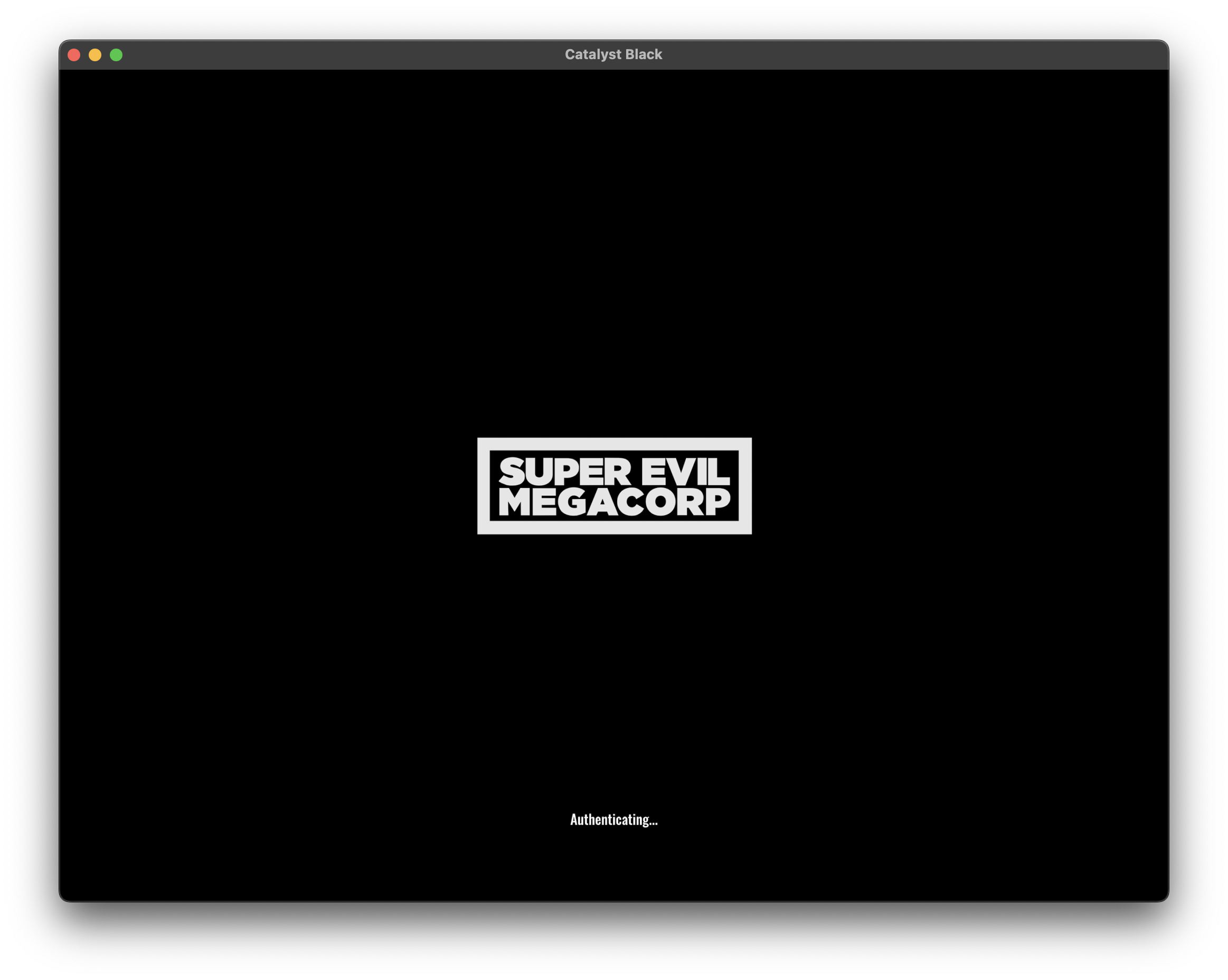
Sideloadly can successfully install and run Catalyst Black with Apple ID signing. There is something wrong with it in PlayCover that causes the issue.
Screenshot 1401-06-04 at 21 22 39

<!-- gh-comment-id:1228721431 --> @amirsaam commented on GitHub (Aug 26, 2022): Sideloadly can successfully install and run Catalyst Black with Apple ID signing. There is something wrong with it in PlayCover that causes the issue. <img width="1163" alt="Screenshot 1401-06-04 at 21 22 39" src="https://user-images.githubusercontent.com/1331289/186955032-1d038de0-5430-4b5c-ab12-aa27e6fee421.png">
Author
Owner

@amirsaam commented on GitHub (Sep 4, 2022):

It will run on 2.0 (nightly 53 so far), so I close this issue.

<!-- gh-comment-id:1236408072 --> @amirsaam commented on GitHub (Sep 4, 2022): It will run on 2.0 (nightly 53 so far), so I close this issue.
Sign in to join this conversation.
No milestone
No project
No assignees
1 participant
Notifications
Due date
The due date is invalid or out of range. Please use the format "yyyy-mm-dd".

No due date set.

Dependencies

No dependencies set.

Reference
starred/PlayCover#96
No description provided.