mirror of
https://github.com/PlayCover/PlayCover.git
synced 2026-04-26 08:15:56 +03:00
[GH-ISSUE #801] [Bug]: Changing the resolution does not display correctly. #379
Labels
No labels
UI
app-support
bug
bug
documentation
duplicate
enhancement
game-support
good first issue
help wanted / caution
inactive
invalid
macos-beta
pull-request
question
wontfix
No milestone
No project
No assignees
1 participant

Notifications
Due date
No due date set.
Dependencies
No dependencies set.
Reference
starred/PlayCover#379
Loading…
Add table
Add a link
Reference in a new issue
No description provided.
Delete branch "%!s()"
Deleting a branch is permanent. Although the deleted branch may continue to exist for a short time before it actually gets removed, it CANNOT be undone in most cases. Continue?
Originally created by @tellus1019 on GitHub (Feb 14, 2023).
Original GitHub issue: https://github.com/PlayCover/PlayCover/issues/801
Describe the bug
Vertical games do not display properly when the resolution is set to anything other than "Default" from the graphics settings.
Steps to reproduce
https://apps.apple.com/us/app/destiny-child/id1416959016
You can check by installing the application on PlayCover (2.0.4) and following the steps below.
confirm activation of normal settings
Start up without modifying the graphics settings.
The application starts up in iPad resolution and can be played without any problems.
exit the application and change the graphics settings
First, exit the application that was normally launched.
Then open the application settings and go to the graphics settings.
Select anything other than "Default" from the resolution settings.
*Auto, 1080p, 4K, or custom. Any of these is acceptable.
*Enter a value that matches the monitor resolution to finalize the resolution setting.
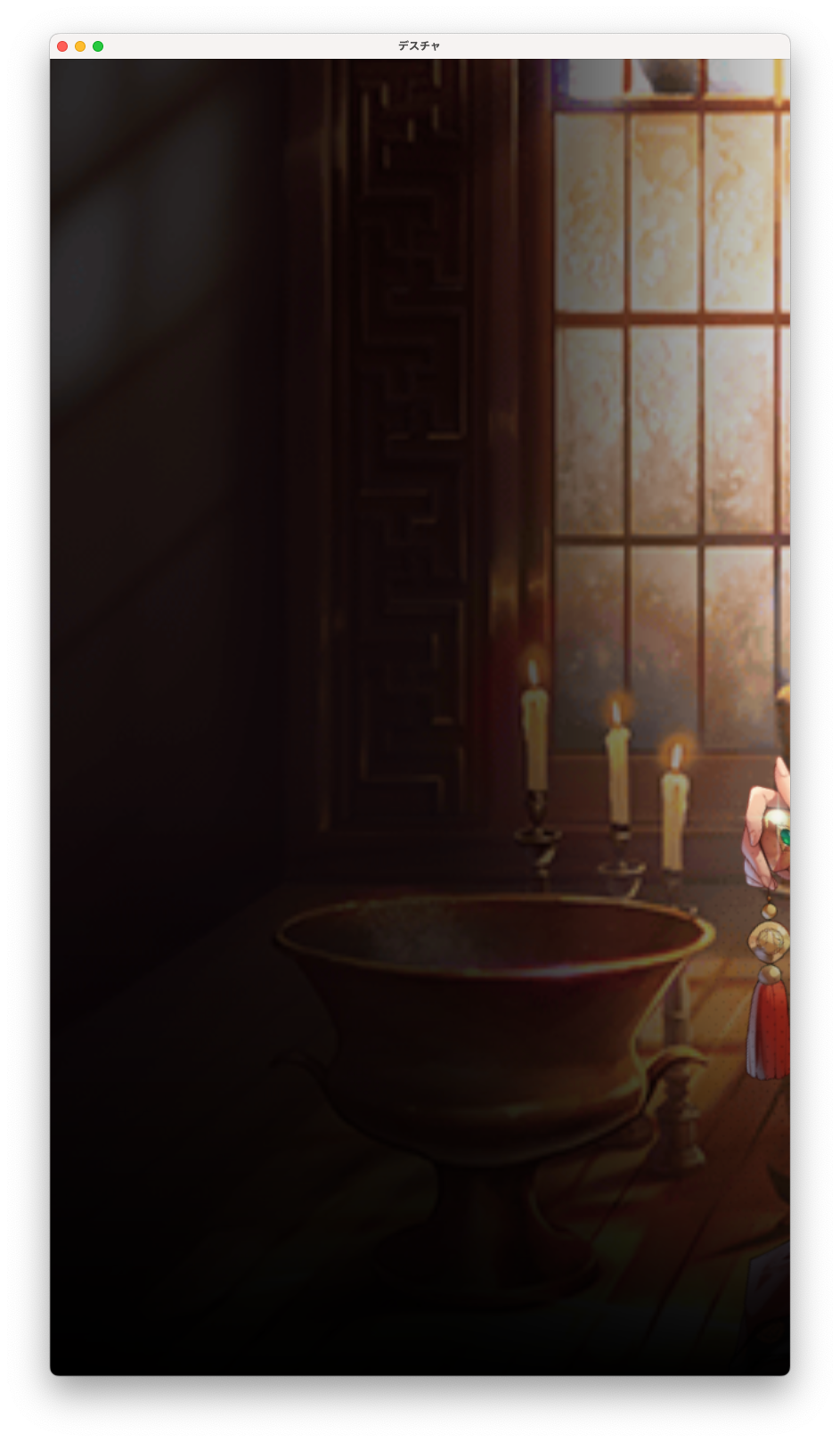
When the application is launched, the window resizes but is not displayed correctly.
The game screen is stretched horizontally and much of the screen extends outside the window.
PlayCover 2.0.4
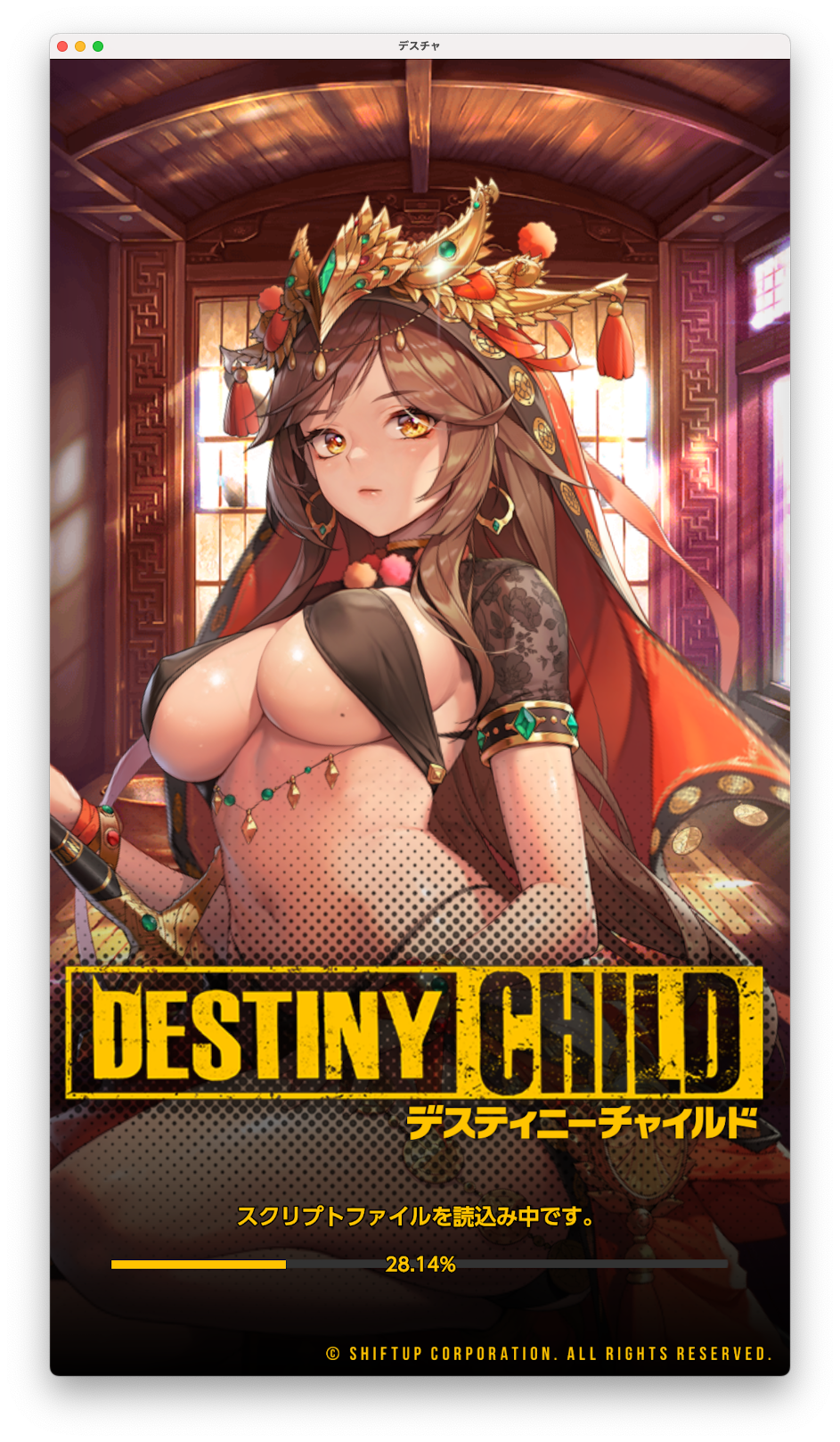
PlayCover2.0.0
Expected behaviour
The application display should conform to the window size.
*Displayed correctly in PlayCover (2.0.0)
There seems to be a problem with the changes made in the most recent update.
Crash log
No response
What version of PlayCover are you using?
2.0.4
What version of macOS are you using?
Ventura (macOS 13)
Issue Language
@DSPerson commented on GitHub (Feb 14, 2023):
me tooooo!
@TheMoonThatRises commented on GitHub (Feb 14, 2023):
Could potentially be fixed with https://github.com/PlayCover/PlayTools/pull/77, but is still a work in progress.
@Misterlonely1069 commented on GitHub (Feb 22, 2023):
Same problem, but everything works fine in Monterey
@TheMoonThatRises commented on GitHub (Feb 22, 2023):
Can you try with the latest nightly to see if it is fixed for you?
@tellus1019 commented on GitHub (Mar 1, 2023):
I checked the latest nightly build and the problem has been resolved.
I sincerely hope this applies to mainstream.
@seggsyhoney commented on GitHub (Jul 5, 2023):
I found a fix for me to display the content by changing the resolution to 9:16 ratio, but the touches are all wrong. Can someone help me?