mirror of
https://github.com/PlayCover/PlayCover.git
synced 2026-04-26 08:15:56 +03:00
[GH-ISSUE #29] V1.1.1 playcover cannot use image verification in Genshin Impact, but downgrade to V1.0.4 playcover can #18
Labels
No labels
UI
app-support
bug
bug
documentation
duplicate
enhancement
game-support
good first issue
help wanted / caution
inactive
invalid
macos-beta
pull-request
question
wontfix
No milestone
No project
No assignees
1 participant

Notifications
Due date
No due date set.
Dependencies
No dependencies set.
Reference
starred/PlayCover#18
Loading…
Add table
Add a link
Reference in a new issue
No description provided.
Delete branch "%!s()"
Deleting a branch is permanent. Although the deleted branch may continue to exist for a short time before it actually gets removed, it CANNOT be undone in most cases. Continue?
Originally created by @sheaahhoi1 on GitHub (Jul 14, 2022).
Original GitHub issue: https://github.com/PlayCover/PlayCover/issues/29
V1.0.6 playcover cannot use image verification in Genshin Impact, but downgrade to V1.0.4 playcover can.
request to test this issue
@JoseMoreville commented on GitHub (Jul 14, 2022):
@sheaahhoi1 Can you explain me more about this problem so i can look up for a fix or a solution?
@sheaahhoi1 commented on GitHub (Jul 14, 2022):
@JoseMoreville
Genshin Impact login method The original author of playcover has an instructional video. When you log in to the account number on a new device, a picture verification will appear.
The tests of playcover 1.0.6&1.0.4 are all in the video
https://youtu.be/ptnfNaQy9PU
Videos are deleted after a few days
@ohaiibuzzle commented on GitHub (Jul 14, 2022):
Is it with PlaySign off or on? GeeTest has never really worked correctly with PlaySign off, so you might want to check that
@sheaahhoi1 commented on GitHub (Jul 14, 2022):
@ohaiibuzzle How does PlaySign start?
@JoseMoreville commented on GitHub (Jul 14, 2022):
There's a button on launcher that says enable playsign
@47thforce commented on GitHub (Jul 15, 2022):
Disable System Integrity Protocol (go to recovery, open terminal and type csrutil disable) and restart.
Then copy and paste this command: sudo nvram boot-args="-v cs_enforcement_disable=1 amfi_get_out_of_my_way=1 keepsyms=1 intcoproc_unrestricted=1 amfi_unrestrict_task_for_pid=1 amfi_allow_any_signature=1 cs_debug=1 ipc_control_port_options=0"
and reboot again. This is the old .nvram command from 0.8.x
The new .nvram command (only amfi_get_out_of_my_way=1 and ipc_control_port_options=0) only get may not work in some devices. My M2 Macbook Air still get that issue even after typing the new .nvram command, but when I type the old one, it works.
@sheaahhoi1 commented on GitHub (Jul 16, 2022):
V1.0.7 playcover cannot use image verification in Genshin Impact,SIP is closed, the command is set, but the image verification cannot be started
https://youtu.be/ptnfNaQy9PU
@BaeBae33 commented on GitHub (Sep 4, 2022):
same issue
@ZhichGaming commented on GitHub (Sep 12, 2022):
@BaeBae33 @sheaahhoi1 Can you please try inputting nvram boot-args
sudo nvram boot-args="amfi_get_out_of_my_way=1"instead ofsudo nvram boot-args="amfi_get_out_of_my_way=0x1 ipc_control_port_options=0"? It has also been reported that it would work for some if you spam login or if you use a VPN to login.@sheaahhoi1 commented on GitHub (Sep 15, 2022):
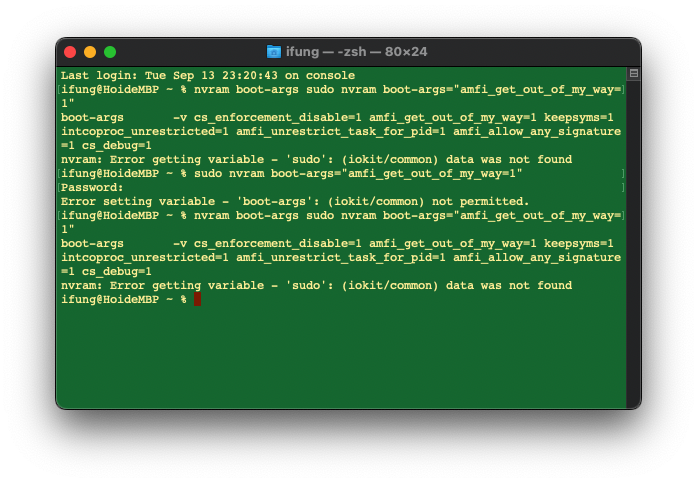
@ZhichGaming test results
@ZhichGaming commented on GitHub (Sep 15, 2022):
You did not disable SIP. And copy paste the command instead of entering it manually.
@sheaahhoi1 commented on GitHub (Sep 18, 2022):
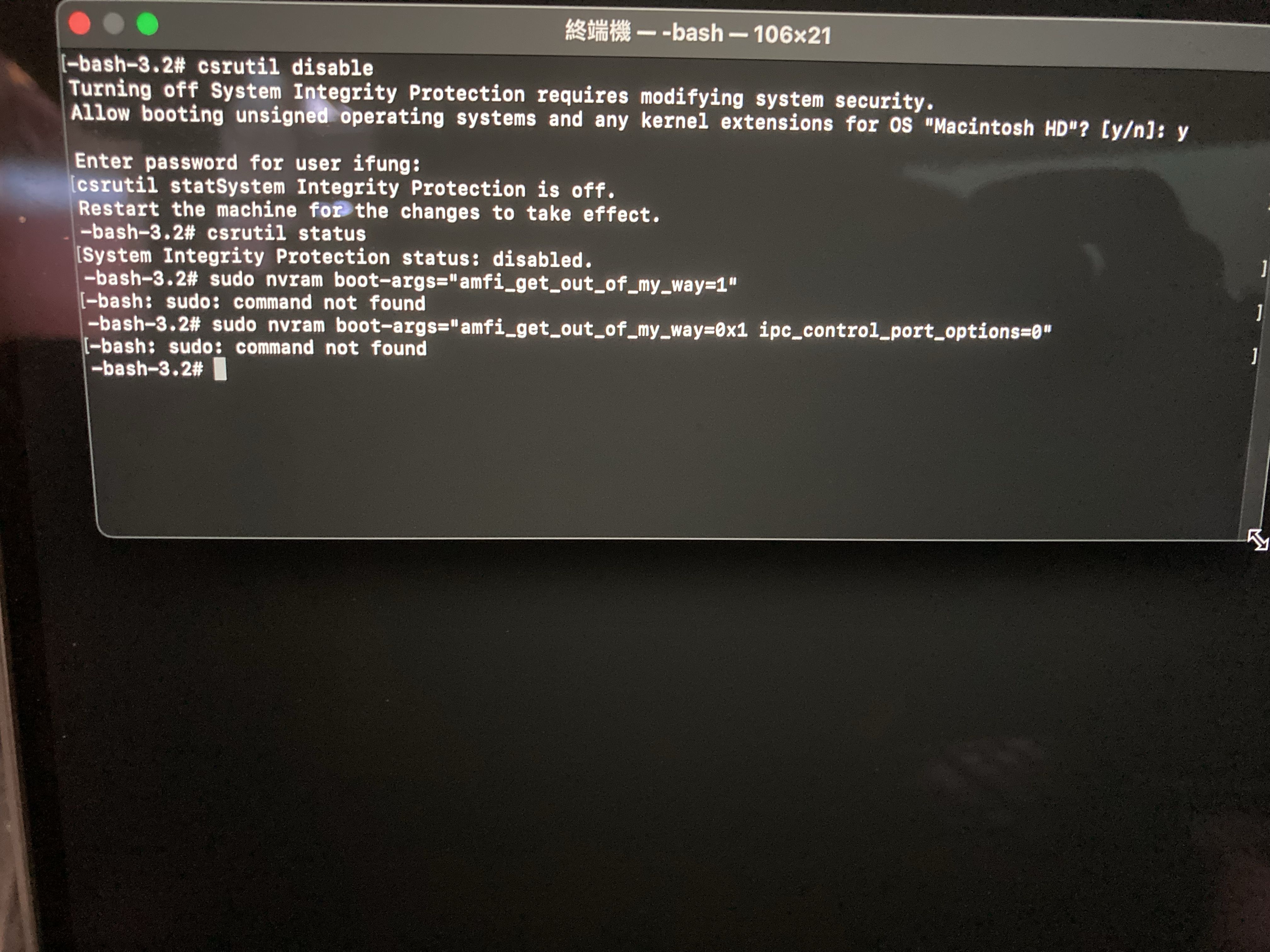
@ZhichGaming NEW test results
@ZhichGaming commented on GitHub (Sep 18, 2022):
Nvram has to be set in normal terminal.
@sheaahhoi1 commented on GitHub (Sep 18, 2022):
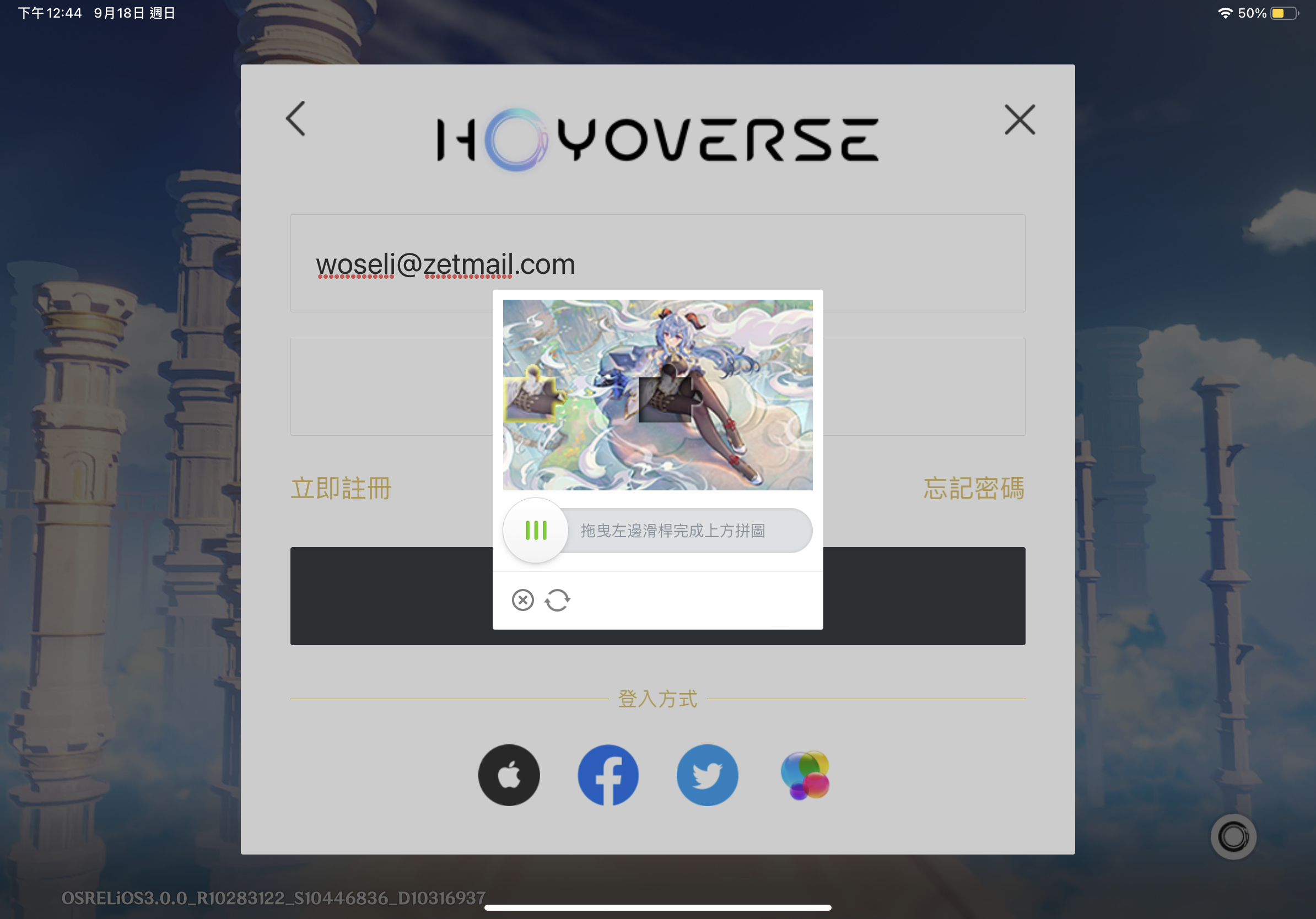
@ZhichGaming
M1 Mac
https://user-images.githubusercontent.com/10239384/190886197-0ce69caa-aa9f-4827-b81e-cbdabc96d973.mov
iPad pro
@ZhichGaming commented on GitHub (Sep 18, 2022):
It looks to me that you did not restart your Mac after inputting the tags.
@sheaahhoi1 commented on GitHub (Sep 18, 2022):
@ZhichGaming
The problem is solved
input command
sudo nvram boot-args="amfi_get_out_of_my_way=1"@ZhichGaming commented on GitHub (Sep 18, 2022):
Yep, exactly what I said. Nice.