mirror of
https://github.com/1Remote/1Remote.git
synced 2026-04-25 13:36:03 +03:00
[GH-ISSUE #93] Middle Mousebutton functions #2957
Labels
No labels
area-configuration
area-ct-app
area-ct-rdp
area-ct-remoteapp
area-ct-ssh
area-ct-vnc
area-launcher
area-list
area-tags
area-teamwork
bug
chore
dependencies
general-build/ci
general-performance
general-refactor
general-security
general-supportive
general-ux
meta-documentation
meta-enhancement
meta-enhancement
meta-feature
meta-help-wanted
meta-unknown-error
priority-hi
priority-low
pull-request
question
resolution-duplicate
resolution-invalid
resolution-wontfix
stale
task-put-off
task-still-considering
task-working-in-progress
No milestone
No project
No assignees
1 participant

Notifications
Due date
No due date set.
Dependencies
No dependencies set.
Reference
starred/1Remote#2957
Loading…
Add table
Add a link
Reference in a new issue
No description provided.
Delete branch "%!s()"
Deleting a branch is permanent. Although the deleted branch may continue to exist for a short time before it actually gets removed, it CANNOT be undone in most cases. Continue?
Originally created by @xperia-droid on GitHub (Mar 1, 2021).
Original GitHub issue: https://github.com/1Remote/1Remote/issues/93
Originally assigned to: @VShawn on GitHub.
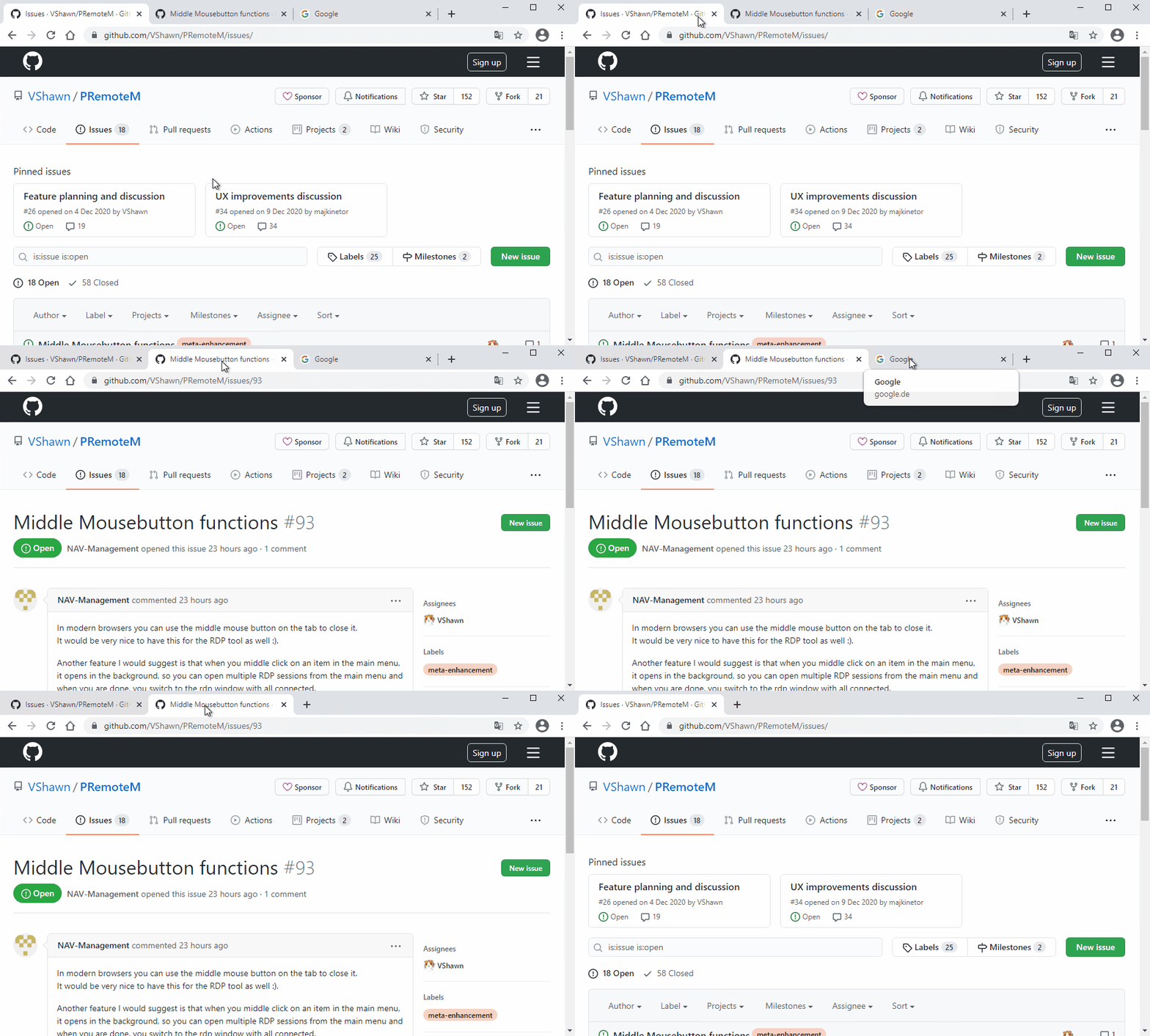
In modern browsers you can use the middle mouse button on the tab to close it.
It would be very nice to have this for the RDP tool as well :).
Another feature I would suggest is that when you middle click on an item in the main menu, it opens in the background, so you can open multiple RDP sessions from the main menu and when you are done, you switch to the rdp window with all connected.
What do you think about this?
@VShawn commented on GitHub (Mar 2, 2021):
In modern browsers, middle click the can close tab only if it is in the background. Nothing happen when I middle click the activated tab.
We can follow this approch.
Open in background sounds interesting. We can achieve the same
background-openin the launcher by Ctrl + Enter@xperia-droid commented on GitHub (Mar 2, 2021):
You can close with middle mouse button on active and inactive tab. It's just a bigger close button ;).